Practical security advice for website owners
Nulled WordPress Plugins: Replace Risky Software Without Breaking Your Site
Security guidance · References checked 2 November 2026
In this guide
A premium plugin offered through an unofficial download site may look like a useful saving. The hidden cost is uncertainty: you do not know whether the archive matches the publisher’s release, whether update delivery is trustworthy or what modifications were made before it reached you.
“Nulled” software is not a technical diagnosis of every file it contains. The practical issue is provenance and maintainability. If an important WordPress site depends on an untrusted package, plan a controlled replacement and consider whether the installation needs investigation as well.
Separate a cheap licence from an unknown code source
A legitimate discount, open-source redistribution and a package deliberately modified by an unknown party are not the same situation. Do not infer safety or danger from the price alone. Identify the publisher, download location, package version, update channel and support terms.
Wordfence’s own research describes a campaign using tampered premium plugins to weaken defences. That is an observed example, not evidence that every unofficial archive behaves identically or that a particular site is compromised. Wordfence research on nulled plugins.
For your site, record what can actually be verified. “Downloaded by a former developer from an unknown source” is a meaningful gap. “Definitely safe because it has worked for a year” is not a reliable verification method.
Inventory the functionality before removing software
List the plugin or theme, where it is used and the business actions it supports. A page builder may control layouts; an extension may calculate shipping; a form component may route enquiries. Removing one without a dependency review can break the site even if replacement is the right security decision.
Record related add-ons, custom templates, licence ownership and stored settings. Ask who controls the vendor account. If a contractor bought a licence for several clients, confirm what your business is entitled to use and how future updates will be obtained. Do not assume that a shared activation gives you ownership of the original vendor account.
Create a representative test list before choosing a replacement. Include less visible tasks such as scheduled exports, email notifications and administrative reporting. The aim is to replace risky software without quietly losing a workflow that somebody relies on.
Obtain a trusted replacement
Use the original publisher or the official WordPress directory where appropriate. Verify the product identity and version, and retain a private record of the acquisition. Downloading a similarly named archive from another marketplace does not solve a provenance problem.
Read migration and uninstall instructions before changing anything. Some uninstall processes remove settings or tables. Others leave content that another component must render. A replacement plan should say whether you are reinstalling the same verified product or moving to a different implementation.
Official availability does not mean software can never have a vulnerability. Continue to review updates and access controls. The WordPress plugin management guide explains the supported installation and management routes; the actual vendor documentation should guide product-specific migration.
Test in an isolated copy
Use a controlled staging environment with appropriate protection for copied personal data. Disable live payment capture, customer messaging and other external side effects before testing. A staging label alone does not stop a copied website from sending real notifications.
Take a recoverable snapshot and record the current settings. Replace one dependency group at a time, then run the relevant tests. Compare public layouts, administrative controls, forms and important scheduled work. Investigate differences instead of treating every visual match as functional equivalence.
If the original package is suspected of being malicious, do not blindly clone it into an environment with production secrets and open network access. Agree a safer inspection approach with your host or responder. A migration exercise should not spread the uncertainty to another exposed installation.
Decide whether replacement alone is enough
Replacing an unknown archive removes that installed copy; it does not prove that nothing else changed while it was active. The need for a broader investigation depends on the source, observed behaviour, privileges, available records and other indicators.
Look for unexplained accounts, modified files, redirects, unfamiliar scheduled tasks and configuration changes. Keep the distinction between an observation and its interpretation. An unfamiliar filename needs context; an unauthorised administrator needs investigation; neither should be explained away with a single clean scan.
If compromise is confirmed or reasonably suspected, assess the database and access paths as well as plugin files. Coordinate any credential changes. The file-integrity guide explains why matching reference files has a limited scope and cannot certify an entire website.
Launch the replacement carefully
Agree a maintenance window and who can authorise a rollback. Preserve current orders, registrations and enquiries when planning any database changes. Replacing a whole production database with yesterday’s test copy can lose legitimate business activity even if the design looks correct.
After launch, test with a fresh browser session and verify the actual saved records or delivered test messages. Check error logs and the update channel. Document which package is now installed, where it came from and how the business will maintain it.
Keep old archives in protected evidence storage only when needed. Do not leave downloadable copies in the public website directory. Delete temporary deployment files through an approved retention process once the necessary evidence and rollback arrangements are settled.
Make the ongoing cost visible
A useful budget includes the genuine software licence where required, installation or migration work, compatibility testing and maintenance. Compare that cost with the business impact of relying on an archive nobody can verify. Avoid replacing uncertainty with another unmaintained custom shortcut.
The owner should receive a small inventory of paid components, renewal dates, responsible accounts and support arrangements. That gives future developers a reliable starting point and reduces the chance of an undocumented download being reintroduced during an urgent repair.
If you need help, send the product name, public website URL, source information you possess and the functions that must be preserved. Do not send licence keys or passwords in an initial public enquiry. A specialist can first determine whether you need a controlled replacement, an incident assessment or both.
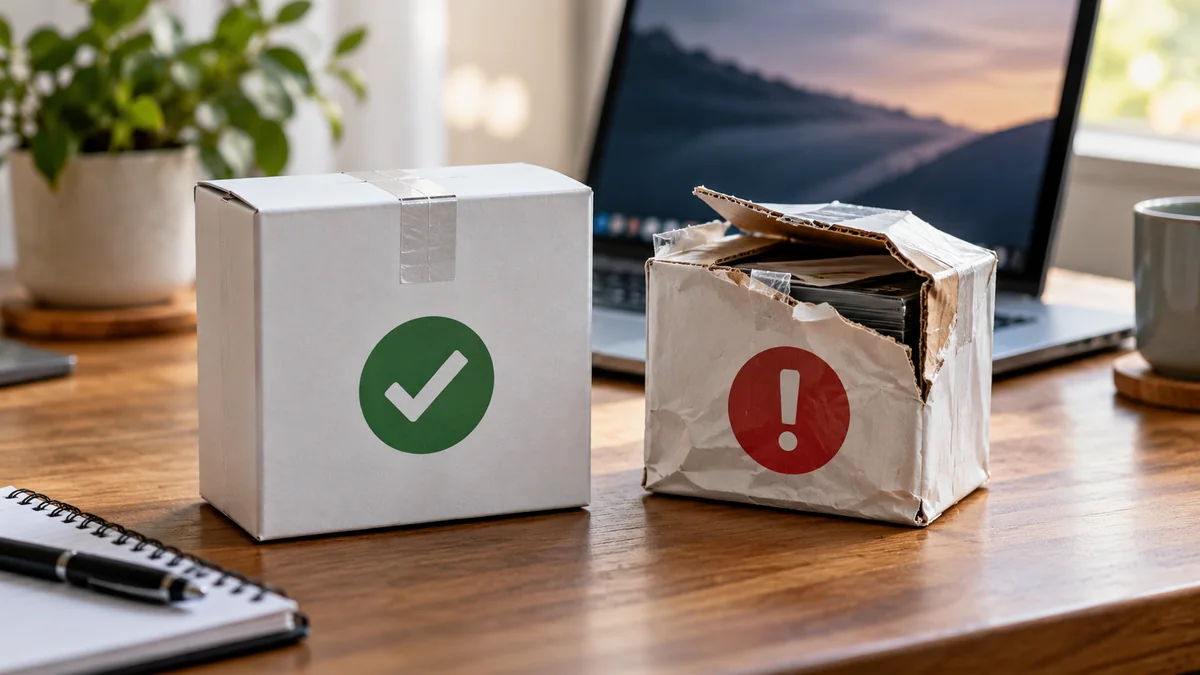
Published by NithuDev. About Nithu / Suthakaran Nithursan, website developer and security recovery specialist. Featured artwork is an AI-generated editorial illustration, not a photograph of a client, a real security incident or a verified tool result.