Practical website & workflow advice for clinic owners
Clinic PWA or Mobile App? Choose Around Real Patient and Staff Tasks
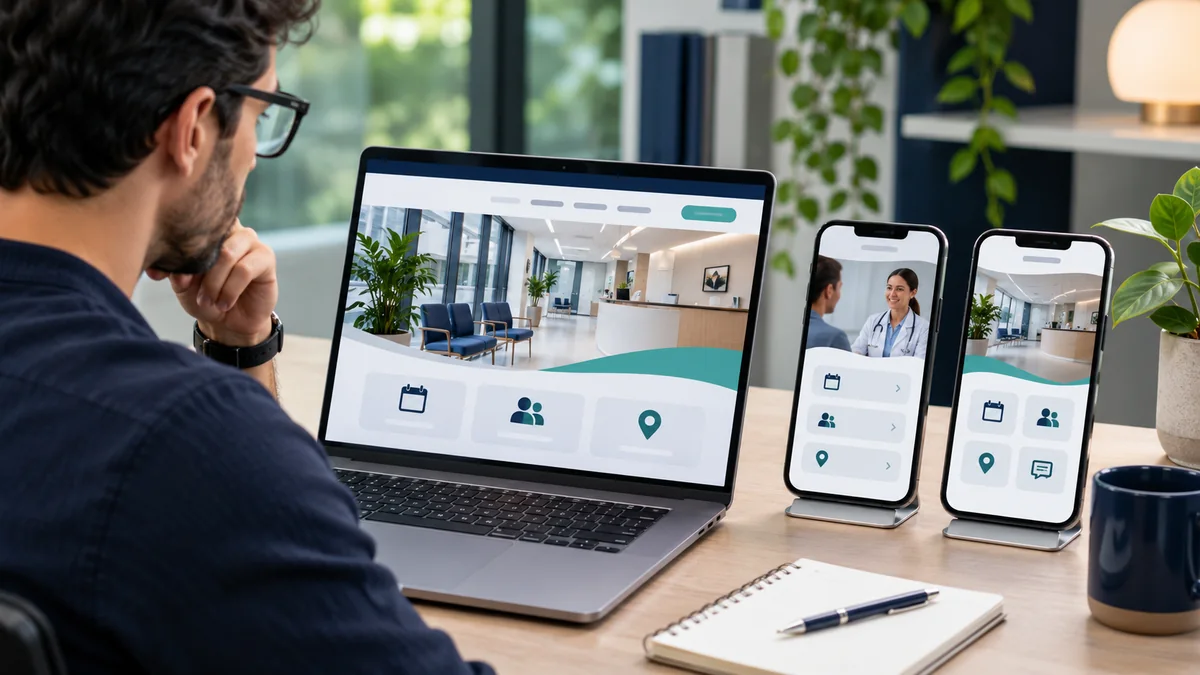
Clinic website & technology guidance
In this guide
A clinic does not need a mobile app simply because many visitors use phones. A clear, responsive website may already support service information and appointment requests well. An installable web app or native app becomes useful when there is a defined recurring task that justifies it.
Start with the job, not the app-store screenshot. Compare access, notifications, integration, privacy and maintenance before committing. The appropriate solution depends on the actual audience and supported platforms, not a general claim that one technology is always best.
Define the repeated task
List what a patient or staff member would do regularly: review an appointment, access an approved document, complete an administrative action or manage a branch queue. Separate that from occasional tasks such as reading the clinic’s address.
Ask whether the existing portal or booking provider already offers the function. Building another interface can add accounts and support work without improving the experience. A supported link to an existing system may be the better first step.
Use evidence available to the clinic, such as staff feedback and appropriately collected website data. Do not invent a demand percentage for an app or assume every patient wants another installation on their phone.
Understand the three broad options
A responsive website adapts to mobile and desktop browsers. A progressive web app can add supported web-platform capabilities and installability. A native app has its own platform-specific distribution and development considerations.
The web.dev PWA course explains the web-app model and its foundations. Capabilities vary by device and browser, so verify the features your audience needs rather than assuming a PWA behaves identically on every phone.
A native app is not automatically more secure or more usable. Its authentication, data handling and backend still need design and testing. Likewise, adding an install prompt does not turn an ordinary website into a complete patient platform.
| Option | Useful starting point | Review carefully |
|---|---|---|
| Responsive website | Public information and supported enquiry or booking routes | Mobile usability and existing vendor capabilities. |
| Installable PWA | Agreed recurring web tasks with supported enhancements | Device support, storage, updates and sign-out behaviour. |
| Native app | Requirements that justify platform-specific development | Distribution, backend permissions and ongoing release support. |
Compare access and identity requirements
Public service information can remain available without an account. Private appointments or documents need the approved identity and permission model, regardless of whether the interface is a website or app.
Plan shared devices, sign-out, lost access and account recovery. Installing an app should not grant indefinite access to sensitive material. Keep the source system and the approved matching process explicit.
Use the same care for staff apps. A receptionist’s phone should not automatically receive unrestricted access to every branch’s records. Define the role, permitted tasks and recovery process before discussing interface polish.
Treat offline access carefully
Offline access can be helpful for selected public information or an appropriately designed workflow. It can also create stale or sensitive copies on a device. Do not cache private appointment or document responses by default simply because the PWA tooling makes it easy.
The web.dev caching material explains how web-app storage and cache strategies work. The application still needs a deliberate decision about what may be stored, how it expires and what happens after sign-out or a permission change.
For live availability, show an accurate state when the network is unavailable. A cached calendar must not appear to reserve a real slot if the authoritative booking system has not confirmed it. Design the failure path before enabling offline features.
Review notifications and integrations
Confirm platform support, user permission and the clinic-approved communication purpose. A notification token is not permission to send any kind of marketing or clinical message. Keep sensitive details out of previews by default and review the chosen arrangement.
Check APIs for booking, payments and clinical software. An app cannot bypass a vendor’s access limitations. If the required data is unavailable, changing the frontend technology does not make it accessible.
Use supported payment and identity mechanisms with protected secrets. The mobile app should not embed a shared administrator credential. Backend permissions and transaction verification remain necessary even when the interface feels like a self-contained product.
Include distribution and maintenance costs
Compare design, development, testing, vendor subscriptions, release management and ongoing support. A native app may involve store submission and platform updates; a web app still requires hosting, browser testing and maintenance.
Assign ownership of developer accounts, domains, signing or deployment arrangements and source materials. The clinic should understand how another authorised provider could maintain the delivered system later.
Avoid promising that a one-time website fee includes indefinite app updates, every future device or unlimited feature additions. Scope the support and change process explicitly so a useful pilot can remain maintainable.
Test a realistic first phase
Use labelled sample information and the intended devices. Test the core task, login, recovery, network failure, permission denial and updates. Verify the authoritative backend state instead of judging only the screens.
If the app is private, include a second test account without permission to a sample record. If notifications are used, verify the intended channel and suppression rules. If payments are used, test in the supported sandbox.
Measure adoption and task completion after an approved launch. A polished demo is not evidence that the clinic will gain patients or that staff time has already been saved. Decide whether a later phase is justified by actual use.
Choose a scoped discussion
Send the public website, current systems, audience and the task that is difficult today. Explain why a responsive website or existing portal may not be enough. Keep private records and account secrets out of the initial enquiry.
NithuDev can compare a focused website improvement, PWA or custom mobile-app scope. The useful first result is a technology decision grounded in workflow, platform support and operating responsibilities, rather than an app commissioned only because it looks modern.
Published by NithuDev. Nithu / Suthakaran Nithursan writes from a website and software development perspective, not as a clinician. This guide is technology and project-planning information. Featured artwork is AI-generated illustration, not a real clinic photograph, client testimonial or deployed-system evidence. Information-handling and compliance requirements depend on the agreed country, vendors and project scope.