Practical website & workflow advice for clinic owners
Patients Click Book but Do Not Finish? Audit the Clinic Booking Journey
Clinic website & technology guidance
In this guide
A visitor clicking “Book” has not necessarily made an appointment. They may open a provider website, discover an unexpected account requirement or find no suitable appointment type. Before redesigning the homepage, inspect the complete journey.
A clinic booking-journey audit separates navigation problems from availability, policy and software limitations. It helps the practice decide what to fix without inventing an abandonment rate or assuming every incomplete visit reflects a design failure.
Define the stages you can actually observe
Write the stages in plain language: service page viewed, booking link opened, request accepted and appointment confirmed. Identify which system can verify each stage.
A website analytics click cannot prove what happened inside an external booking provider. If that provider supplies reporting or a supported callback, review its meaning and permissions. Otherwise, describe the measurement gap honestly rather than reporting every click as a completed booking.
Walk through one task on a phone
Choose a public, non-patient test scenario: find the practice’s approved initial appointment type at a particular branch. Start on the same page a real visitor would reach and follow the journey without special knowledge.
Look for repeated location choices, unexplained practitioner names, unclear fees, unexpected sign-in and buttons hidden by overlays. Test keyboard access and enlarged text too. Record the point of uncertainty, not only whether the page looks polished.
Distinguish a request from a reservation
Check every confirmation message. If reception must review a request, the visitor should not see “your appointment is confirmed.” Explain what was received and how the clinic handles the next step.
W3C’s guidance on form instructions supports explaining the information and actions required. On a clinic website, good instructions also describe whether selecting a time creates a hold, a request or a confirmed reservation.
Inspect errors and unavailable choices
A useful audit includes an unavailable slot, a missing required field and a temporary provider error. Do not deliberately disrupt a live system; use authorised test facilities or arrange a controlled check with staff.
If a request fails, does the interface preserve appropriate entries, identify the issue and offer a practical next step? W3C’s validation guidance supports understandable error handling. A generic red banner saying “something went wrong” may not help the visitor recover.
An example findings log
Illustrative audit, not a measured client result: the service page links to a general calendar. The visitor chooses the branch again, then learns that their appointment type is unavailable online. A targeted improvement could explain the available types earlier and link to the correct supported view.
Write each finding with the affected URL, device, task, evidence and proposed change. Separate confirmed defects from hypotheses. “The branch filter resets after returning” is a reproducible finding; “this colour loses bookings” needs evidence.
Prioritise the fixes you can verify
Start with broken links, wrong destinations, unreadable content and misleading request states. Then consider navigation, loading and form effort. A change should have an acceptance check, such as reaching the correct branch calendar without repeating a selection.
Measure comparable periods after launch where appropriate. Keep channel, device and operational changes in view. Changes in appointments may reflect availability or campaigns as well as the website; do not present correlation as a proven conversion gain.
What to send for a booking review
Provide the public starting URL, booking provider name and the administrative task visitors find difficult. Do not send patient records, private booking screenshots or passwords through a public enquiry form.
NithuDev can scope a focused review, selected fixes or a redesign while preserving supported integrations. The result should be a clearer journey with documented limitations, not a promise that every visitor will book.
Booking audit questions
Do we need a new booking system?
Not necessarily. The problem may be a wrong link, unclear appointment description or configuration issue in the existing product.
Can website analytics show completed appointments?
Only when a trustworthy supported connection or approved reporting process verifies them. A booking-button click alone is not sufficient.
Can a review guarantee more bookings?
No. It can identify and help resolve agreed usability or technical problems. Commercial outcomes need real measurement and context.
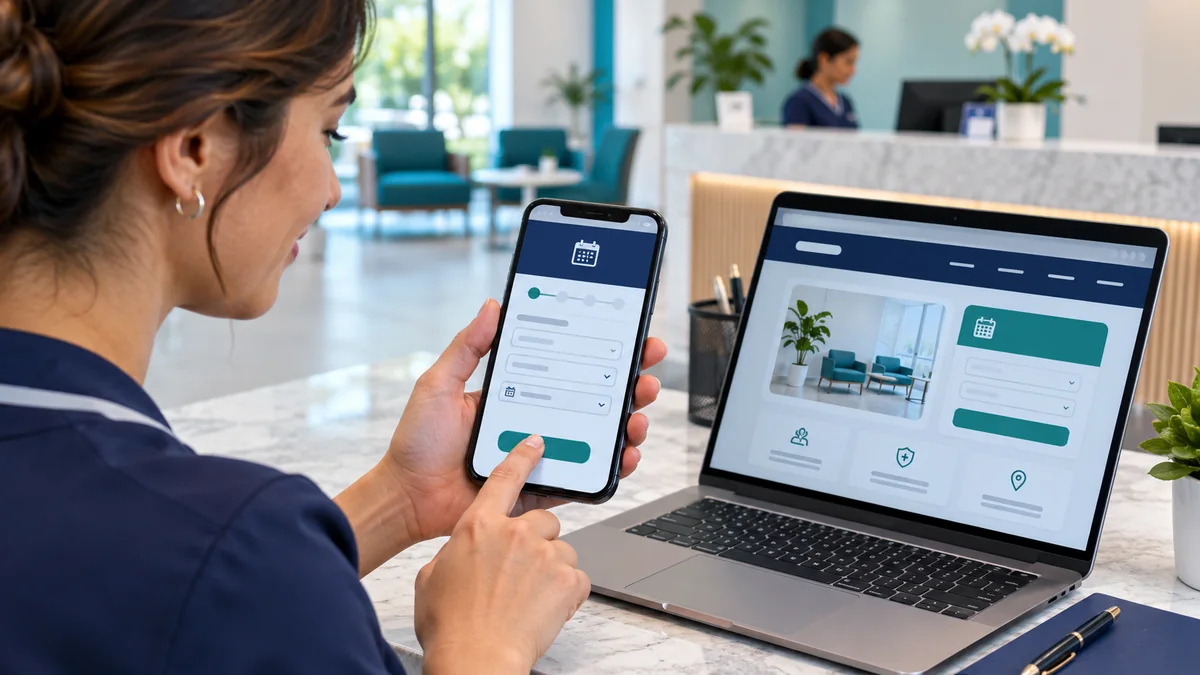
Published by NithuDev. Nithu / Suthakaran Nithursan writes from a website and software development perspective, not as a clinician. This is technology and project-planning information, not medical or legal advice. Featured artwork is AI-generated illustration, not a real clinic photograph, client result or deployed-system evidence. Information-handling and compliance requirements depend on the agreed country, vendors and scope.