Practical website & workflow advice for clinic owners
How to Write a Clinic Website Brief That Gets a Clear, Useful Quote
Clinic website & technology guidance
In this guide
A useful clinic website quote starts with a clear decision: what should a visitor or staff member be able to do when the project is finished? “A modern website with CRM” is a direction, but it leaves room for very different interpretations of price, software and responsibility.
You do not need a technical specification before contacting a developer. You do need a short account of the practice, the people using the website and the changes that matter. The following brief turns that conversation into a project that can be compared and tested.
Start with the current problem
Describe the practical difficulty before listing features. Perhaps visitors cannot find the correct branch, staff copy enquiries into a spreadsheet, or a booking link opens the wrong consultation type. Include the public URL and explain the task that fails.
Keep the brief separate from patient information. A description such as “our receptionist manually assigns appointment requests” is sufficient. Patient names, screenshots of private records and passwords do not belong in an initial development enquiry.
List pages and functions separately
A five-page website and five connected workflows are different amounts of work. Make two inventories:
- Public content: home, clinician profiles, specialties, service pages, fees, locations and contact information.
- Functions: booking links, enquiry forms, CRM assignment, payment handoff and approved reminders.
For each function, identify the existing product and account owner. “Connect our current booking provider using its supported embed” is clearer than “build a booking system.” Include unknowns rather than guessing that an API or subscription includes the required capability.
Write one acceptance example per important journey
An acceptance example explains what completion looks like. For a branch enquiry, it might be: a visitor chooses the branch, submits the required contact details, sees a request confirmation and appears in the correct staff queue.
Also describe the alternative path. If the CRM is unavailable, does the submission remain safely saved for authorised staff to review? Who sees the failure? These questions reveal work that a visual design preview cannot demonstrate.
Accessibility belongs here too. W3C’s planning resources treat accessibility as something to plan and sustain. Ask for the specific journeys and devices to be tested, rather than assuming an attractive mockup settles usability.
Assign content and account responsibilities
Specify who supplies verified clinician details, approves clinical wording, provides photographs and checks opening hours. Note whether writing, translation or image preparation is part of the quote.
Record ownership of the domain, hosting, booking account and CRM subscription. The clinic should know which administrator controls each dependency and how the developer will receive appropriate access later. Do not share credentials in the public brief.
A brief you can adapt
Illustrative example, not a client result: a two-doctor practice needs a public website refresh and better enquiry routing. Its first phase covers five approved pages, an existing booking link and a project-defined contact form. Its second phase may connect a supported CRM after account access and workflow requirements are confirmed.
The brief names one clinic contact for approvals, lists the current tools and defines a successful test submission. It explicitly excludes a patient portal and bespoke clinical-record system. That boundary makes the quote more useful than a large list of desirable features.
Compare scope before comparing totals
Check page limits, included integrations, revisions, testing, training and post-launch support. Separate project fees from hosting, software subscriptions and message usage. Ask what happens if discovery shows that a feature needs custom development.
NithuDev’s fixed packages configure supported existing tools within an agreed scope. A bespoke portal, custom CRM or complex integration needs separate assessment. Read the clinic development package details with that distinction in mind.
Questions before sending your brief
Do I need to choose every tool first?
No. List your existing tools, constraints and decisions still open. A feasibility discussion can identify which choices must come before a reliable quote.
Can I request selected improvements only?
Yes. Name the pages or journeys you want reviewed and explain the problem. A focused repair may be a more useful first phase than a complete redesign.
What should I send initially?
Your public website URL, practice type, proposed pages, current software and priority workflow. That is enough to start a project conversation without exposing private records.
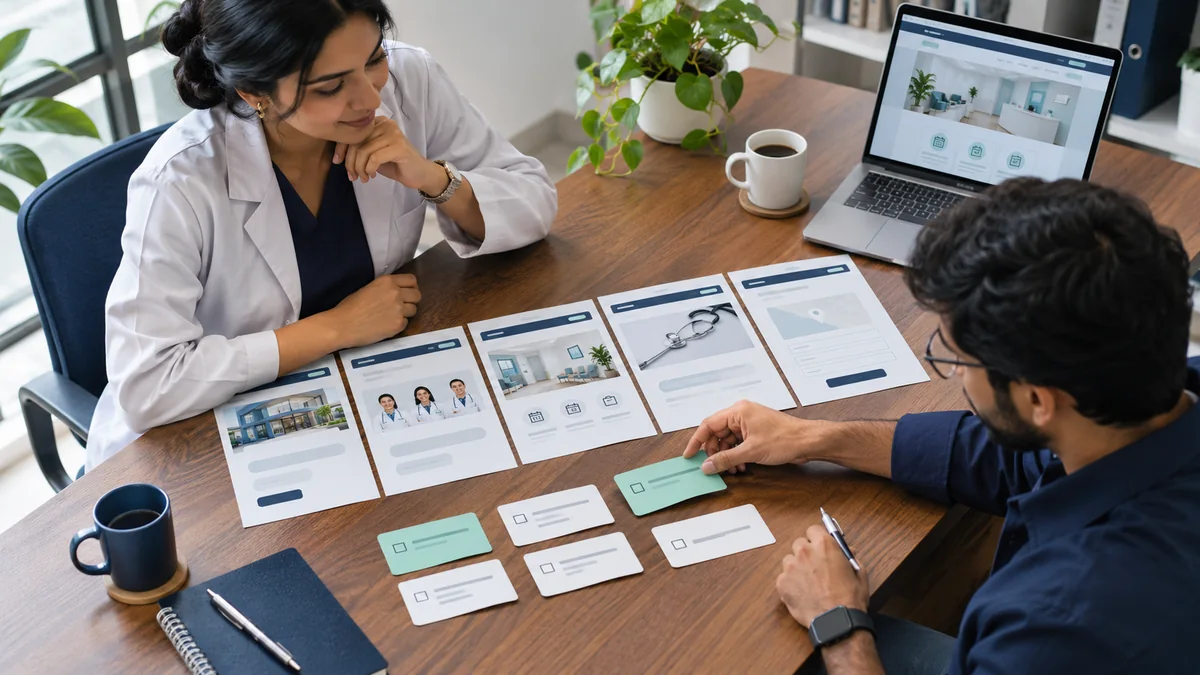
Published by NithuDev. Nithu / Suthakaran Nithursan writes from a website and software development perspective, not as a clinician. This is technology and project-planning information, not medical or legal advice. Featured artwork is AI-generated illustration, not a real clinic photograph, client result or deployed-system evidence. Information-handling and compliance requirements depend on the agreed country, vendors and scope.