Practical website & workflow advice for clinic owners
WordPress or a Custom Clinic Website? Choose by Workflow, Not Hype
Clinic website & technology guidance
In this guide
Choosing between WordPress and a custom clinic website becomes easier when you separate public content from private operational software. A practice may need editable service pages and an existing booking link today, while a future multi-branch workflow needs a different technical assessment.
Neither “custom” nor “WordPress” guarantees a better patient journey. Compare the work each option must perform, who maintains it and which supported systems already solve part of the problem.
Start with the editing task
List who updates hours, doctor profiles, fees and service information. If staff need to maintain straightforward public pages, an established content-management system may be a practical fit. Review the editing experience, permissions and handover rather than judging only the homepage design.
WordPress includes roles and capabilities, described in its official documentation. A project’s actual access model still depends on the installed components and configuration. A public-page editor should not automatically receive broad administration privileges.
Separate integration from bespoke development
Connecting a supported booking link is different from building appointment availability, conflict handling and rescheduling rules. Similarly, configuring an existing administrative CRM is different from developing a custom clinic platform.
Write down which system owns appointments, enquiries, payments and clinical information. A custom interface does not remove the need for vendor permissions, supported APIs or dependable back-office processes. It also does not convert a general website database into an EHR.
Compare the ongoing obligations
For WordPress, review hosting, updates, backups, plugin licences and compatibility testing. For custom development, review the application runtime, dependencies, deployment process, monitoring and future developer handover.
The WordPress hardening handbook describes security as reducing risk. Platform choice should therefore include maintenance responsibility, not a claim that one approach is permanently safe. Ask who tests an update and what the recovery plan covers.
Use a small decision matrix
| Requirement | Possible starting point | What to verify |
|---|---|---|
| Public pages edited by clinic staff | Supported CMS configuration | Editing roles, training and update process |
| Existing booking or CRM connection | Supported integration | Product plan, account access and failure behaviour |
| Unique operational workflow | Custom feasibility assessment | Permissions, state handling, testing and maintenance |
This is a planning tool, not a rule that every requirement belongs to one platform. A CMS can sit beside a separately scoped application, and an existing vendor may already provide the required feature.
A realistic comparison example
Illustrative scenario: an individual doctor needs five public pages and a link to an approved booking provider. A supported website package could be sufficient. Building a new scheduling engine would add responsibilities the brief does not require.
Now consider a clinic needing separate staff roles, multi-branch work queues and a private document workflow. That requires a detailed review of existing products and information handling before selecting an architecture. The visual similarity of the two websites would not make their development scopes equivalent.
Ask for evidence of completion
Request design previews, working task demonstrations, an agreed test list and handover documentation. Confirm source-code or configuration access as appropriate, third-party ownership and what happens when the developer relationship ends.
A proposal should identify exclusions and recurring charges. Avoid comparing a low one-time setup price with a full custom build as if they deliver the same thing. NithuDev’s clinic package comparison distinguishes supported-tool setup from Company custom development.
Platform questions
Can WordPress work with a clinic’s existing booking provider?
Often through a supported link, embed or API, but the specific product and required journey must be checked. Do not assume all advertised integrations support every action.
Is custom development always faster or more secure?
No. Results depend on the implementation, infrastructure, access controls and maintenance. Both options need testing against the agreed requirements.
Can we improve the current platform first?
Yes. A review can identify useful repairs before recommending replacement. Preserve working functions unless there is a documented reason to change them.
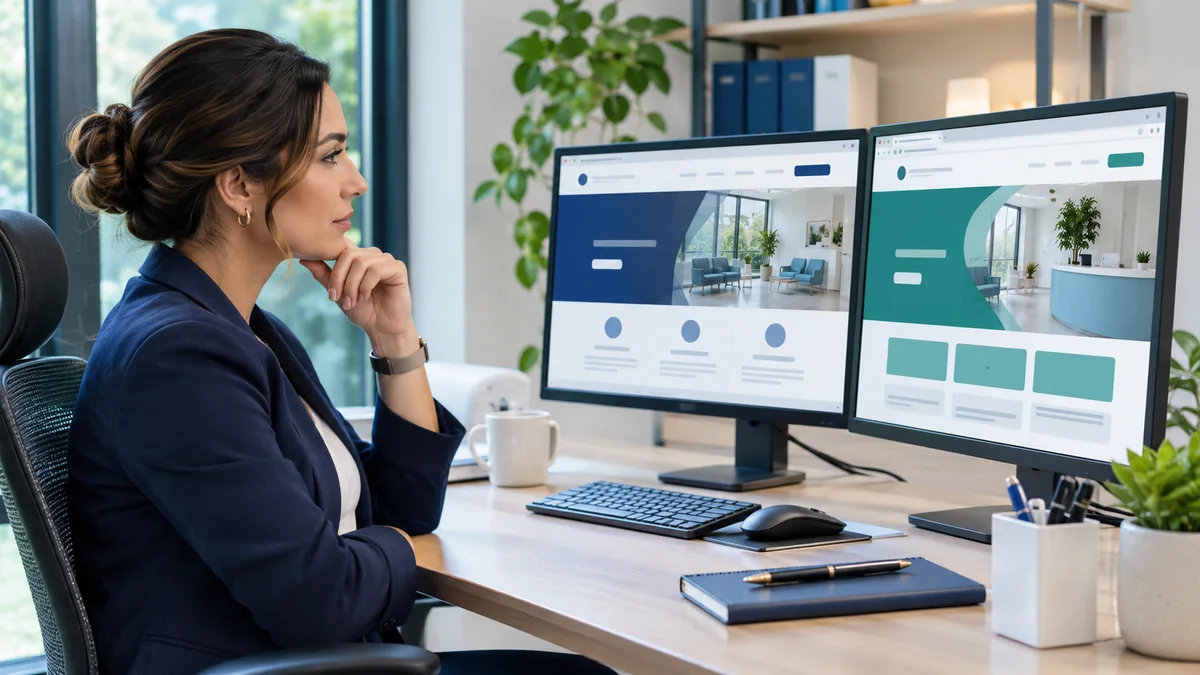
Published by NithuDev. Nithu / Suthakaran Nithursan writes from a website and software development perspective, not as a clinician. This is technology and project-planning information, not medical or legal advice. Featured artwork is AI-generated illustration, not a real clinic photograph, client result or deployed-system evidence. Information-handling and compliance requirements depend on the agreed country, vendors and scope.