Practical performance advice for website owners
Safe WordPress Speed Optimization: A Staging, Backup and Rollback Checklist
Need hands-on help? Request a Speed Review →
WordPress performance advice · Reviewed 3 November 2026
In this guide
Performance work often changes caching, asset loading and templates—the same parts that support navigation, forms and checkout. A reliable process makes improvements reversible and checks the features that can be affected. It cannot honestly promise that every change is risk-free.
Record the starting state
List important URLs, current plugin versions, relevant settings and known problems. Save representative measurements and functional checks. If checkout is already failing, record that before work so a later test does not confuse an existing fault with a regression.
Agree which pages and features are included. A small configuration task should not become an undefined obligation to repair unrelated historic problems.
Make the backup useful
Include the files and database needed to restore the affected system. Know who can access the backup and how restoration works. A successful backup notification is not the same as a verified recovery path.
Keep backups protected and outside public download paths. Avoid collecting unnecessary copies of customer information. Access should match the people carrying out the agreed work.
Prepare staging without creating side effects
- Restrict access and search indexing appropriately.
- Use authorised test gateways instead of live payment actions.
- Suppress or safely route outgoing notifications.
- Review scheduled tasks and external integrations.
- Use suitable test data and protected credentials.
A staging copy can still contact real services if configuration is copied blindly. Confirm these boundaries before testing bookings, emails or orders.
Change one responsibility at a time
Document which tool controls page caching, CSS processing, scripts and images. Avoid stacking several transformations without a way to identify the cause of a failure. Keep a change log and the exact rollback setting or file version.
Use supported hooks, child-theme code or an appropriate custom plugin. Do not patch WordPress core or distributed plugin files for convenience. Future updates should not silently erase the work.
Test beyond the homepage screenshot
Check keyboard navigation, mobile layouts, form validation, accepted submissions, booking availability and cart totals as applicable. Inspect console errors and failed requests. If payment is in scope, use an authorised sandbox and verify order status rather than only a success redirect.
Compare several measurements with the same conditions and retain functional checks. An attractive score is not enough if the form no longer reaches the backend.
Launch only the intended changes
For active stores or booking systems, do not overwrite recent live records with an older staging database. Deploy the agreed code or configuration carefully and preserve current business data. Define who can stop or roll back the release if a problem appears.
After launch, purge appropriate caches, inspect the public result and repeat critical tasks. Record anything not verified, such as actual email delivery or a missing sandbox stage. Clear limits are more reassuring than a zero-data-loss guarantee that cannot be supported.
Work directly with Nithu
Get help with your WordPress performance
I can plan targeted optimization with a clear backup, testing and rollback approach that matches the features your website actually uses.
Request a Speed ReviewCompare the $79, $179 and $349 one-time packages →
No payment is needed for an enquiry. Scope is confirmed before work; paid tools, hosting and out-of-scope development are separate unless agreed. No fixed score or ranking guarantee.
Technical references
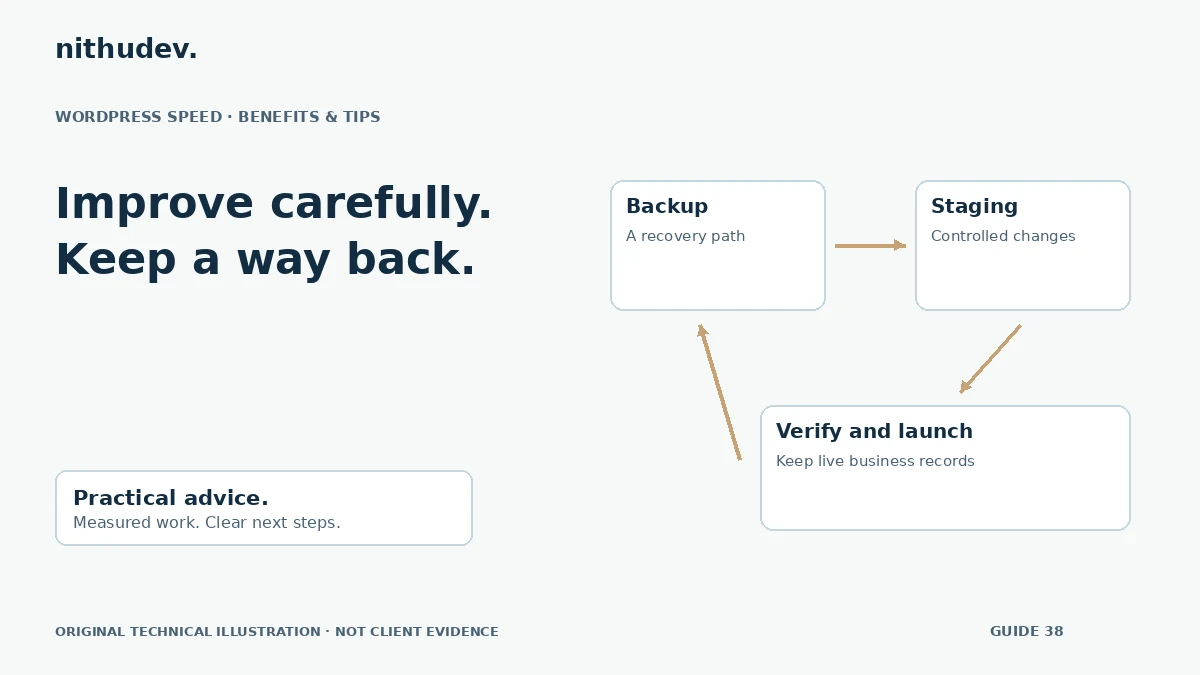
Written for website owners planning performance work. Technical options depend on the installed versions, hosting and integrations. Test changes safely and retain a recovery path. The featured diagram is an original editorial illustration, not a measured result or customer case study.