Why Your WordPress Website Is Slow: An Owner’s Fix-or-Upgrade Guide
Find out whether hosting, heavy pages or slow interactions need attention before paying for a rebuild or another plugin.
Read the guideNithuDev performance resources
Practical help for slow WordPress websites. Learn how to investigate Core Web Vitals, mobile performance, caching, Elementor, images and WooCommerce—and choose a sensible scope for professional help.
Need implementation? Explore WordPress speed optimization services →Find out whether hosting, heavy pages or slow interactions need attention before paying for a rebuild or another plugin.
Read the guideFewer requests is only one factor
Combining files changes download, reuse and execution trade-offs. Test the actual protocol and page instead of enabling a universal fewer-requests preset.
Read the guideUse motion only where it helps
Animation can carry a large resource and usability cost. Identify its purpose, compare suitable formats and give visitors control where needed.
Read the guideReduce the work behind the layout
Element counts are clues. Confirm costly rendering or updates, then simplify the responsible patterns without treating useful content as disposable.
Read the guideServe the right language efficiently
Language is part of the response context. Verify URLs, cache variation and translation-specific layout before reusing responses or trimming resources.
Read the guideKeep member pages fast and private
Logged-in pages often need dynamic handling. Diagnose their actual workload and keep access checks and customer-specific responses intact.
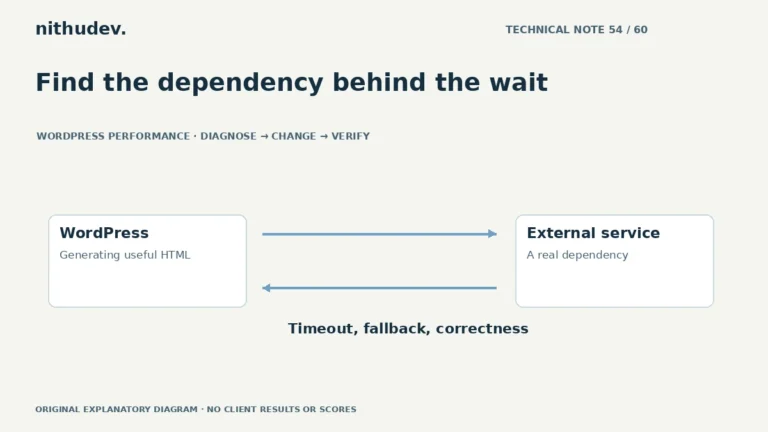
Read the guideFind the dependency behind the wait
A server-side integration can delay HTML before the browser receives it. Identify the call, its purpose and failure behaviour before changing timeouts or caching.
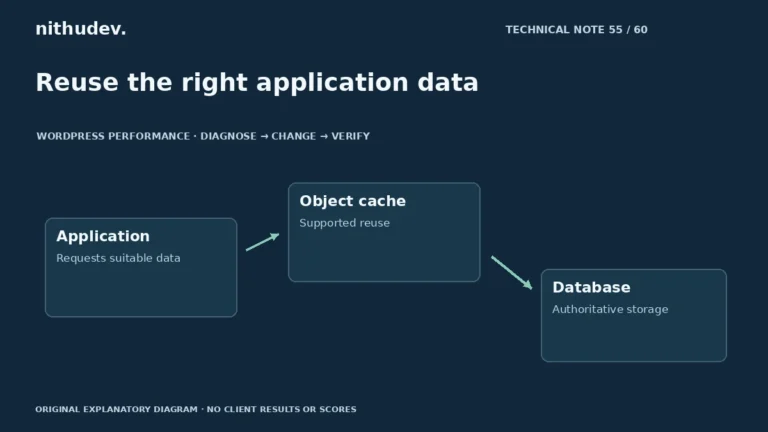
Read the guideReuse the right application data
Persistent object caching can reuse suitable application data across requests. It needs supported infrastructure and correct invalidation, and does not replace diagnosis.
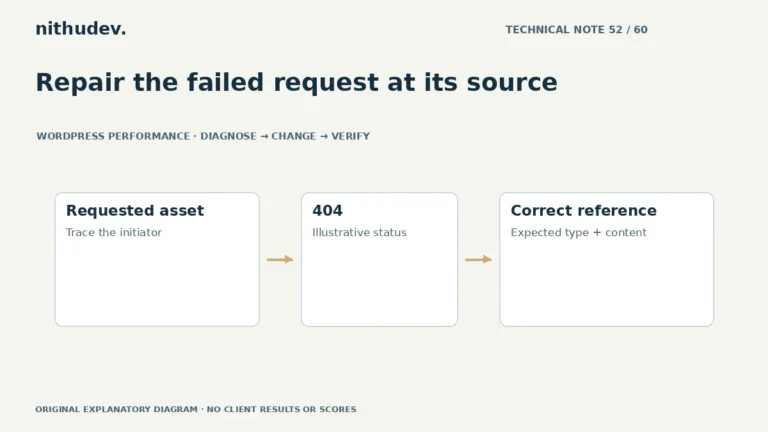
Read the guideRepair the failed request at its source
A failed request can come from an outdated reference, missing file or blocked delivery. Identify the resource and its owner before changing redirects or caches.
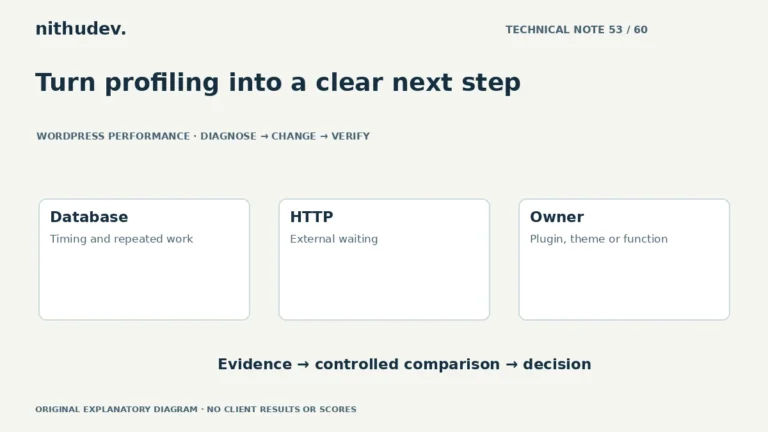
Read the guideTurn profiling into a clear next step
Profiling helps identify where a request spends work. Interpret results in context and confirm suspected causes with a controlled comparison.
Read the guideMake returning to a page dependable
Back/forward cache can restore a page differently from a normal reload. Test the returned interface and current application state as well as browser eligibility.
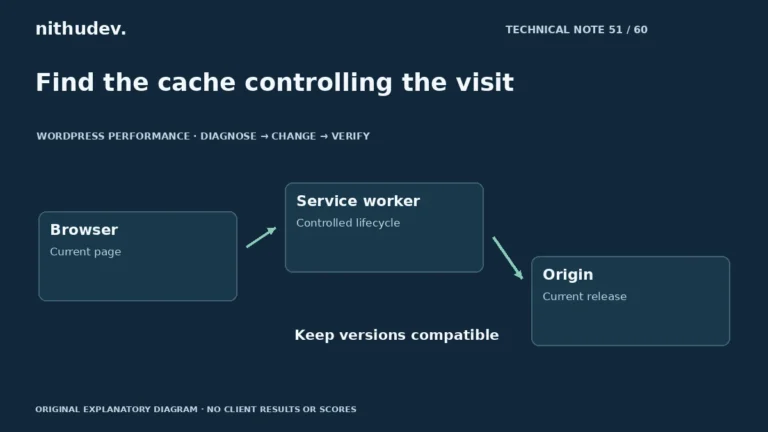
Read the guideFind the cache controlling the visit
A service worker can serve content independently of ordinary server caching. Identify its owner and update strategy before clearing storage or changing delivery rules.
Read the guide