Practical performance advice for website owners
Should You Combine WordPress CSS and JavaScript Files on HTTP/2 or HTTP/3?
Need hands-on help? Request a Speed Review →
WordPress performance advice · Reviewed 3 November 2026
In this guide
A speed checklist says to combine every CSS and JavaScript file. Another says never combine files on modern HTTP. Both are too broad for a real WordPress stack. The right choice depends on which resources are used, how they are delivered and what the transformation changes.
Inspect the delivery you actually have
Use browser network tools to check the protocol and request waterfall for the public route. A CDN, origin and browser can affect what is negotiated. Do not infer the visitor’s delivery simply from a hosting advertisement.
Modern HTTP supports handling multiple resources differently from older connection-limited patterns. That does not make every collection of tiny files free or every bundle harmful.
Compare the trade-offs
| Area | Check |
|---|---|
| Usage | Does the combined file include code this page never needs? |
| Reuse | Will a small change invalidate a much larger cached resource? |
| Priority | Are critical and optional resources forced together? |
| Correctness | Does dependency or style order remain valid? |
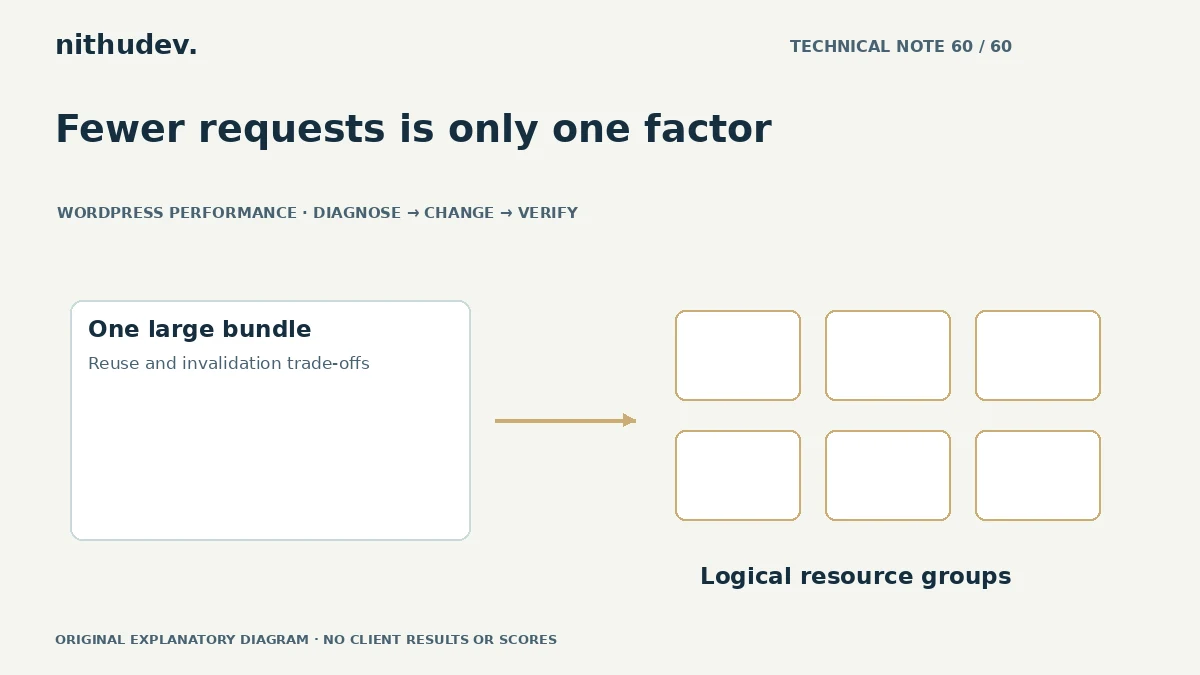
Request count is only one observation. Consider transferred bytes, discovery, cache reuse, browser work and the customer’s task.
Keep transformations separate
Combining, minifying, deferring and delaying are different operations. A plugin preset may enable several together, making a regression hard to attribute. Record the current settings and test one responsibility at a time.
Use supported configuration and retain a rollback path. Do not patch a plugin’s distributed files or assume a preset from another website fits your dependencies.
Test important states
Open navigation, trigger form validation and use relevant widgets on mobile and desktop. Check menus and other components that initialize after interaction. For stores, verify cart updates and available payment controls through an authorised test process.
CSS order can affect appearance; script order can affect initialization. A syntactically valid bundle is not proof that the page behaves correctly.
Compare cold and repeat delivery
A new visitor and a returning browser can benefit differently from the chosen structure. Test both under consistent conditions and include a normal content update where appropriate. Check whether a small release causes unnecessary large redownloads.
If generated files are involved, verify that cached HTML continues pointing to valid resources across a purge or deployment. A favourable first run is not enough.
Document the decision
Keep the configuration that produces a measured, dependable result for this stack. Explain which files or templates were considered and why exclusions remain. Avoid a permanent rule based only on a protocol name or score screenshot.
When the main problem is unnecessary code or expensive execution, conditional loading or a component change may matter more than combining. Follow the bottleneck rather than the checkbox.
Work directly with Nithu
Get help with your WordPress performance
I can compare your current asset delivery and loading settings, then recommend whether combining, conditional loading or another targeted change is appropriate.
Request a Speed ReviewCompare the $79, $179 and $349 one-time packages →
No payment is needed for an enquiry. Scope is confirmed before work; paid tools, hosting and out-of-scope development are separate unless agreed. No fixed score or ranking guarantee.
Technical references
Written for website owners planning performance work. Technical options depend on the installed versions, hosting and integrations. Test changes safely and retain a recovery path. The featured diagram is an original editorial illustration, not a measured result or customer case study.