Practical website & workflow advice for clinic owners
Who Owns Your Clinic Website? Accounts, Access and Handover to Agree Up Front
Clinic website & technology guidance
In this guide
A clinic website can be difficult to maintain even when it works well, if nobody knows who controls its domain, hosting or integrations. Ownership and access questions often become urgent only when a renewal is missed or a supplier relationship changes.
Agree these arrangements before commissioning a build or changing developers. This is a practical handover checklist, not a substitute for reviewing contractual rights and responsibilities with the appropriate adviser.
Inventory the accounts that keep the site running
List the domain registrar, DNS provider, hosting, website administrator, booking software, CRM, payment provider, email service and analytics account. Record the authorised clinic owner and the person responsible for renewals.
A login to the website editor does not prove control of the domain or hosting. Likewise, receiving enquiry emails does not mean the clinic owns the sending-service account. Review each dependency separately.
Agree what the project delivers
Specify the website content, design files where included, source code or configuration, documentation and administrator access. Confirm how third-party components are licensed and what can be transferred.
Do not assume that paying for a project automatically transfers every third-party licence, subscription or underlying asset. The contract and provider terms determine those arrangements. A clear scope should identify restrictions before launch rather than leave them for an uncomfortable future conversation.
Separate backup from a usable handover
For WordPress, a recovery arrangement needs the relevant files and database, not simply a copy of visible pages. The official backup documentation explains these components. Your project should also establish where backups are held, who can restore them and how restoration is checked.
A usable handover includes account ownership, dependencies and deployment instructions. An archive that nobody knows how to restore is not a complete continuity plan.
Plan a supplier change carefully
Before changing hosting or developers, identify external services, scheduled tasks, email routing and booking links. Preserve the existing working site until the new arrangement has been tested appropriately.
The WordPress migration handbook describes moving a WordPress installation. A clinic migration also needs checks for the particular integrations and public journeys involved. Do not assume that copying a database proves appointment requests or notification emails still work.
Transfer access without exposing credentials
Use named accounts and provider-supported ownership transfers where appropriate. Exchange sensitive access details through an agreed secure method, not a public contact form or an ordinary published document.
At handover, review temporary supplier access, recovery contacts and powerful administrator permissions. Changes should be coordinated so they do not break legitimate automation or lock out the clinic’s authorised owner.
A handover register to request
| Item | Record to keep | Verify together |
|---|---|---|
| Domain and DNS | Owner, renewal responsibility, recovery contact | Clinic can reach the authorised account |
| Website and hosting | Platform, backups, deployment instructions | Agreed restoration or recovery check |
| Connected tools | Provider, account owner, subscription dependencies | Booking, forms and notifications still work |
Keep secrets out of the register itself. It should explain where approved access is managed, not become another unprotected password list.
Define support after launch
Distinguish post-launch bug support from ongoing updates, new features and vendor changes. State the duration, covered scope and route for reporting a problem. Hosting, premium software and messaging fees may remain separate.
NithuDev’s fixed clinic packages include stated periods of bug support for the delivered scope. Custom platforms and recurring maintenance need their own agreement. Clear boundaries protect both the clinic’s continuity and the usefulness of the handover.
Ownership questions
Can a developer manage hosting for us?
Yes, if ownership, renewals, access, support and exit arrangements are agreed. Convenience should not leave the clinic unable to identify the responsible provider.
Is a WordPress export a full backup?
Do not assume that. Check exactly which content, files, database and configuration it contains and what restoration requires.
What if the old supplier is unavailable?
Start with a controlled inventory of the clinic’s authorised accounts and available records. Avoid unverified claims of ownership or attempts to bypass another party’s account controls.
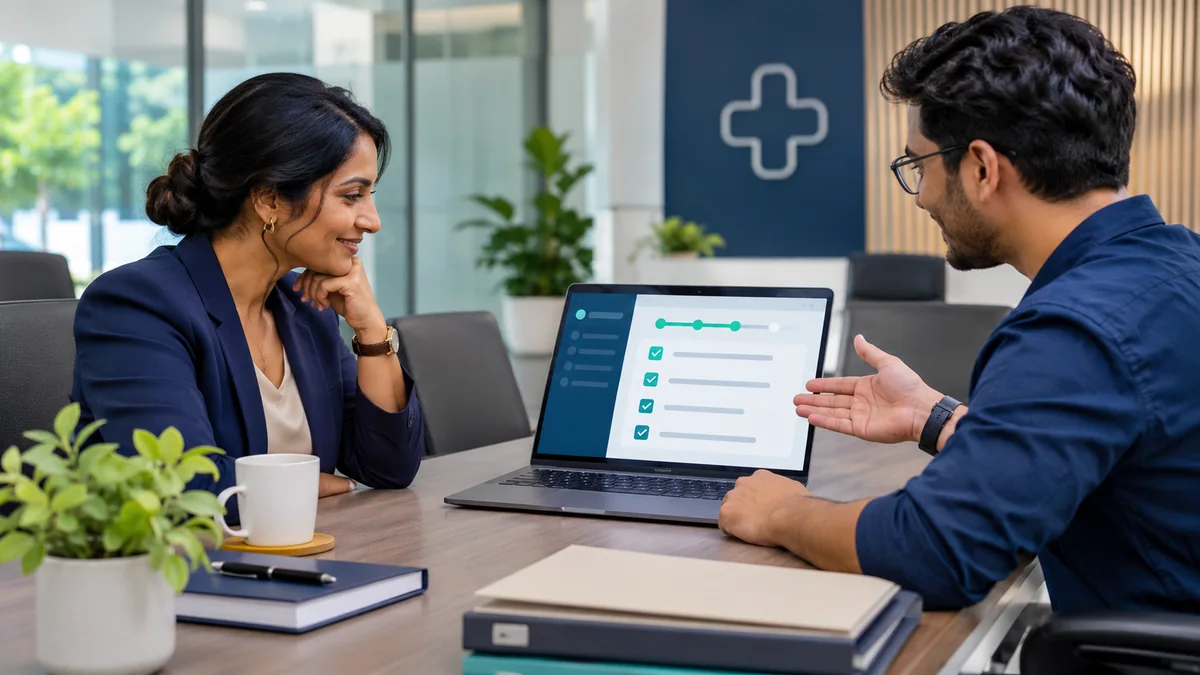
Published by NithuDev. Nithu / Suthakaran Nithursan writes from a website and software development perspective, not as a clinician. This is technology and project-planning information, not medical or legal advice. Featured artwork is AI-generated illustration, not a real clinic photograph, client result or deployed-system evidence. Information-handling and compliance requirements depend on the agreed country, vendors and scope.