Practical performance advice for website owners
Slow WooCommerce Search and Filters? Improve Product Discovery Safely
Need hands-on help? Request a Speed Review →
WordPress performance advice · Reviewed 3 November 2026
In this guide
Customers cannot buy an item they cannot find. A slow search box or filter panel can interrupt product discovery even when individual product pages work well. The cause may sit in a database query, a search service, a large results interface or several layers working together.
Define a repeatable search task
Choose a common search term, a broad category and a meaningful combination of filters. Include a query with no results. Record the number of products involved, the active extensions and what the customer sees while waiting.
Separate the initial category page from later filter actions. A cached first page can hide the cost of generating a new result set. Reproduce the slow action rather than auditing only the store homepage.
Follow the request and the rendering
Inspect the request initiated by the filter or search form. Check response time, status, size and whether a new request starts before the previous one finishes. Then inspect browser work when results arrive.
A quick server response can still feel slow if the page rebuilds a very large grid. Conversely, a simple grid cannot hide an expensive search query. Use evidence to decide which part needs development or configuration.
Keep result pages proportionate
Consider a sensible number of products per page and appropriately sized thumbnails. Avoid downloading all full-resolution product images in the first results view. Preserve pagination, useful sorting and keyboard access.
Infinite scrolling and instant filters are interface choices, not automatic improvements. Check whether visitors can return to their place, share a useful URL and navigate with assistive technology. A conventional results page can be an appropriate option.
Review the search architecture
For larger catalogs, investigate query behaviour, indexes, extension compatibility and available hosting resources. An external search service may be appropriate, but it adds cost, synchronization and operational dependencies.
- Confirm how new and changed products become searchable.
- Test price, stock and visibility rules.
- Review multilingual and variation requirements.
- Specify what happens if the search service is unavailable.
Do not sell a subscription before establishing the bottleneck and business requirements. Some sites need a configuration correction or a smaller results payload rather than a new platform.
Avoid unsafe broad caching
Filters and query parameters can generate many combinations. Understand which responses are public and reusable and which depend on customer state. Do not ignore every query string or serve stale personalised results just to get an edge-cache hit.
Test independent visitor sessions and changes to products. Confirm that updated availability and pricing reach the intended results. Cache invalidation is part of the work, not a detail to defer until a customer complains.
Define the useful business outcome
Measure whether the agreed discovery tasks become more responsive and remain accurate. Track product views or verified orders only through the existing approved analytics process. A faster filter does not prove that the ranking of results is relevant or that sales increased.
Complex catalogs and custom filters usually deserve a tailored assessment. Provide representative URLs, filter settings and known slow queries when requesting a quote.
Work directly with Nithu
Get help with your WordPress performance
If customers wait for search or filters, share the slow task and catalog setup. I can review the request, results rendering and suitable next steps.
Request a Speed ReviewCompare the $79, $179 and $349 one-time packages →
No payment is needed for an enquiry. Scope is confirmed before work; paid tools, hosting and out-of-scope development are separate unless agreed. No fixed score or ranking guarantee.
Technical references
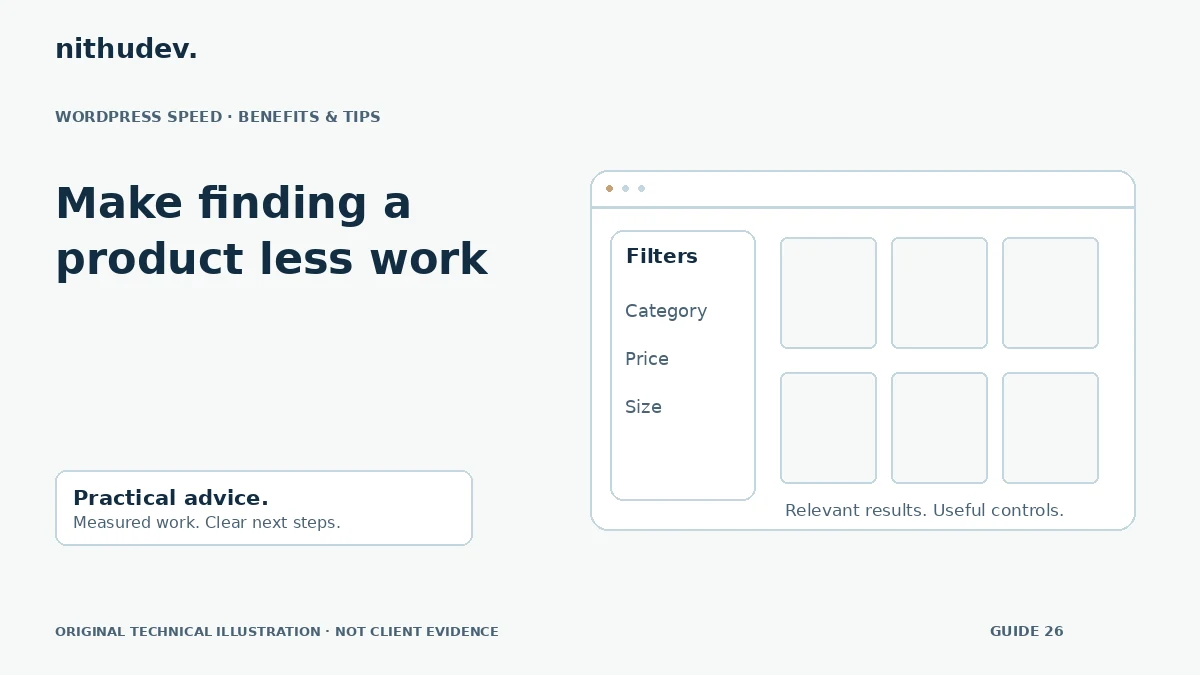
Written for website owners planning performance work. Technical options depend on the installed versions, hosting and integrations. Test changes safely and retain a recovery path. The featured diagram is an original editorial illustration, not a measured result or customer case study.