Practical security advice for website owners
WordPress Domain or DNS Hijack? Separate Account Recovery From Site Repair
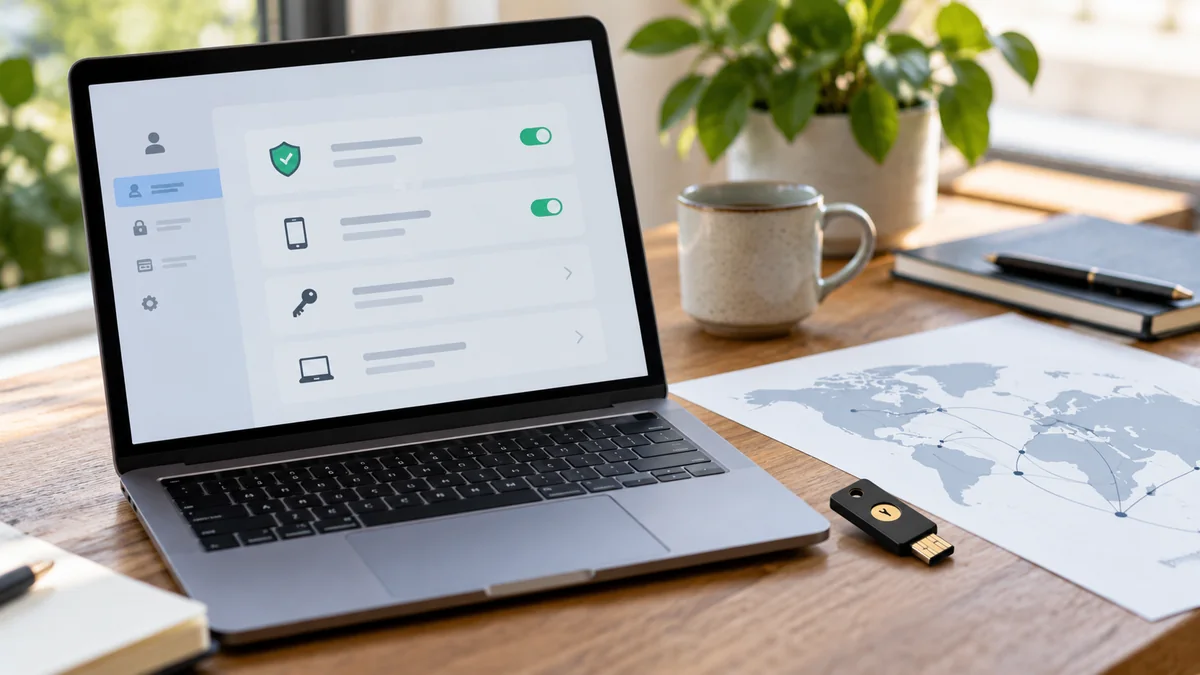
Security guidance · References checked 2 November 2026
In this guide
Your domain suddenly points to an unfamiliar page, email stops arriving or visitors reach a different server. That can look like a WordPress infection, but the change may be in the registrar or DNS account rather than the site files. It may also be an ordinary configuration mistake or expired service.
Separate the control layers before changing them. Website recovery, domain-account recovery and DNS correction are related tasks, but one does not automatically complete the others. A clear timeline helps the right provider act without creating another outage.
Establish what actually changed
Record the affected hostname, observed destination and time. Compare the current configuration with your approved DNS inventory, hosting instructions and recent change requests. Ask whether anyone performed a migration, changed a CDN or updated email services.
Nameservers, website address records and mail records serve different purposes. A working homepage does not prove that mail routing is correct, and a mail problem does not establish that the website database was altered. Have a qualified administrator interpret the records in context.
Keep the evidence private where it includes account identifiers or internal infrastructure. Do not post full provider screenshots with recovery email addresses, API tokens or billing details visible. A public URL and a factual symptom are enough for an initial support request.
Contact the registrar through a trusted route
If account access, registration details or an unauthorised transfer is involved, use the registrar’s established support and recovery process. Open the known provider website independently rather than following a link in an unexpected “domain suspension” email.
ICANN’s guidance about lost domain names explains the importance of contacting the registrar when registration details or transfers may be unauthorised. ICANN does not simply edit an individual domain’s account settings on your behalf.
Prepare proof of authority through the provider’s protected process. Keep invoices, ownership history and case references available without publishing them. If several agencies have managed the domain, establish which account actually controls it before promising a quick correction.
Secure the account and recovery channel
Review the registrar or DNS account’s authorised users, MFA, recovery email and available activity history. A compromised recovery mailbox can undermine a password change. Coordinate these changes from a trusted device and with the legitimate business owner.
Use named access and limited API permissions where the service supports them. Review automation keys used by deployment or DNS tools. A removed dashboard user may still have an active token elsewhere, so inventory the actual access paths.
Do not revoke every key without understanding dependencies. A legitimate certificate-renewal or deployment process may use one. Plan replacement, revocation and verification together, and keep the original secrets out of incident reports.
Restore DNS from an approved record
Compare the intended configuration with the current one and make only the authorised corrections. Include website, email, verification and other business-service records. Blindly resetting a zone to a hosting default can disrupt systems that are not hosted with the website.
Record what changed, who approved it and which provider applied it. DNS caching means observations may differ while records update; do not use that fact to dismiss persistent incorrect behaviour. Check the authoritative configuration and relevant resolver observations with the administrator.
Where DNSSEC or transfer locks are part of the setup, follow provider-specific instructions. They serve particular purposes and do not remove the need to protect the account. Avoid switching them off as a generic troubleshooting step without assessing the consequence.
Review the website as a separate workstream
If visitors were directed elsewhere, determine whether WordPress files or settings also changed. If the website remained on the expected host, inspect it according to the actual incident evidence. A domain correction alone does not certify the application’s integrity.
Conversely, reinstalling WordPress will not regain control of a registrar account. Do not pay for repeated file cleanup when the unresolved access path is outside the installation. Ask the providers to define their boundaries and coordinate the handoff.
Review Search Console ownership where the incident involves verification changes or unexpected owners. The ownership investigation guide explains why active users and remaining verification methods both matter.
Verify all critical services after correction
Check the public website, intended HTTPS hostnames and important subdomains. Test inbound and outbound business email using controlled messages. Verify bookings, forms and integrations that depend on the affected DNS configuration.
For email authentication, confirm the approved senders and records with the mail provider rather than copying an unrelated example. Google’s sender guidance covers its authentication expectations; the correct records still depend on the services your business uses.
Keep a table of each service, expected destination, test and result. This is more reliable than treating a visible homepage as evidence that the entire domain has recovered. Include outstanding provider cases and any observations that still differ.
Improve the ownership arrangement
The business should know who owns the domain account, who pays for renewal and how recovery is handled if a contractor leaves. Keep renewal and account notifications directed to monitored, authorised contacts. Use an independent recovery route where appropriate to avoid a circular dependency on a failed domain.
Review access periodically and after provider changes. Maintain a protected copy of the intended DNS configuration and the reasons for non-obvious records. A future administrator should not have to guess which TXT entry supports a business-critical integration.
For help, send the public domain, symptoms and whether you still control the registrar, DNS and hosting accounts. Do not send transfer codes, recovery codes or credentials in an initial enquiry. A scoped assessment can then separate account recovery, configuration repair and any necessary WordPress investigation.
Published by NithuDev. About Nithu / Suthakaran Nithursan, website developer and security recovery specialist. Featured artwork is an AI-generated editorial illustration, not a photograph of a client, a real security incident or a verified tool result.