Practical performance advice for website owners
Multilingual WordPress Speed: Keep Language, Fonts and Cache Variants Correct
Need hands-on help? Request a Speed Review →
WordPress performance advice · Reviewed 3 November 2026
In this guide
A multilingual site needs to deliver the right content before it can be considered fast. A cached page in the wrong language or a missing character in a heading is a correctness problem, even if a loading score looks good.
Map the language routes
Record how the site identifies language: paths, subdomains, domains or another supported mechanism. Inspect the real public URLs and language-switcher behaviour. Keep search-facing relationships and intended canonicals intact.
Do not flatten every language to one cached response. Redirect and cookie rules need to reflect the translation system and the site’s actual audience requirements.
Check cache variation
Test the same journey in independent sessions and more than one language. Inspect response headers and visible content after switching. Check origin and edge behaviour separately where appropriate.
A key question is what distinguishes one language response from another. A rule that ignores relevant cookies, paths or parameters may appear to improve reuse while returning incorrect text.
Review fonts without removing characters
A font subset suitable for one language may omit characters used by another. Identify the families and coverage needed for the actual translations. Inspect real headings, names, punctuation and emphasis.
- Keep required writing systems and styles.
- Check fallback behaviour before fonts arrive.
- Avoid duplicated font sources from theme and translation widgets.
- Test line wrapping and stable section heights.
Smaller font delivery is useful only if people can read the content correctly.
Test translated media and interfaces
Some images contain language-specific text, while others can be shared. Check the resource actually delivered to each layout and preserve meaningful alt text. Avoid downloading all translated variants when only one is used.
Menus, buttons and forms can become wider or taller after translation. Test mobile and enlarged text, and confirm that a sticky contact bar does not cover the translated controls.
Review connected services
Booking, forms and checkout may have their own language, currency or locale requirements. Verify that the selected context reaches the supported integration correctly. Language selection should not alter authoritative prices or bypass server validation.
Use authorised tests and preserve real confirmation semantics. A translated success message must still correspond to an accepted backend action.
Measure each representative variant
Choose important language routes and compare them with consistent conditions. Record differences in media, fonts and third-party tools rather than assuming the default language represents the entire site.
A large translation architecture or complex locale-dependent commerce flow may require a custom assessment. Define its scope before treating it as ordinary single-template optimization.
Work directly with Nithu
Get help with your WordPress performance
I can review representative language routes and cache behaviour while preserving translation, search relationships and the connected customer journey.
Request a Speed ReviewCompare the $79, $179 and $349 one-time packages →
No payment is needed for an enquiry. Scope is confirmed before work; paid tools, hosting and out-of-scope development are separate unless agreed. No fixed score or ranking guarantee.
Technical references
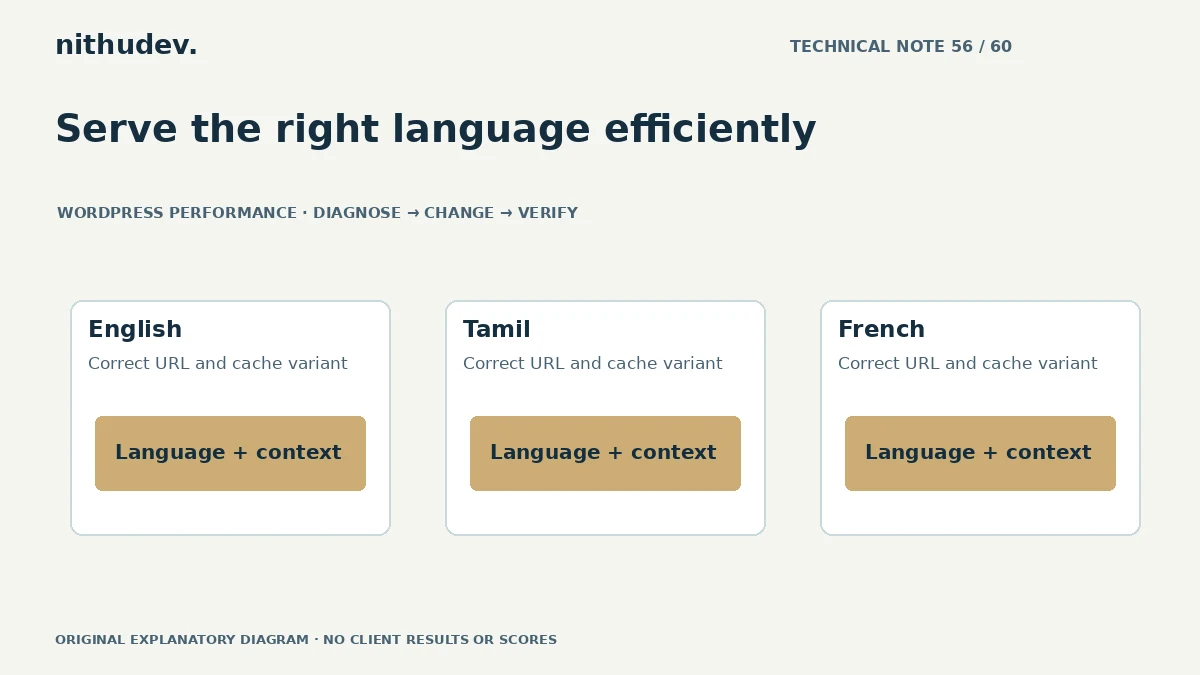
Written for website owners planning performance work. Technical options depend on the installed versions, hosting and integrations. Test changes safely and retain a recovery path. The featured diagram is an original editorial illustration, not a measured result or customer case study.