Practical performance advice for website owners
After WordPress Speed Optimization: A Maintenance Checklist to Prevent Regressions
Need hands-on help? Request a Speed Review →
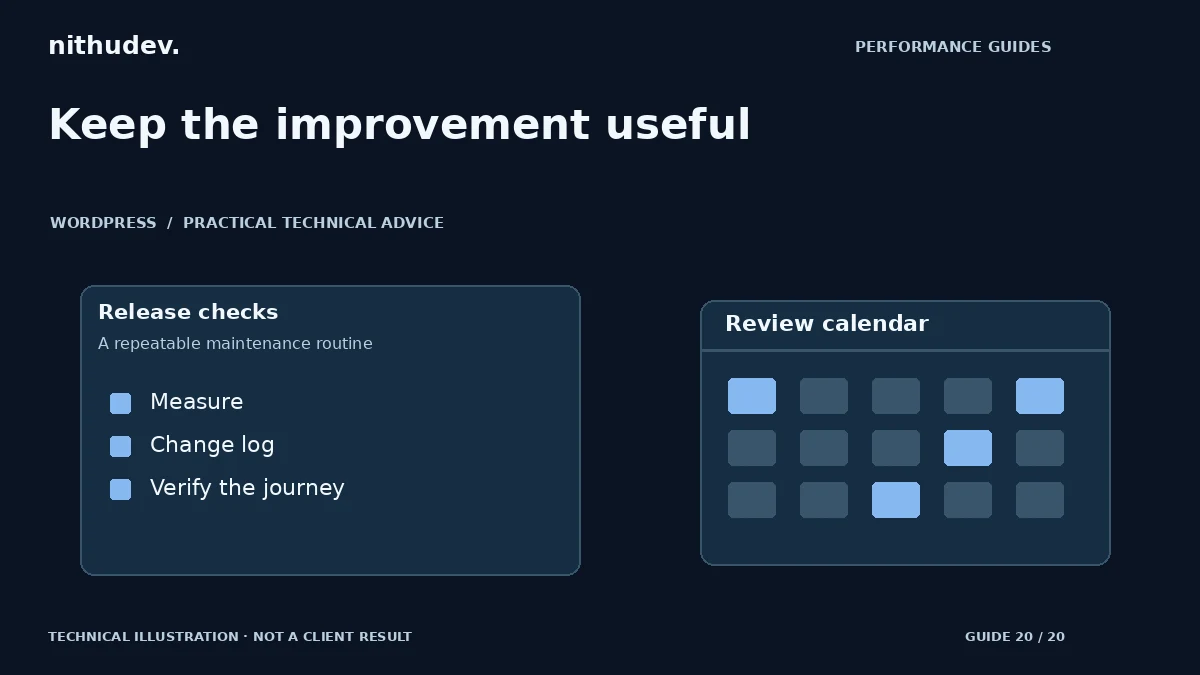
WordPress performance advice · Reviewed 3 November 2026
In this guide
Your website is faster after a careful optimization project. A month later, a new chat tool, large image and promotional popup arrive. Nobody intended to undo the work, but performance changes with content, code, hosting and third-party integrations. A small maintenance routine helps catch regressions before they become an ongoing customer problem.
Keep a useful handover record
Save the tested URLs, device profiles, measurement dates, change list and known limitations. Record which tool owns caching, image processing and script loading. Keep essential exclusions with explanations, particularly around forms, accounts and checkout.
Separate the immediate lab result from available field data. A historical screenshot is a reference, not a promise that every later test will match it. Note changes to hosting, plugins and business features so future comparisons have context.
Set budgets that fit the site
A performance budget is an agreed limit or guardrail used to spot regression. It can cover resource weight, a metric or a specific task. Choose it from the site’s actual baseline and customer needs rather than copying an arbitrary figure from another business.
For example, require a review before adding a large above-the-fold video or another global script. Specify who approves the trade-off and how it will be tested. A budget should support decisions, not encourage hiding useful content merely to pass a score.
Use a change-triggered checklist
| Change | Useful check |
|---|---|
| New hero or campaign page | Image delivery, LCP, readable mobile CTA and stable layout |
| Plugin or theme update | Navigation, forms, key styles, scripts and related errors |
| New marketing integration | Consent, duplicate tags, loading work and event quality |
| Cache/CDN change | Fresh content, private routes, sessions and dynamic requests |
| Commerce update | Products, cart, totals, payment methods and authorised test orders |
Measure regularly without overreacting
Choose a practical review cadence based on how often the site changes. Repeat the same representative pages under the same lab conditions and retain several samples. Investigate a repeated regression, not every isolated fluctuation.
When field data is available, review its coverage and collection window. Origin data may include pages outside the tested set. A low-traffic page may not have enough samples. Do not invent a pass or substitute a lab metric under a field label.
Monitor functionality alongside speed
A fast contact page that silently loses enquiries is not healthy. Check server-confirmed submission, notification delivery and error handling through an agreed test process. For commerce, preserve native payment verification and use an authorised sandbox rather than charging a real customer to check a release.
Keep logs appropriately protected and avoid sending customer messages or payment details into general analytics. Track successful leads and verified orders separately from button clicks. That makes business reporting useful without overstating the value of a faster page.
Know when to request another review
Seek help when the same slowdown returns, an integration changes substantially, the site grows into new templates or dynamic features, or a host reports resource pressure. A targeted review can distinguish a small regression from a need for a larger architecture change.
One-time delivered-work support is different from ongoing maintenance. Agree responsibility, frequency, response expectations and exclusions before assuming that future updates are covered. No professional can promise permanent speed or immunity from every future dependency change.
Work directly with Nithu
Get help with your WordPress performance
If your site has slowed again after content or plugin changes, request a focused review. I can compare the current behaviour with your previous report and agree the next scope.
Request a Speed ReviewCompare the $79, $179 and $349 one-time packages →
No payment is needed for an enquiry. Scope is confirmed before work; paid tools, hosting and out-of-scope development are separate unless agreed. No fixed score or ranking guarantee.
Technical references
Written for website owners planning performance work. Technical options depend on the installed versions, hosting and integrations. Test changes safely and retain a recovery path. The featured diagram is an original editorial illustration, not a measured result or customer case study.