Practical performance advice for website owners
WordPress Video and Embed Speed: Load Useful Media When Visitors Need It
Need hands-on help? Request a Speed Review →
WordPress performance advice · Reviewed 3 November 2026
In this guide
One embedded video can load more than a thumbnail and a play button. Add several videos, a map and social posts, and an otherwise simple service page can involve substantial third-party work before the visitor uses any of them.
Classify the media by its purpose
Identify whether the item is essential to understanding the offer, optional supporting evidence or decorative background. Record where it appears and whether customers actually need to interact with it before contacting you.
A tutorial video and a silent hero loop deserve different delivery choices. Keep a written explanation of essential information so visitors are not forced to play media merely to learn the basic service or next step.
Inspect what loads before playback
Open the page in a clean session and inspect requests from players and other frames. Check the poster, iframe, scripts and any additional resources. Do not assume a paused player creates no network or execution work.
Repeat the test after accepting or declining consent where relevant. A privacy-aware integration must preserve the site’s actual consent policy rather than loading a provider simply to make a placeholder look complete.
Use a suitable deferred approach
For offscreen iframes, browser lazy loading can defer work until the content is nearer the viewport. A carefully designed click-to-load facade can offer another option for some integrations. It must behave as a labelled, keyboard-accessible control and explain what happens when activated.
For hosted video, review preload, poster and autoplay behaviour using current browser support and the actual implementation. Do not assume one attribute has identical effects everywhere. Keep a fallback for unsupported enhancements.
Preserve useful media access
- Reserve the intended aspect ratio so the page stays stable.
- Provide captions or appropriate alternatives for the content.
- Keep playback controls operable on touch and keyboard.
- Avoid autoplaying decorative media that interferes with reading.
- Confirm that the poster itself is appropriately sized.
A smaller initial download is not a success if the video can no longer play or its information becomes inaccessible. Test playback after the optimization, including full-screen and mobile behaviour where supported.
Review maps and social embeds too
A simple address link may be enough before someone chooses to load an interactive map. A social proof section may not need every external post initialized at startup. Agree the presentation with the owner and preserve genuine evidence and attribution.
Do not fabricate a static review screenshot or strip its context to avoid loading the original source. Where appropriate, a truthful quotation and source link can be a lighter presentation.
Verify the whole visit
Compare initial loading, scrolling and media activation. Check that delayed content does not cover CTAs or introduce unexpected movement. Report what was deferred and any dependency outside your control.
For pages where video is the main product or content, a broader streaming and hosting assessment may be needed. A small website speed package should not imply a complete media-platform rebuild.
Work directly with Nithu
Get help with your WordPress performance
If your page loads several players or embeds, I can review which resources are needed immediately and implement a lighter, accessible loading approach.
Request a Speed ReviewCompare the $79, $179 and $349 one-time packages →
No payment is needed for an enquiry. Scope is confirmed before work; paid tools, hosting and out-of-scope development are separate unless agreed. No fixed score or ranking guarantee.
Technical references
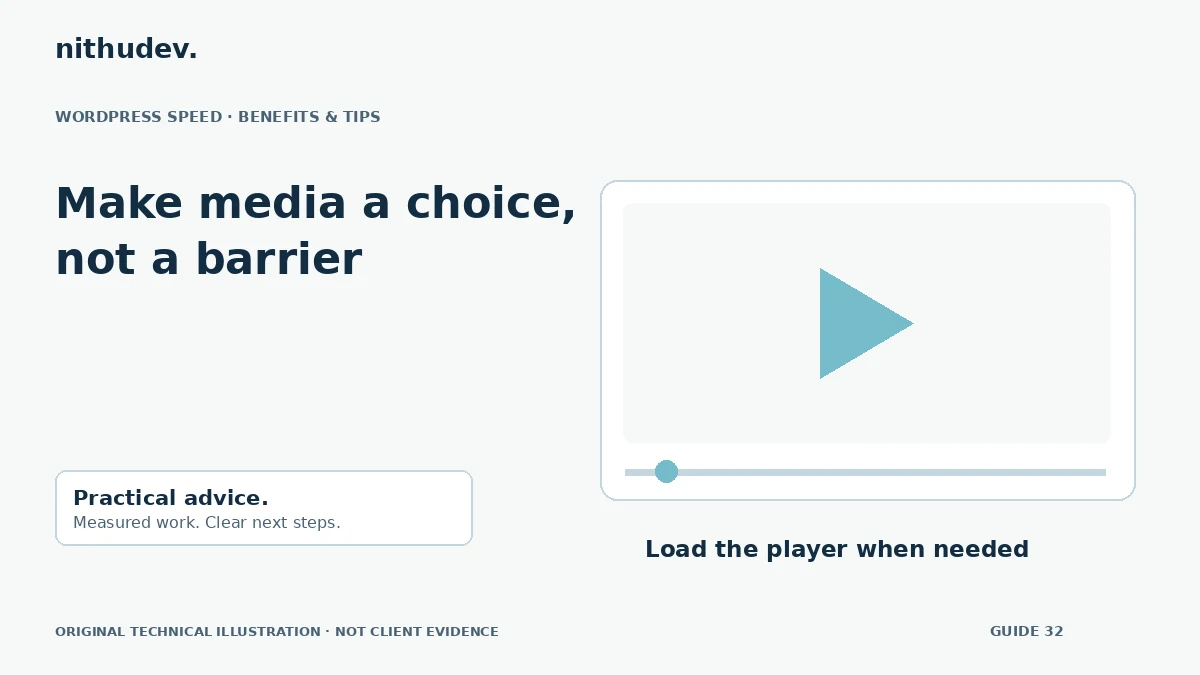
Written for website owners planning performance work. Technical options depend on the installed versions, hosting and integrations. Test changes safely and retain a recovery path. The featured diagram is an original editorial illustration, not a measured result or customer case study.