Practical performance advice for website owners
Speed Up an Elementor Website Without Rebuilding Every Page
Need hands-on help? Request a Speed Review →
WordPress performance advice · Reviewed 3 November 2026
In this guide
An Elementor site can become slow gradually: a new hero slider, another widget pack, several font families and a marketing integration each add work. A full rebuild is not always the first sensible response. Start by finding which parts of the published page are expensive and which features are genuinely needed.
Review templates as well as individual pages
The homepage may inherit a global header, footer, popup system and reusable sections. Optimizing only the page body can leave the heaviest components untouched. List the templates applied to each important URL and identify scripts or fonts loaded across the whole site.
Include an ordinary content page in the audit. If it loads a large slider library without containing a slider, investigate why. Several addon packs may overlap, but do not remove one until you know which saved widgets and templates depend on it.
Inspect the actual hero output
Check which asset loads first and whether mobile and desktop variants both download. Inspect background images, carousels, entrance effects and video backgrounds. Important text should remain readable if an animation or script fails.
Elementor provides image-loading performance features, but availability and settings depend on the installed version. Read the current documentation and inspect the final markup. Avoid following old tutorials that describe switches which have moved, become automatic or no longer apply.
Simplify selectively
- Replace a decorative multi-slide hero with a focused static section when the business does not need rotation.
- Reduce unnecessary nesting in complex sections without changing their intended layout.
- Keep only the font weights and icon resources actually used.
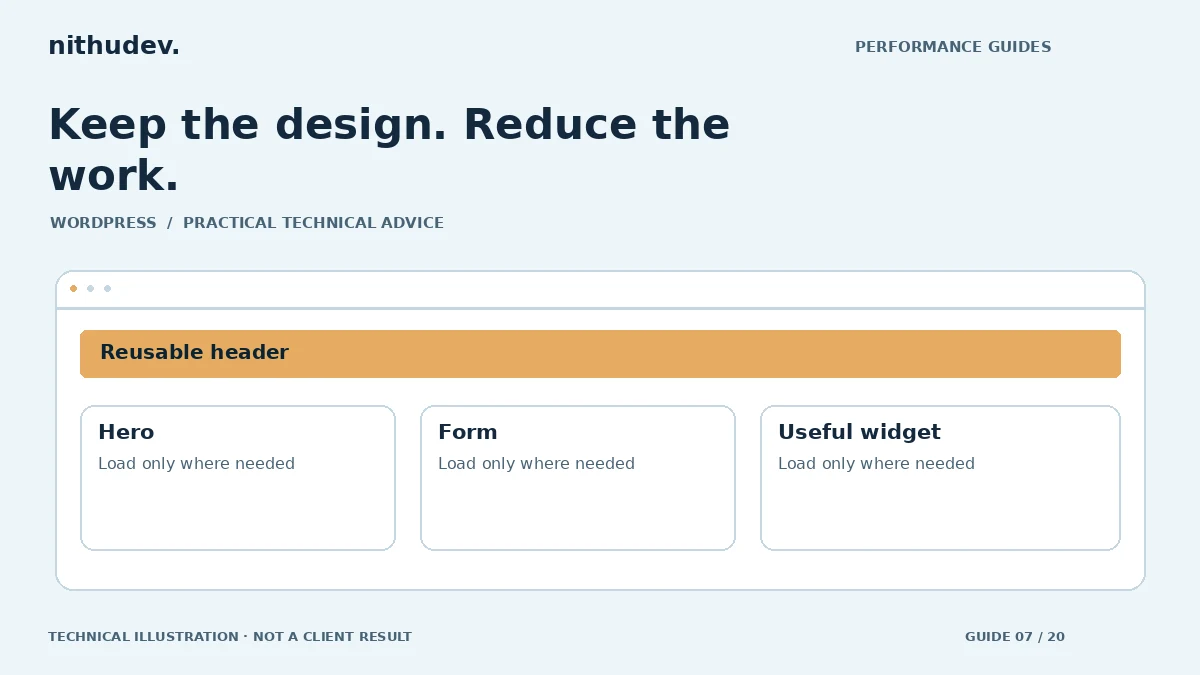
- Load specialised widgets on the templates where they are required.
- Remove unused addons only after verifying their content dependencies.
These are candidates for investigation, not instructions to strip every feature. A product configurator or booking widget may be central to the offer. Its cost needs to be managed while preserving the task, or included in an honest custom-development assessment.
Be careful with caching and CSS optimization
Element caching and other performance features can behave differently around dynamic content. Test personalised output, dates, prices and forms before enabling a broad rule. A fast cached block is a problem if it shows information that should differ by visitor.
Generated CSS changes need a rollback plan. After an update, confirm that the page’s current styles are served through every relevant cache. Test mobile menus, hover/focus states, form errors and content revealed on interaction. A screenshot of the default page will not reveal missing styles in those states.
Agree what would justify a rebuild
A rebuild may be appropriate if the site depends on abandoned addons, has extensive unmaintainable custom code or requires a substantially different content structure. That should follow a review of constraints and cost, rather than a blanket claim that all builder sites must be replaced.
For optimization work, request a template list, backup or staging arrangements, agreed changes and regression tests. Confirm that staff can still edit content and that the delivered setup does not rely on fragile edits inside plugin files.
Verify both the page and the editor
Compare repeatable mobile and desktop tests, then check navigation, forms and purchasing. Open the edited pages in Elementor and confirm that reusable templates still behave as expected. Keep a brief change log so the next update does not accidentally restore an expensive widget or undo a loading improvement.
Work directly with Nithu
Get help with your WordPress performance
Before paying for a complete redesign, request a review of your Elementor templates and the most expensive components.
Request a Speed ReviewCompare the $79, $179 and $349 one-time packages →
No payment is needed for an enquiry. Scope is confirmed before work; paid tools, hosting and out-of-scope development are separate unless agreed. No fixed score or ranking guarantee.
Technical references
Written for website owners planning performance work. Technical options depend on the installed versions, hosting and integrations. Test changes safely and retain a recovery path. The featured diagram is an original editorial illustration, not a measured result or customer case study.