Practical performance advice for website owners
Are Ads, Analytics and Live Chat Slowing WordPress? Audit Third-Party Scripts Carefully
Need hands-on help? Request a Speed Review →
WordPress performance advice · Reviewed 3 November 2026
In this guide
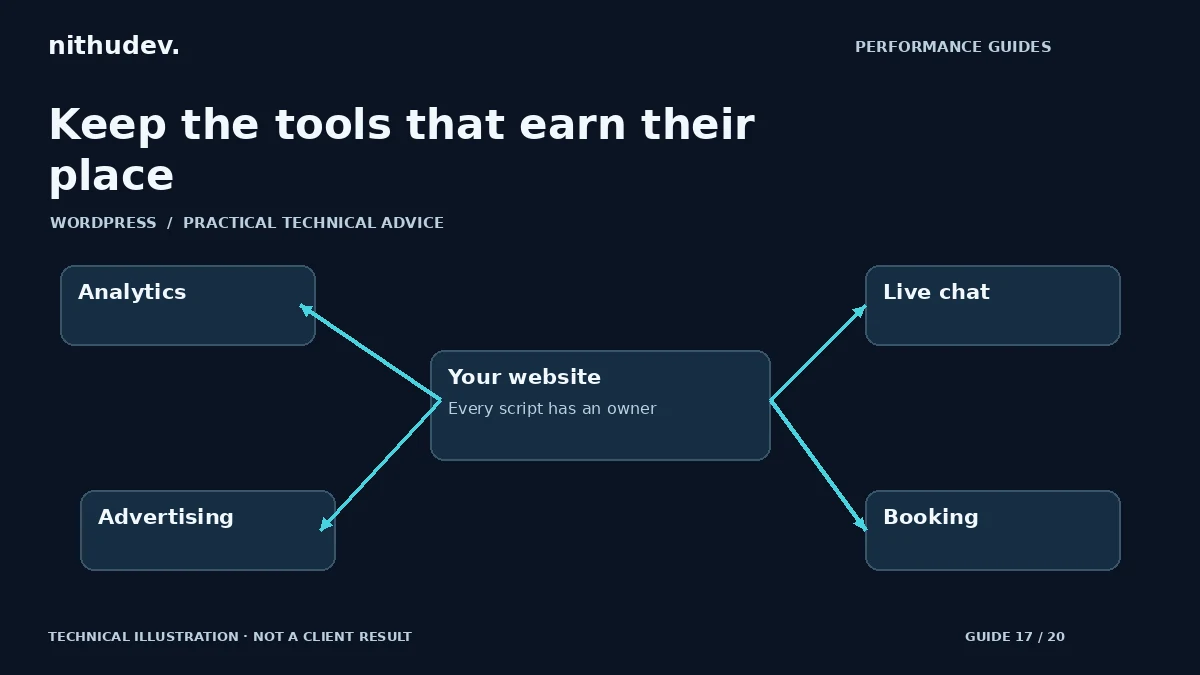
A landing page can be lightweight until the browser loads advertising tags, analytics, live chat, reviews, maps and booking embeds. These tools may be valuable. The challenge is to understand which ones are necessary, where they are needed and how their loading affects the visitor’s next action.
Build an integration inventory
List each external service, the business owner, the pages where it runs and the method used to install it. Check the theme, plugins, tag manager and custom snippets. Duplicate installation is common when a tool is added through more than one route.
For every entry, record its purpose: measurement, customer contact, payment, consent, advertising or content. Do not assume that an unfamiliar domain is unnecessary or malicious. Identify ownership before blocking it.
Measure more than downloaded bytes
Inspect network activity and browser performance work around loading and actual interactions. A service can introduce additional requests, main-thread tasks, iframes and layout changes. A small initial loader may fetch much more code later.
On a controlled test route, compare a representative session with and without one integration to help attribute its cost. Label this as diagnosis, not the final public configuration. Do not silently remove a business-critical tool from production just to produce a flattering benchmark.
Choose the least disruptive improvement
- Remove a verified duplicate while retaining the intended installation.
- Limit an integration to the pages where it provides value.
- Replace an immediately loaded map or video with an accessible user-initiated embed where suitable.
- Review supported loading settings rather than rewriting vendor code.
- Ask the business whether an obsolete tool is still needed.
A click-to-load component should explain the action and remain keyboard accessible. Do not disguise a required consent decision as a performance control. Preserve the site’s actual privacy and consent requirements.
Protect measurement quality
Delaying analytics until interaction can change what the reports capture. Test page views, successful lead events and genuine purchase reporting with the existing consent states. Count a submitted quote only after the server accepts it, and count purchases only from verifiable order/payment evidence.
Avoid sending enquiry text, email addresses, website access details or payment information to general analytics events. A useful package-selection event can identify a plan without carrying customer data. Check for duplicate events after removing duplicate integrations.
Check contact and payment availability
If live chat is deferred or removed from a specific page, keep a visible working contact route. Do not claim someone is online continuously unless that is operationally true. A restrained WhatsApp or quote link may be appropriate, but it should reflect the owner’s existing service process.
Payment code needs separate handling. Test supported gateway behaviour and merchant eligibility rather than treating the PayPal SDK like a decorative marketing widget. On service landing pages, confirm whether the payment SDK is needed before checkout at all.
Agree an ongoing review
Record the approved integrations and require a check when another tool is added. Review their loading cost and actual business use periodically. A performance budget is easier to maintain when every script has an owner and a purpose.
The outcome should be a simpler, accountable stack with functional contact and measurement. Do not present a score increase as proof that enquiries or revenue increased; those outcomes need their own data.
Work directly with Nithu
Get help with your WordPress performance
I can audit the integrations already installed, identify duplication and recommend changes that preserve useful contact and conversion measurement.
Request a Speed ReviewCompare the $79, $179 and $349 one-time packages →
No payment is needed for an enquiry. Scope is confirmed before work; paid tools, hosting and out-of-scope development are separate unless agreed. No fixed score or ranking guarantee.
Technical references
Written for website owners planning performance work. Technical options depend on the installed versions, hosting and integrations. Test changes safely and retain a recovery path. The featured diagram is an original editorial illustration, not a measured result or customer case study.