Practical performance advice for website owners
WordPress Critical CSS and Unused CSS: Fix Rendering Without Losing Styles
Need hands-on help? Request a Speed Review →
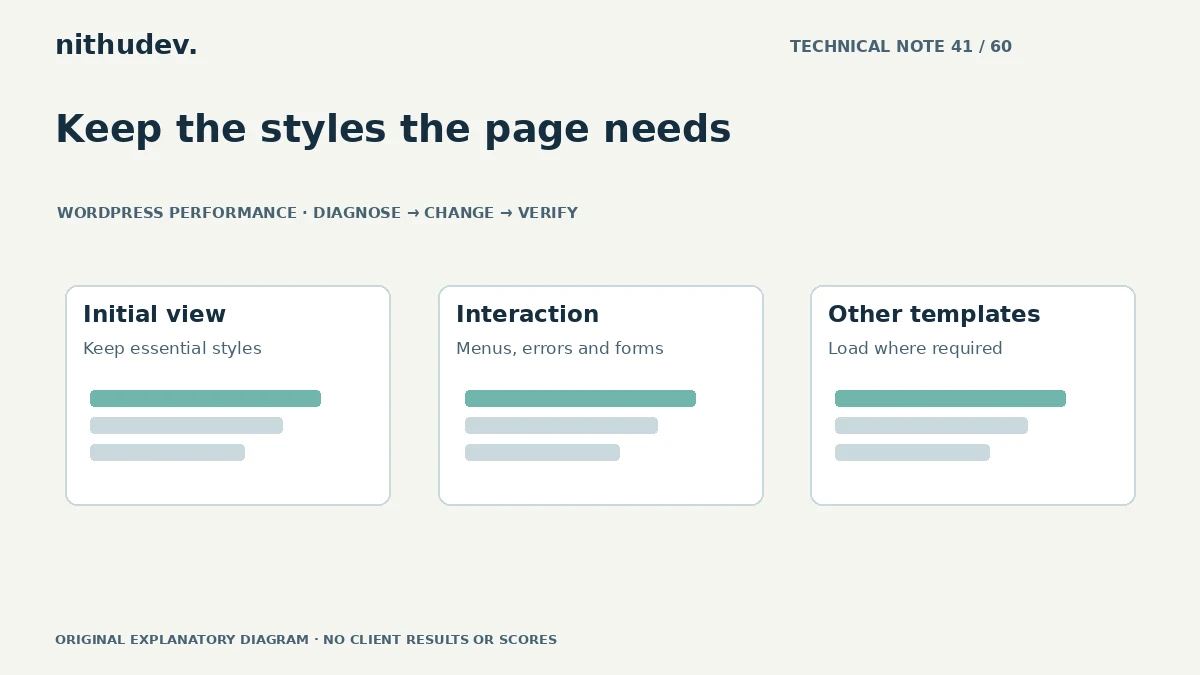
WordPress performance advice · Reviewed 3 November 2026
In this guide
A performance tool flags unused CSS, and an optimization plugin offers to remove it automatically. The promise is attractive: less code and earlier rendering. The difficulty is deciding which rules the page genuinely needs across its different states.
Separate three different techniques
Minification changes how CSS is represented. Removing unused CSS changes which rules are delivered. Critical CSS places selected initial-view rules early while arranging delivery of the rest. These solve different problems and carry different risks.
Start by confirming whether styles actually delay useful content. A large file deserves inspection, but size alone does not establish that an advanced extraction system is the best next step.
Use coverage as an investigation tool
Browser coverage can show which rules were used during a recorded session. Exercise the page: open navigation, expand details, trigger form validation and test relevant popups. Repeat at representative widths.
Unused during that session does not mean unnecessary everywhere. A shared stylesheet may support another template, language or account state. Record the context before treating a percentage as a deletion list.
Choose the smallest appropriate change
- Remove styles for a verified obsolete component.
- Load specialised component styles only where supported and required.
- Reduce duplication introduced by overlapping tools.
- Consider advanced extraction only when evidence justifies its complexity.
Use supported theme or plugin interfaces. Do not edit distributed files that will be replaced by an update. Block themes and classic themes can have different asset-loading arrangements, so check the actual stack.
Protect initial and later states
If critical styles are generated, verify the correct template and viewport assumptions. A desktop hero is not a reliable model for every mobile page. Check that the remaining stylesheet arrives without a visible unstyled interval or unexpected movement.
Keep important content visible if optional JavaScript fails. A page should not rely on an animation or a fragile loader merely to reveal the service explanation or contact action.
Regenerate deliberately after changes
New widgets, revised templates and plugin updates can alter the required CSS. Understand how generated files are refreshed and how HTML, origin and edge caches are coordinated. Old HTML pointing to a removed generated file can produce a broken page.
Keep a rollback setting and a record of exclusions. If two plugins both transform CSS, decide which one owns the work before adding another exception.
Accept the result only after functional checks
Compare repeatable loading tests, then check navigation, forms, keyboard focus, hover states and mobile layouts. Test commerce or booking if present. A smaller transfer does not justify missing validation messages or inaccessible controls.
Ask for the templates changed, evidence, tests and remaining limitations in the handover. Critical CSS is an advanced option, not a requirement for every WordPress website or a guarantee of a score.
Work directly with Nithu
Get help with your WordPress performance
If a CSS optimization setting has changed your layout or hidden controls, I can review the generated styles and loading sequence before applying a targeted fix.
Request a Speed ReviewCompare the $79, $179 and $349 one-time packages →
No payment is needed for an enquiry. Scope is confirmed before work; paid tools, hosting and out-of-scope development are separate unless agreed. No fixed score or ranking guarantee.
Technical references
Written for website owners planning performance work. Technical options depend on the installed versions, hosting and integrations. Test changes safely and retain a recovery path. The featured diagram is an original editorial illustration, not a measured result or customer case study.