Practical performance advice for website owners
WordPress Icons and SVG: Reduce Asset Waste Without Losing Clear Controls
Need hands-on help? Request a Speed Review →
WordPress performance advice · Reviewed 3 November 2026
In this guide
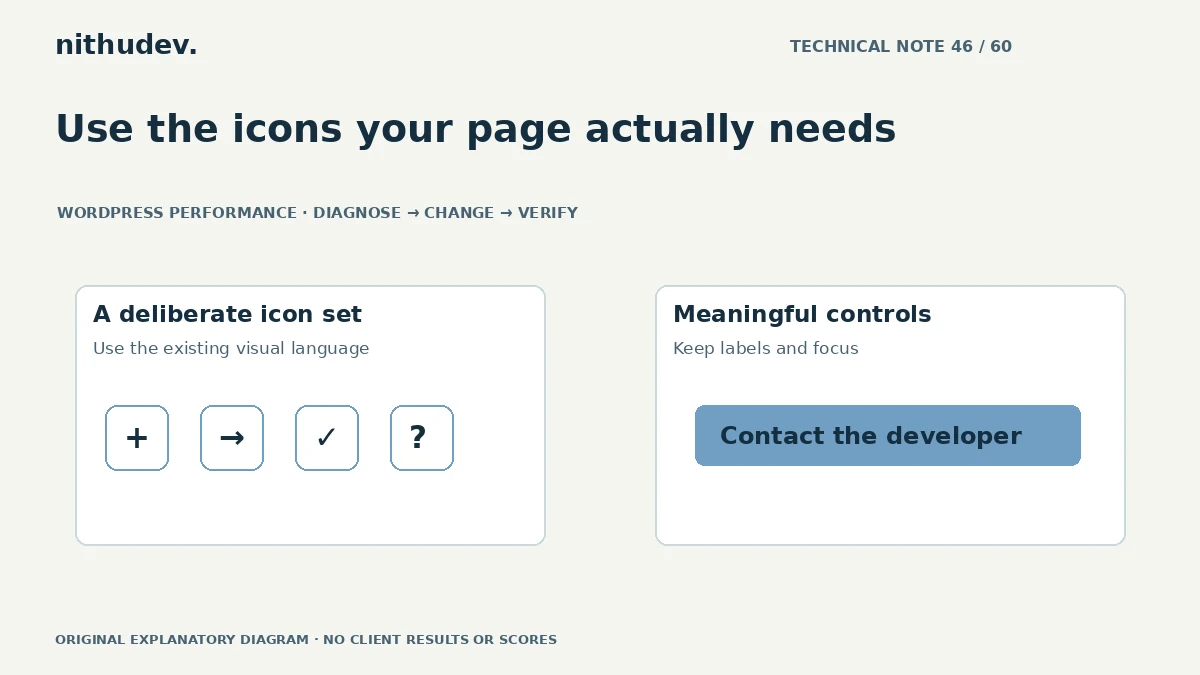
A service page uses a phone, arrow and checkmark, but several components load different icon libraries. Each may bring fonts, styles or script processing. An icon review can simplify that stack without changing the site’s overall identity.
Find the real sources
Inspect font, SVG, CSS and script requests. Trace them to the theme, builder and widgets. The same-looking symbol can arrive through several implementations, and an unused addon may still load resources globally.
Record where each library is needed. An icon used inside a validation message or account menu may not appear in the first screenshot, so check interactive states before removing its source.
Choose an appropriate representation
A small established SVG system can suit a limited set of interface icons. An existing well-managed library may be appropriate when it is already used consistently across many features. Compare actual resources rather than assuming one format always wins.
Inline artwork can also add markup if repeated many times. A sprite or external file has different caching and usage considerations. Choose around the real page rather than turning every symbol into another custom integration.
Preserve meaning and accessibility
- Keep text or an accessible name for a phone, search or menu control.
- Hide a purely decorative duplicate icon from assistive technology appropriately.
- Maintain contrast and visible keyboard focus.
- Ensure a missing font or image does not make the action incomprehensible.
An icon-only button that becomes lighter but loses its label is not an improvement. Test with keyboard navigation and inspect the control’s actual accessible name.
Handle SVG as a real asset type
Use trusted, appropriately prepared artwork through the site’s supported workflow. SVG can contain more than simple shapes, so do not enable unrestricted uploads or paste unreviewed markup merely to gain a performance benefit.
Keep dimensions or an appropriate aspect ratio to reserve space. Preserve genuine logos and attribution requirements. Do not replace an official platform mark with a lookalike that implies an unsupported relationship.
Remove duplication carefully
If an addon owns the unnecessary library, use its supported loading setting or extension point where available. Check all templates and states that depend on it before removal. Do not delete a distributed font or stylesheet from a plugin folder and leave its references behind.
Document the retained icon system and the reason for any exception. A future widget installation should not quietly reintroduce another global library.
Verify the complete result
Compare requests and transferred resources, then inspect visible icons on mobile and desktop. Test forms, account menus and other revealed states. Check that loading failures leave understandable text rather than empty boxes or meaningless characters.
A focused icon cleanup is usually a small part of a broader performance scope. It should be prioritised according to evidence, not sold as a standalone guarantee of a particular score.
Work directly with Nithu
Get help with your WordPress performance
I can review duplicated icon resources and simplify their delivery while keeping the site’s controls understandable and visually consistent.
Request a Speed ReviewCompare the $79, $179 and $349 one-time packages →
No payment is needed for an enquiry. Scope is confirmed before work; paid tools, hosting and out-of-scope development are separate unless agreed. No fixed score or ranking guarantee.
Technical references
Written for website owners planning performance work. Technical options depend on the installed versions, hosting and integrations. Test changes safely and retain a recovery path. The featured diagram is an original editorial illustration, not a measured result or customer case study.