Practical performance advice for website owners
WordPress Waiting on an External API? Diagnose Slow Server-Side Calls
Need hands-on help? Request a Speed Review →
WordPress performance advice · Reviewed 3 November 2026
In this guide
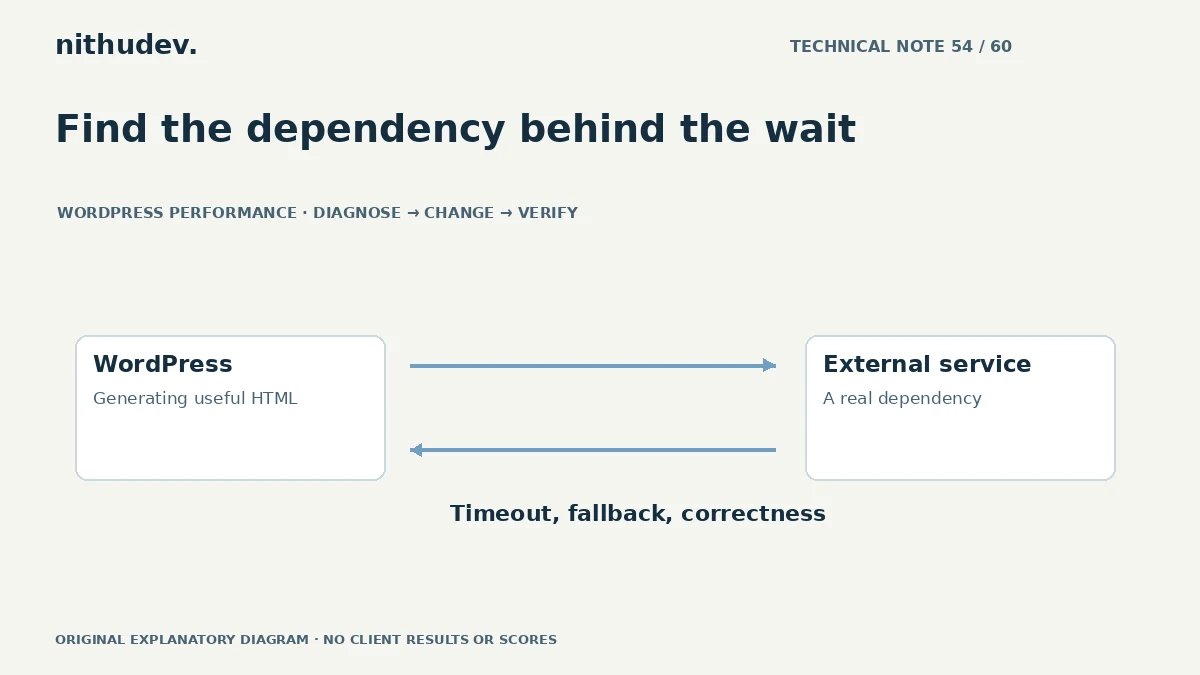
The page stays blank while WordPress waits for another service. The browser may show only a slow document request because the external call happens on the server. Compressing the hero image will not remove that initial dependency.
Confirm where the waiting occurs
Compare the document timing with an appropriate backend profile and relevant logs. Identify calls made during page generation, their owners, response status and observed durations. Keep credentials and private response data out of public reports.
A third-party script loaded in the browser is a separate path. Establish whether the delay is server-side, client-side or both before proposing a fix.
Understand why the data is needed
A public review summary, a live availability check and a payment operation have different correctness requirements. Decide whether the response must be current for this task and whether it belongs in the initial page generation at all.
Do not replace important business data with an invented value merely to show the page sooner. If a dependency is unavailable, the interface needs an honest, supported fallback.
Review request handling
- Use the platform’s supported HTTP client and error handling.
- Check authentication and documented provider limits.
- Investigate repeated failures instead of retrying without bounds.
- Choose timeouts around the task and provider guidance.
A very short timeout can turn a slow but valid operation into routine failure. A long timeout can make an optional component block useful content. The correct choice depends on the feature.
Cache only where it is appropriate
Some public data can be reused for an agreed period. Define the key, lifetime, refresh and invalidation rules. Account for language, location or other context where the response changes.
Do not place private customer responses into a shared public cache. Availability, prices and transaction states may require fresh authoritative handling. Caching is a design decision with correctness requirements.
Move optional work carefully
An optional summary may be prepared in the background or loaded after essential content, using a supported implementation. Keep its status clear and avoid introducing duplicate requests or a new fragile script dependency.
State-changing actions need duplicate protection and confirmation of the actual result. An accepted request is not always a completed downstream operation; preserve the integration’s supported verification model.
Verify normal, slow and failed responses
Use an authorised environment or provider test facilities. Check how the page behaves when the service responds normally, slowly or with an error. Confirm the customer’s next action remains understandable and safe.
Record the dependency and what remains outside the developer’s control. A custom integration correction may require a separate scope from routine WordPress asset optimization.
Work directly with Nithu
Get help with your WordPress performance
If a page waits on a booking, reporting or other external service, I can investigate the call and agree a suitable timeout, caching or loading approach.
Request a Speed ReviewCompare the $79, $179 and $349 one-time packages →
No payment is needed for an enquiry. Scope is confirmed before work; paid tools, hosting and out-of-scope development are separate unless agreed. No fixed score or ranking guarantee.
Technical references
Written for website owners planning performance work. Technical options depend on the installed versions, hosting and integrations. Test changes safely and retain a recovery path. The featured diagram is an original editorial illustration, not a measured result or customer case study.