Practical performance advice for website owners
Persistent Object Cache for WordPress: When Redis or Memcached May Help
Need hands-on help? Request a Speed Review →
WordPress performance advice · Reviewed 3 November 2026
In this guide
Your host recommends an object cache, while a performance plugin shows a Redis or Memcached option. Enabling the switch is not the whole project. First understand which workload may benefit and whether the required backend is actually available.
Separate object cache from page cache
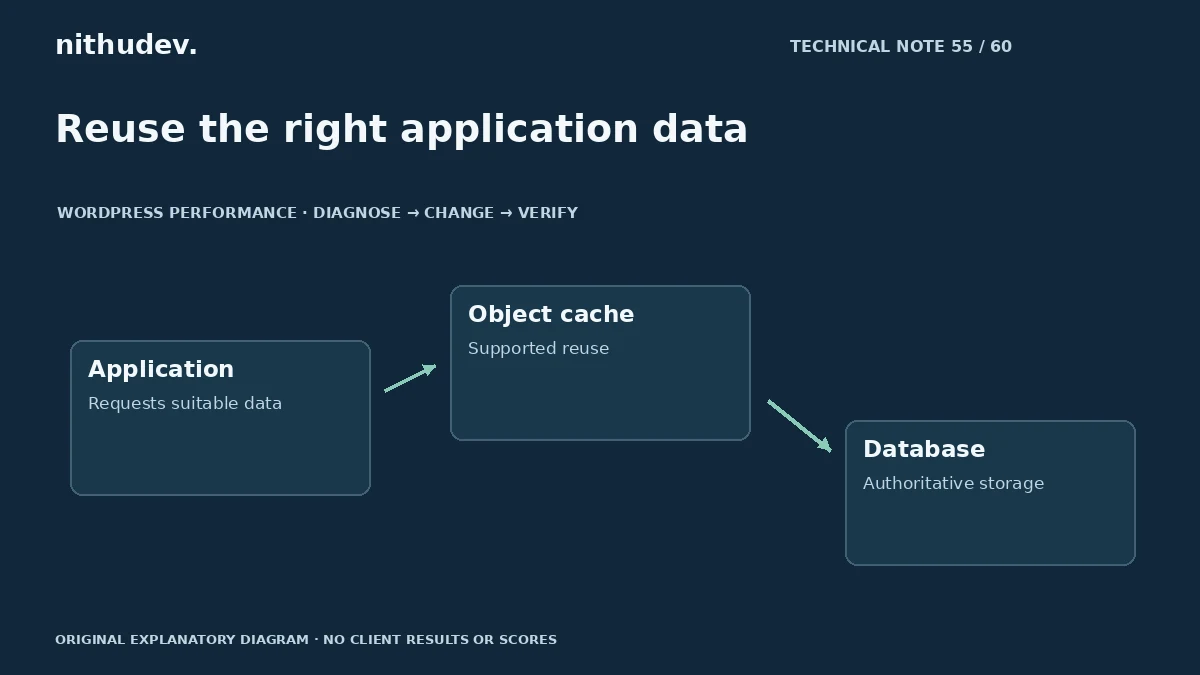
Page caching reuses eligible generated responses. Object caching stores reusable application data. WordPress has an object-cache interface, but persistence across requests requires an appropriate implementation and backend.
That distinction matters for dynamic workloads. A fast cached homepage does not establish whether repeated application data work affects administration, search or checkout.
Establish the opportunity
Use relevant profiles and hosting evidence to identify repeated work that the cache can reasonably avoid. Check existing cache status instead of assuming no persistent system is present.
A slow external service, oversized browser asset or expensive operation with poor reuse may need another fix. Do not buy infrastructure solely because a checklist contains the word Redis.
Confirm platform support
- Ask which backend the host provisions and supports.
- Review connection, memory and availability arrangements.
- Identify the supported WordPress integration or drop-in.
- Check whether multisite or multiple environments share infrastructure.
Do not add a second conflicting object-cache implementation. Keep credentials in approved configuration and separate environments appropriately. A public connection or careless shared namespace can introduce problems unrelated to speed.
Test invalidation and freshness
Update representative content, settings and products on an authorised test environment. Verify that public and administrative views reflect the intended changes. Check relevant language, user or site contexts.
Custom code should use the supported APIs and invalidate data according to its ownership. A high hit rate is not useful if the reused value is wrong. Avoid changing cache groups or lifetimes blindly.
Plan failure behaviour and maintenance
Discuss how connection failures, memory pressure and restarts are handled by the chosen setup. Monitor the relevant operational evidence and keep a recovery process. Flushing an entire shared backend is not a generic first diagnostic step.
Coordinate work with the host and understand the effect on other applications or sites. Routine page optimization should not imply unrestricted administration of shared infrastructure.
Compare the affected tasks
Repeat the original dynamic requests and staff actions under comparable conditions. Verify forms, carts and checkout where relevant. Report the observed result and configuration, not a universal percentage improvement.
Include ownership, supported integration, update checks and ongoing costs in the handover. Persistent caching can be useful, but it is one part of a maintained application rather than a permanent speed guarantee.
Work directly with Nithu
Get help with your WordPress performance
I can assess whether your dynamic workload and hosting support justify persistent object caching, then test freshness and functionality alongside performance.
Request a Speed ReviewCompare the $79, $179 and $349 one-time packages →
No payment is needed for an enquiry. Scope is confirmed before work; paid tools, hosting and out-of-scope development are separate unless agreed. No fixed score or ranking guarantee.
Technical references
Written for website owners planning performance work. Technical options depend on the installed versions, hosting and integrations. Test changes safely and retain a recovery path. The featured diagram is an original editorial illustration, not a measured result or customer case study.