Practical performance advice for website owners
High WordPress TTFB: Is Your Hosting Slow or Is the Website Doing Too Much?
Need hands-on help? Request a Speed Review →
WordPress performance advice · Reviewed 3 November 2026
In this guide
The browser waits before any page content arrives. Someone recommends a more expensive hosting plan, while another person suggests a cache plugin. Either could be relevant, but neither recommendation is complete without evidence about the document request and the website’s processing.
Understand what you are timing
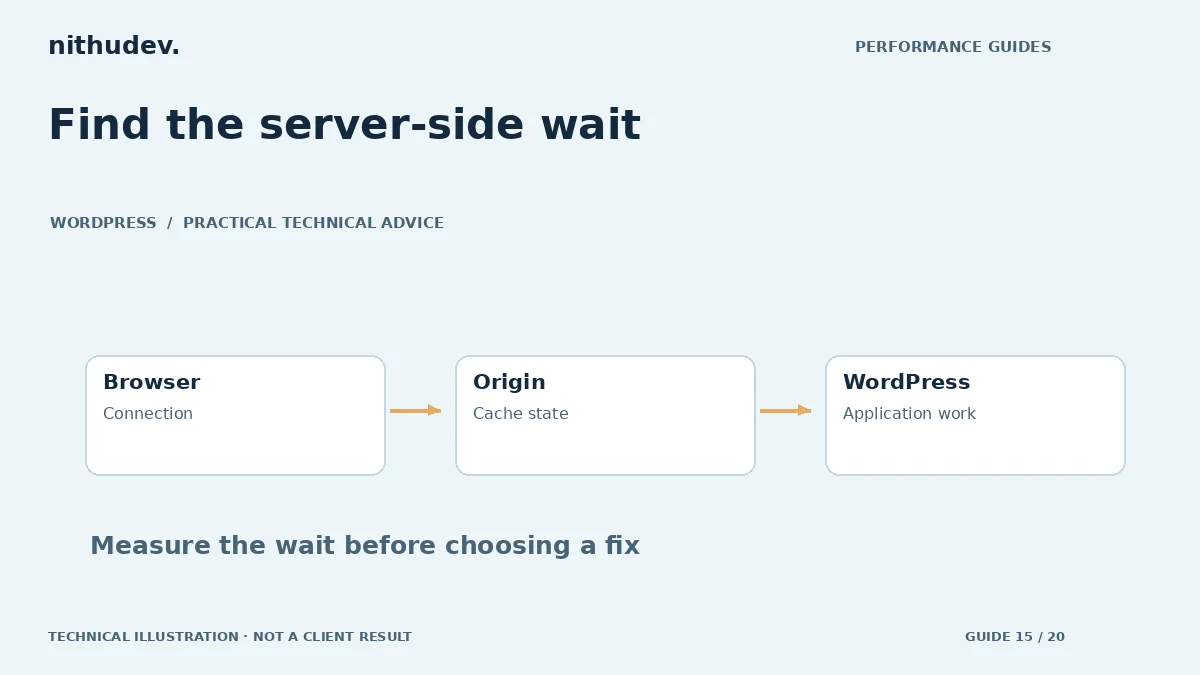
Time to First Byte describes the wait until the first byte of the response arrives and includes more than PHP execution alone. Redirects, connection setup, network distance and origin work can contribute. Inspect the request timing rather than attributing the entire value to a single plugin or the database.
Record the exact URL and visitor state. The homepage served from cache may behave very differently from search, administration, cart or checkout. A report based on one cached route does not establish the capacity of the whole application.
Compare a hit, a miss and a dynamic request
Ask your host which response headers indicate caching, and test an eligible public page repeatedly. Compare it with a route that genuinely needs dynamic processing. Avoid arbitrary test parameters that bypass normal caching unless you deliberately want to investigate that path.
If a cached public page is quick but its uncached version is consistently slow, examine WordPress generation and the reason for misses. If every route is slow from one region but not another, consider distance and delivery. If all routes deteriorate during busy periods, investigate resource pressure and concurrent work.
Investigate the application before buying capacity
- Slow database queries or oversized frequently loaded options.
- Plugins calling external services during page generation.
- Scheduled jobs, imports or backups competing with visitor requests.
- Expensive template logic or repeated queries.
- Resource limits, PHP worker availability and storage performance.
These are investigation leads, not proof of a fault. Use appropriate profiling and hosting logs in a controlled environment. Avoid running intrusive diagnostics on a busy production store without considering their cost and the privacy of recorded data.
Know what an upgrade can and cannot change
Additional capacity may be justified when the site’s legitimate workload exceeds the current environment. A move can also improve location, software support and operational reliability. Request evidence of the constraint and a migration plan before spending money.
A host upgrade does not automatically fix an external API timeout, a poorly scoped query or a multi-step redirect chain. Conversely, browser image compression does not remove slow server generation. The best solution may combine application work with a suitable infrastructure change.
Prepare a useful support request
Send the host the affected URLs, timestamps with timezone, repeatable conditions, response headers and timing evidence. Ask about relevant limits, errors and activity at those times. Keep credentials, personal information and private logs out of a public support thread.
For a developer, provide read-only diagnostic access or scoped access through a secure method. Agree whether the work covers configuration within the existing plan or a broader migration. Hosting fees and platform changes should be quoted separately from routine optimization unless specifically included.
Verify under representative conditions
Repeat the same public and dynamic requests after the change. Check cache invalidation, forms, scheduled processes and checkout. Report the observed range rather than guaranteeing one response time for every visitor. Ongoing workload and third-party dependencies can still change the result.
Work directly with Nithu
Get help with your WordPress performance
If the first response is slow, I can review the evidence and identify whether configuration, application work or a hosting discussion is the sensible next step.
Request a Speed ReviewCompare the $79, $179 and $349 one-time packages →
No payment is needed for an enquiry. Scope is confirmed before work; paid tools, hosting and out-of-scope development are separate unless agreed. No fixed score or ranking guarantee.
Technical references
Written for website owners planning performance work. Technical options depend on the installed versions, hosting and integrations. Test changes safely and retain a recovery path. The featured diagram is an original editorial illustration, not a measured result or customer case study.