Practical performance advice for website owners
Animated GIFs on WordPress: Choose Lighter Motion Without Losing the Message
Need hands-on help? Request a Speed Review →
WordPress performance advice · Reviewed 3 November 2026
In this guide
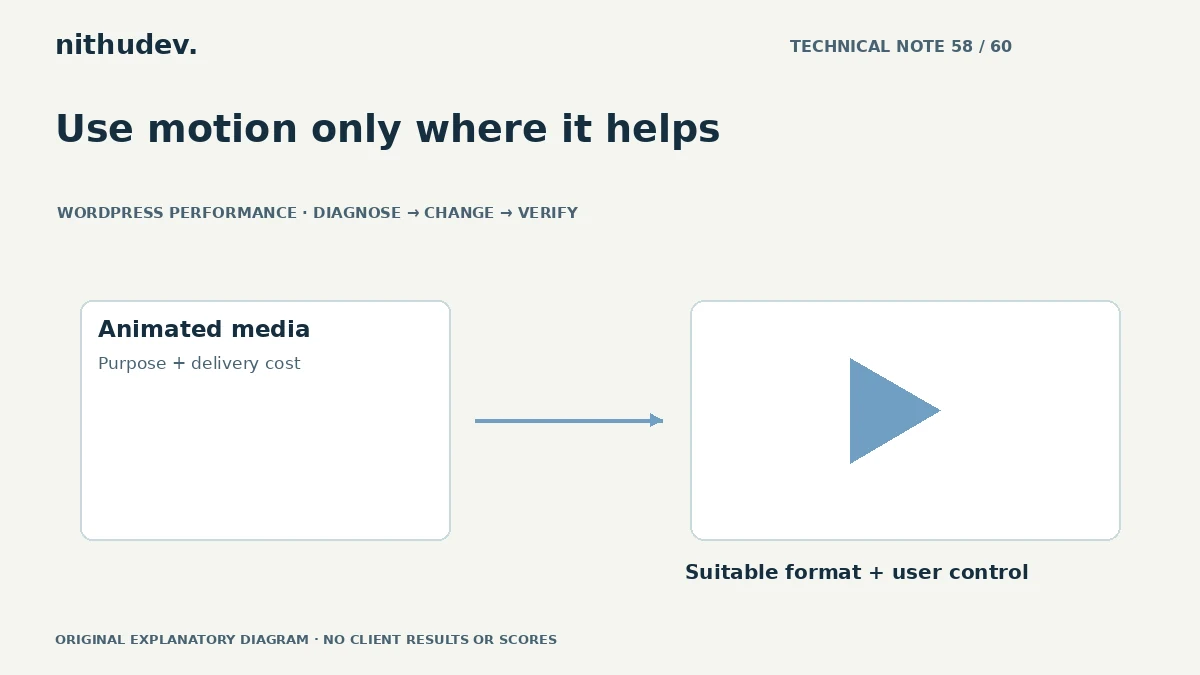
An animated banner or tutorial clip can be useful, but an oversized GIF can make a page expensive before someone understands the offer. The solution may be a more suitable media format, a shorter sequence or a clear static image.
Decide whether motion is essential
Ask what information the animation communicates. A brief demonstration may deserve motion; a decorative loop may not. Keep important service facts and actions available in ordinary text.
Do not replace a genuine step-by-step demonstration with an unexplained still merely to reduce bytes. Preserve the teaching or communication purpose.
Inspect the delivered resource
Check the actual file size, dimensions and loading position. A small display box may still download a large original. Determine whether the browser fetches multiple variants or starts every animation on a long page immediately.
Record the page and device conditions. File size alone is not the whole experience; decoding, playback and layout can also matter.
Compare suitable alternatives
For some animated content, an appropriately encoded video can be more efficient than GIF. A static poster with user-initiated playback may fit a supporting demonstration. A simple diagram can sometimes communicate the idea more clearly.
- Check visual quality at the intended size.
- Keep a suitable poster and stable aspect ratio.
- Choose loading behaviour around the content’s position.
- Test playback and fallback in supported browsers.
Do not assume one conversion setting produces the best result for every clip.
Respect control and comfort
Review autoplay, looping and pause behaviour with current accessibility guidance. Honour reduced-motion preferences where appropriate. Avoid flashing or distracting effects that compete with reading.
A silent decorative loop should not obscure text or imply a live measurement. Animated performance meters and counters need genuine data and context; a fictional score display is not useful evidence.
Check the integration after changing formats
Update the intended references and verify old public URLs where they remain relevant. Confirm that the chosen player does not introduce a larger third-party dependency than the original media.
Test captions or alternative information for meaningful content, keyboard controls and mobile presentation. Keep the social sharing image separate from an in-page animation when the platform requires a static preview.
Evaluate the practical result
Compare delivery and page behaviour under the same conditions. Check that the visitor can understand the message and reach the CTA without waiting for optional playback. Report the chosen trade-offs rather than promising a universal size reduction or sales effect.
A media review can be part of routine optimization, while a large video library or custom streaming workflow may need a separate project.
Work directly with Nithu
Get help with your WordPress performance
I can review moving media and choose an appropriate format and loading strategy while retaining its useful message and accessible controls.
Request a Speed ReviewCompare the $79, $179 and $349 one-time packages →
No payment is needed for an enquiry. Scope is confirmed before work; paid tools, hosting and out-of-scope development are separate unless agreed. No fixed score or ranking guarantee.
Technical references
Written for website owners planning performance work. Technical options depend on the installed versions, hosting and integrations. Test changes safely and retain a recovery path. The featured diagram is an original editorial illustration, not a measured result or customer case study.