Practical performance advice for website owners
WordPress Browser Cache and Asset Versioning: Keep Repeat Visits Fresh
Need hands-on help? Request a Speed Review →
WordPress performance advice · Reviewed 3 November 2026
In this guide
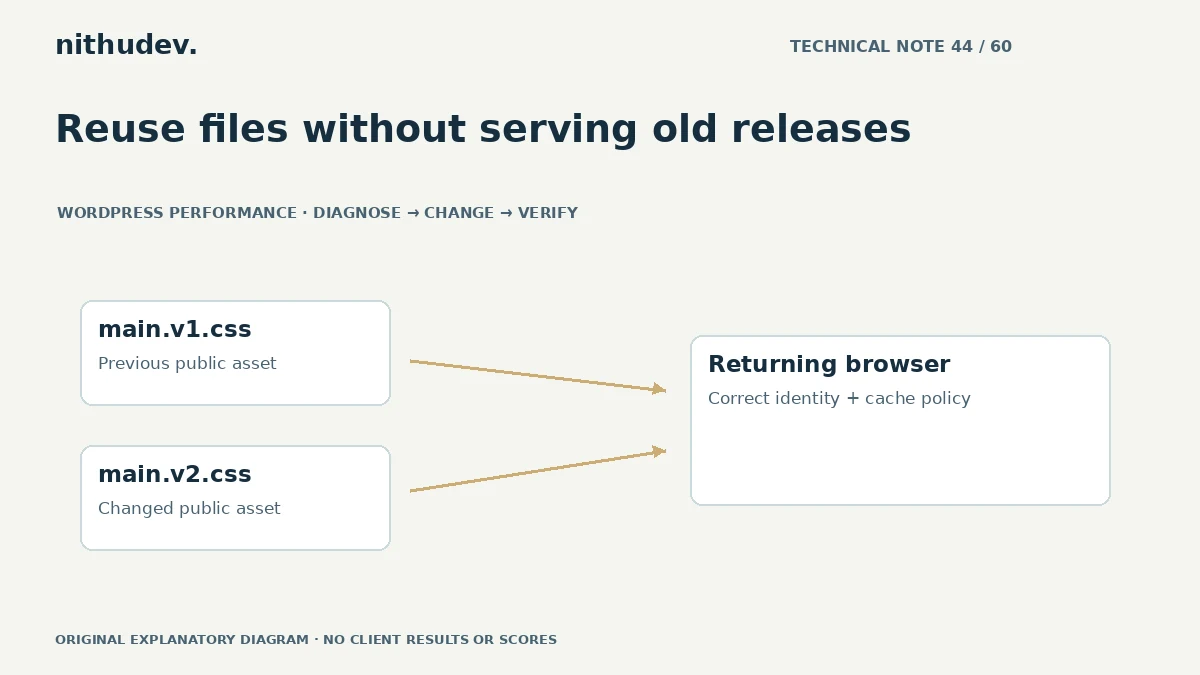
Browser caching can avoid downloading the same public file on every visit. It can also leave someone looking at old styles if a changed file keeps the same identity and is not revalidated appropriately. The solution is a coherent update strategy.
Distinguish the document from its assets
The HTML page and its images, styles and scripts can have different lifetimes. Account pages, form challenges and other session-sensitive responses need different treatment from a versioned public stylesheet.
Review actual headers and request behaviour. A repeat visit that uses a cached logo does not establish how the document or a personalised request is handled.
Give changed files a meaningful version
A build may produce a filename such as main.a8c.css, while a CMS integration may use a supported version parameter. The important point is that a real change produces the intended new resource identity and that every delivery layer respects it.
Avoid stripping version information indiscriminately. Some caching rules ignore query parameters, so verify the selected approach with the actual host and CDN. The string in the HTML is only part of the system.
Check immutable-style policies carefully
A long reusable lifetime suits assets whose URL changes whenever their contents change. It is a poor assumption for a file repeatedly overwritten at the same address. Establish the deployment model before applying broad rules.
- Know which files are generated and which are edited in place.
- Keep HTML references aligned with deployed assets.
- Retain old assets where supported during transition.
- Document how cache invalidation works.
Do not assign public long-lived caching to customer-specific content just because it makes a test faster.
Test both sides of an update
Open a page before the release, then revisit in the same browser after the change. Compare that with a clean session. Confirm the new styles or behaviour arrive and that there are no missing files.
Check back navigation and any service-worker handling separately. Those mechanisms can restore or serve content differently from an ordinary network request.
Keep the setup maintainable
Use the theme, builder or build system’s supported asset mechanisms. Manual renaming without updating all references can break a site. Versioning should work for future editors and deployments, not depend on someone remembering an undocumented step.
If an optimization plugin generates file names, understand its cleanup policy and the relationship with cached HTML. A newly purged asset directory should not leave public pages pointing to nonexistent files.
Evaluate the correct benefit
Measure repeat-visit delivery and update correctness. Browser caching does not remove the cost of a first uncached visit or the work a script performs after download. Keep those measurements separate.
A useful handover describes the public asset policy, release process, exceptions and tests. It should avoid universal instructions to cache every response for the longest possible time.
Work directly with Nithu
Get help with your WordPress performance
If returning visitors see outdated styles or scripts, I can review versioning, response headers and the release process across your existing delivery stack.
Request a Speed ReviewCompare the $79, $179 and $349 one-time packages →
No payment is needed for an enquiry. Scope is confirmed before work; paid tools, hosting and out-of-scope development are separate unless agreed. No fixed score or ranking guarantee.
Technical references
Written for website owners planning performance work. Technical options depend on the installed versions, hosting and integrations. Test changes safely and retain a recovery path. The featured diagram is an original editorial illustration, not a measured result or customer case study.