Practical performance advice for website owners
WordPress DOM Size: Simplify Heavy Layouts Without Deleting Useful Content
Need hands-on help? Request a Speed Review →
WordPress performance advice · Reviewed 3 November 2026
In this guide
A performance report mentions a large DOM, and a developer recommends reducing the number of page elements. The DOM is the browser’s representation of the document. More elements can increase work, but a count alone does not explain the user-visible problem.
Connect the warning to a task
Record loading, scrolling and relevant interactions in a browser performance trace. Look for costly style calculations, layout or updates. Identify which component changes when the delay occurs.
A deep tree can be a symptom of a complicated pattern rather than proof that depth itself is the dominant cost. Avoid choosing an arbitrary node target as the project’s sole acceptance criterion.
Find unnecessary repetition
Page builders can accumulate nested containers, duplicate desktop/mobile sections and repeated decorative structures. Product grids, mega menus and review collections can add many similar components.
- Check whether separate responsive sections duplicate the same task.
- Look for wrappers retained after design revisions.
- Identify long lists that could use sensible paging or expansion.
- Inspect components that rebuild large sections for a small change.
Keep each observation tied to the template and actual behaviour.
Choose a simpler structure
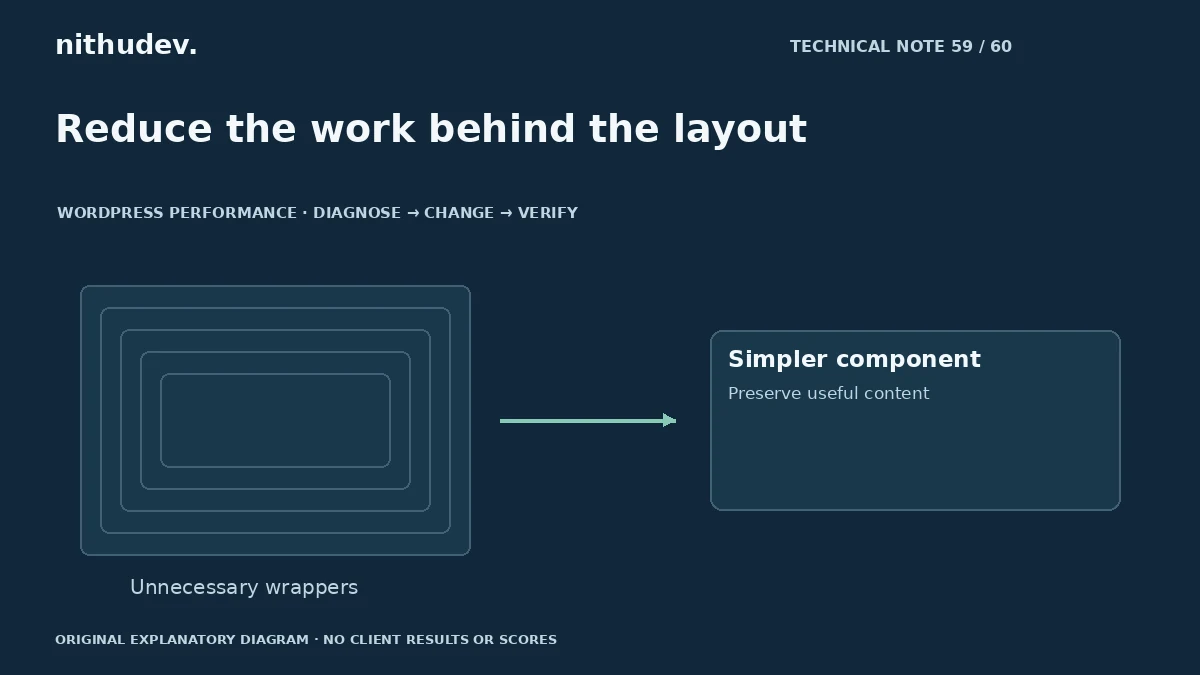
Use the builder or theme’s supported layout tools to remove unnecessary nesting. A shared responsive structure may replace some duplication, while other designs legitimately need different presentation. Preserve headings, labels and reading order.
Avoid manually deleting generated markup that the editor expects. The page must remain maintainable, and the next content update should not recreate a broken structure.
Bound expensive collections
For a large set of cards, a useful initial selection and an accessible route to the rest can reduce the immediate interface burden. Pagination may suit some catalogs better than rendering everything at once.
Native disclosures or advanced rendering controls can help certain layouts, but they do not automatically prevent every resource download. Check media loading and the actual user journey separately.
Preserve all meaningful information
Do not remove pricing terms, genuine reviews or useful service content only to lower an element count. Reorganise repeated material and provide clear access where supporting details are collapsed.
Check keyboard order, screen-reader structure where available, mobile wrapping and focus after an update. A lighter layout that makes the right information difficult to find is incomplete.
Compare measured work and usability
Repeat the original trace and interaction after a targeted change. Inspect layout stability and responsiveness. Record the changed component, not merely the new total element count.
For a site with extensive custom widgets, the best next step may be a component-level development review. A generic score target cannot capture every data, layout and integration constraint.
Work directly with Nithu
Get help with your WordPress performance
If a complex page feels sluggish, I can inspect its rendering and component structure and simplify the costly patterns without discarding useful content.
Request a Speed ReviewCompare the $79, $179 and $349 one-time packages →
No payment is needed for an enquiry. Scope is confirmed before work; paid tools, hosting and out-of-scope development are separate unless agreed. No fixed score or ranking guarantee.
Technical references
Written for website owners planning performance work. Technical options depend on the installed versions, hosting and integrations. Test changes safely and retain a recovery path. The featured diagram is an original editorial illustration, not a measured result or customer case study.