Practical performance advice for website owners
WordPress Membership Speed: Improve Logged-In Pages Without Sharing Private Data
Need hands-on help? Request a Speed Review →
WordPress performance advice · Reviewed 3 November 2026
In this guide
Your public pages are quick, but members wait for dashboards, courses or account tools. Public page caching may not apply to these views. The right investigation follows the authenticated task and its data requirements.
Choose representative member states
Test the relevant roles and permissions using authorised accounts. A new member, an administrator and a subscriber with a long history may have different workloads. Record the exact action and dataset involved.
Do not copy real private records into a public test environment. Use suitable representative data and restrict diagnostic access.
Find the expensive part of the request
Inspect the page and associated API requests. Review database work, external calls and repeated lookups through appropriate profiling. Then examine browser rendering and interaction costs.
A dashboard may fetch too much history or rebuild a large list after each action. Another may wait on an external entitlement service. Those problems need different fixes.
Reduce work at the correct boundary
- Paginate large histories or lists where appropriate.
- Load optional panels when they are needed.
- Reuse suitable application data through supported caching.
- Avoid repeated equivalent requests during one action.
Preserve meaningful navigation and accessible access to the complete record. Hiding information without a route to retrieve it is not a performance improvement.
Keep authentication and privacy authoritative
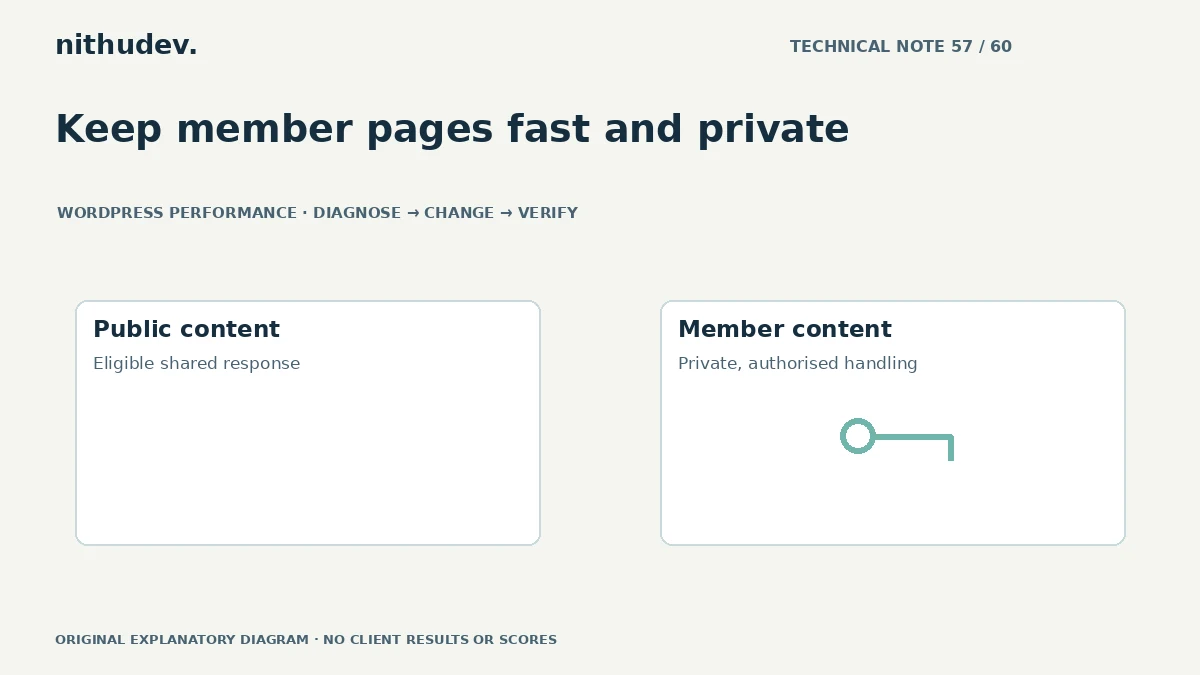
Do not serve an account page through a shared public cache just to reduce response time. Check independent sessions to ensure one person’s content does not appear for another. Keep permission checks on the server.
Where data is cached at an application level, its keys, scope and invalidation must reflect the actual ownership and context. A generic public-cache preset cannot make those decisions for a custom member system.
Test account changes and session transitions
Verify login, logout, permission changes and supported membership transitions in an authorised environment. A browser-restored screen should not be treated as current proof of access or payment.
After any optimization, confirm that users can save legitimate changes and that private actions reject unauthorised requests. Preserve supported nonces and validation rather than bypassing them to shorten a request.
Define the scope and acceptance tests
List the dashboards, roles, actions and data sizes included. Compare the same tasks before and after changes and record functional results. Report which provider or extension limits remain.
A heavily customised membership application can require dedicated development beyond a standard public-page speed package. A targeted assessment helps separate configuration work from a larger data or interface redesign.
Work directly with Nithu
Get help with your WordPress performance
If members experience slow dashboards, I can assess the authenticated workload and appropriate optimization options while preserving private data and access rules.
Request a Speed ReviewCompare the $79, $179 and $349 one-time packages →
No payment is needed for an enquiry. Scope is confirmed before work; paid tools, hosting and out-of-scope development are separate unless agreed. No fixed score or ranking guarantee.
Technical references
Written for website owners planning performance work. Technical options depend on the installed versions, hosting and integrations. Test changes safely and retain a recovery path. The featured diagram is an original editorial illustration, not a measured result or customer case study.