Practical performance advice for website owners
Missing WordPress CSS, Images or Scripts: Find 404 Requests That Waste Work
Need hands-on help? Request a Speed Review →
WordPress performance advice · Reviewed 3 November 2026
In this guide
A page looks mostly normal, but its network log contains failed images or scripts. Some failures affect important functionality; others create repeated unnecessary work. A focused asset check can reveal broken references hidden behind an acceptable screenshot.
List the failures on a real route
Open a clean session and inspect requests for a representative page. Record the URL, type, response status and initiator. Distinguish a genuine missing file from a permission error, network failure or browser block.
Check whether the failure occurs during initial loading or after an interaction. A missing validation or payment-related script may not be requested until a visitor reaches the relevant step.
Trace the reference
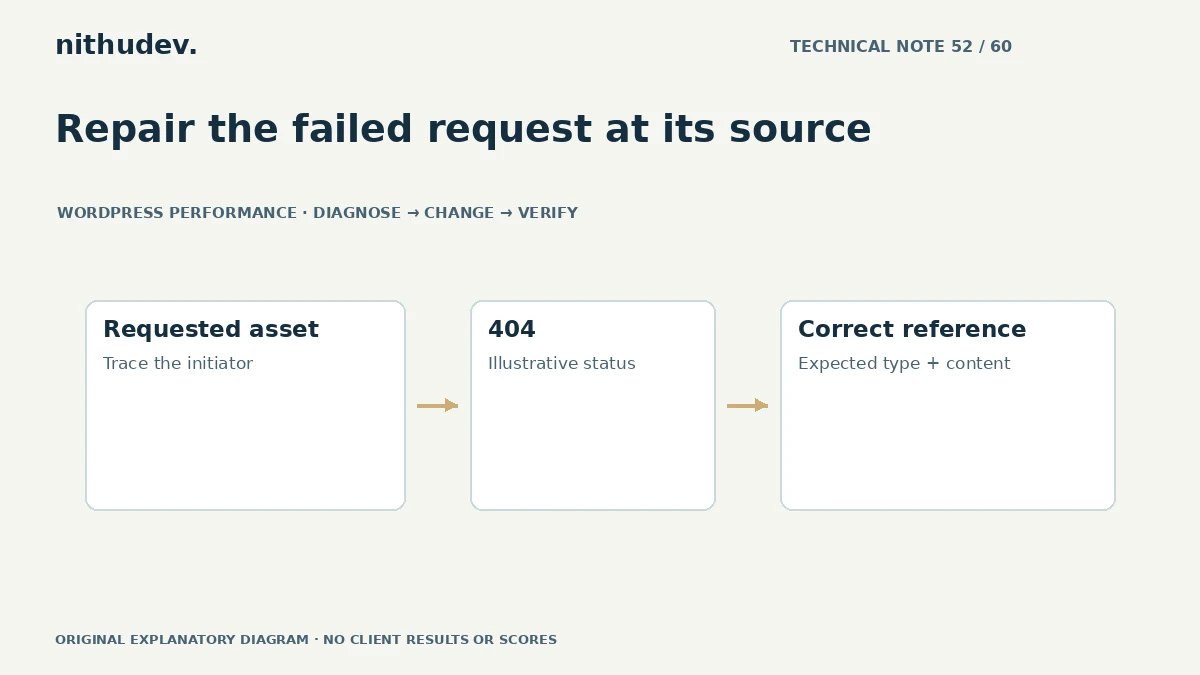
Find whether the URL comes from HTML, a stylesheet, a template, a plugin or an external service. Common investigation leads include changed file names, old domains after migration and generated assets removed while cached HTML still references them.
Do not assume every failed third-party request belongs to your own server. Establish ownership so the proposed fix addresses the component you can actually control.
Repair the cause rather than hiding the status
- Restore an intended missing asset from a trusted source where appropriate.
- Correct an outdated reference in its owning template or configuration.
- Regenerate supported optimized assets after checking generation errors.
- Remove a reference only after confirming the component is obsolete.
Redirecting every missing file to the homepage can return HTML where CSS or JavaScript is expected. It also conceals the failure instead of repairing it. Preserve accurate HTTP behaviour.
Check filesystem and delivery boundaries
If a file exists but cannot be served, review the relevant path, deployment and access configuration with suitable permissions. Do not make private folders public or loosen permissions globally to fix one public resource.
For CDN or transformed-image URLs, verify the origin reference and provider rules. A filename visible in the media library does not prove that the requested variant is available at the exact public path.
Retest clean and cached visitors
Confirm the corrected request returns the expected resource type and content. Then invalidate any stale references at the appropriate layers and compare a returning visitor with a clean session.
Test the affected component, including later states. A menu may look correct while a missing script prevents keyboard operation or a form error state from appearing.
Prioritise by consequence
An absent primary image or required script deserves immediate attention. A small unused decorative request may be a lower-priority cleanup. Record actual symptoms and repeated cost rather than claiming every 404 is responsible for a large speed loss.
A useful handover identifies the old reference, corrected resource, responsible component and tests performed. That makes a recurring deployment or cache problem easier to recognise next time.
Work directly with Nithu
Get help with your WordPress performance
I can inspect failed asset requests and repair their originating references while keeping the existing layout, access boundaries and working integrations intact.
Request a Speed ReviewCompare the $79, $179 and $349 one-time packages →
No payment is needed for an enquiry. Scope is confirmed before work; paid tools, hosting and out-of-scope development are separate unless agreed. No fixed score or ranking guarantee.
Technical references
Written for website owners planning performance work. Technical options depend on the installed versions, hosting and integrations. Test changes safely and retain a recovery path. The featured diagram is an original editorial illustration, not a measured result or customer case study.