Practical performance advice for website owners
WordPress Navigation Performance: Keep Large Menus Responsive and Usable
Need hands-on help? Request a Speed Review →
WordPress performance advice · Reviewed 3 November 2026
In this guide
A website can explain its offer well but lose the visitor at a hesitant mobile menu or an overwhelming service dropdown. Navigation performance includes the code and content needed to open the menu, find a destination and follow it reliably.
Choose a real navigation task
Find a service, open a submenu and move to its page on desktop and mobile. Try the action while the page is still loading and after it settles. Record missed taps, delays, unexpected closing and offscreen content.
Use keyboard navigation too. A mouse hover test does not show whether someone can reach the same destination with focus and activation keys.
Inspect what the menu brings to every page
Mega menus can contain images, widgets, external content and scripts far beyond a list of links. Check whether those resources load globally even where they are never opened. Identify duplication between desktop and mobile implementations.
A large menu may be justified by the service range, but its implementation should not behave like several hidden landing pages. Keep business requirements separate from decorative extras.
Simplify the structure where evidence supports it
- Use clear group labels and descriptive destination text.
- Reduce redundant nested wrappers or repeated components.
- Keep optional decorative media proportionate.
- Use the established icon system rather than another library.
- Check that narrow-screen submenus stay inside the viewport.
Do not delete important service links just to reduce a node count. Agree a useful information structure and retain access to the complete service range.
Protect interaction order
A delayed script can cause the first tap to initialize a menu rather than open it. Test any defer or delay change against the actual toggle and focus behaviour. Avoid combining several unsupported transformations and then patching the symptoms.
Use supported theme mechanisms and maintain a visible control label. Expansion state should match what is displayed, and focus should remain understandable when the menu closes or a link is followed.
Review destination correctness
Check URLs and section anchors. A placeholder such as a missing section ID is a navigation defect even when the button responds instantly. External profile links should lead to the real destination and use safe new-tab behaviour where configured.
For purchase links, preserve the native selector and session process. A menu shortcut should not bypass server-controlled product or payment logic.
Verify loading and the ordinary fallback
Check the layout with larger text, reduced motion and representative widths. Confirm that core destinations remain reachable through the intended supported fallback if enhancements fail. Inspect console and request errors.
A useful navigation improvement report identifies the changed components, preserved links, tested interactions and limitations. It should not claim that a smaller menu automatically improves sales; the evidence is a more dependable path through the site.
Work directly with Nithu
Get help with your WordPress performance
If visitors struggle with your service menu, I can review its structure, loading and keyboard/mobile behaviour while retaining the destinations your business needs.
Request a Speed ReviewCompare the $79, $179 and $349 one-time packages →
No payment is needed for an enquiry. Scope is confirmed before work; paid tools, hosting and out-of-scope development are separate unless agreed. No fixed score or ranking guarantee.
Technical references
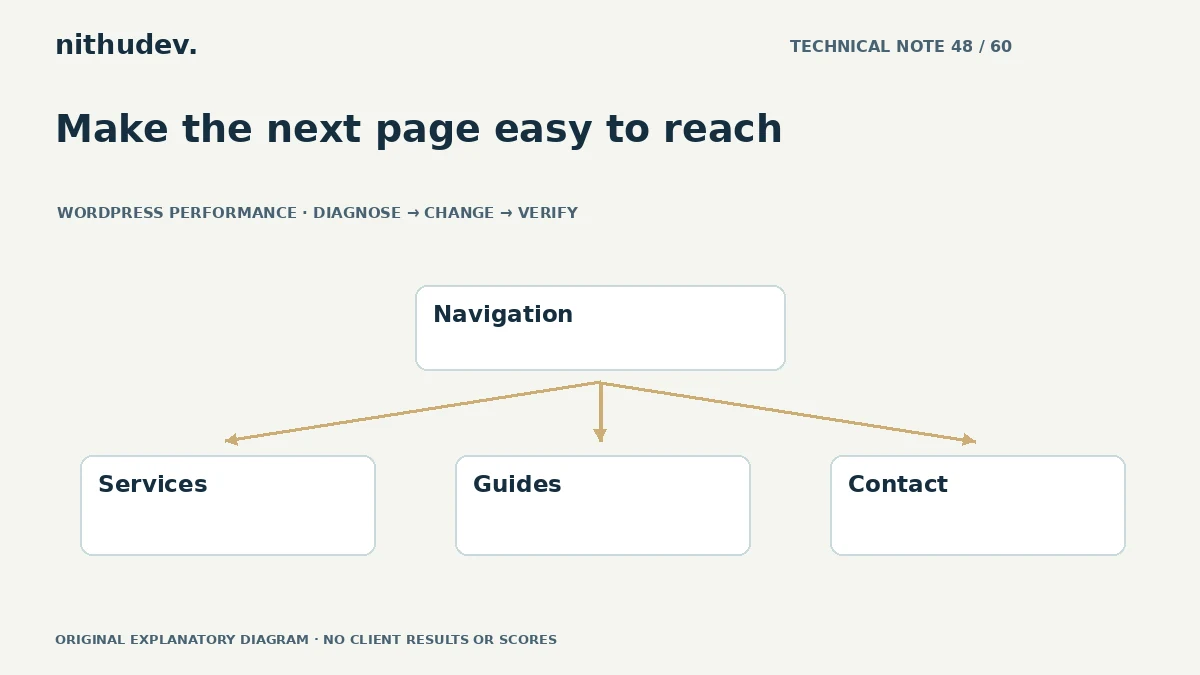
Written for website owners planning performance work. Technical options depend on the installed versions, hosting and integrations. Test changes safely and retain a recovery path. The featured diagram is an original editorial illustration, not a measured result or customer case study.