Practical performance advice for website owners
WordPress Plugin Performance Audit: Find the Cost Without Breaking Features
Need hands-on help? Request a Speed Review →
WordPress performance advice · Reviewed 3 November 2026
In this guide
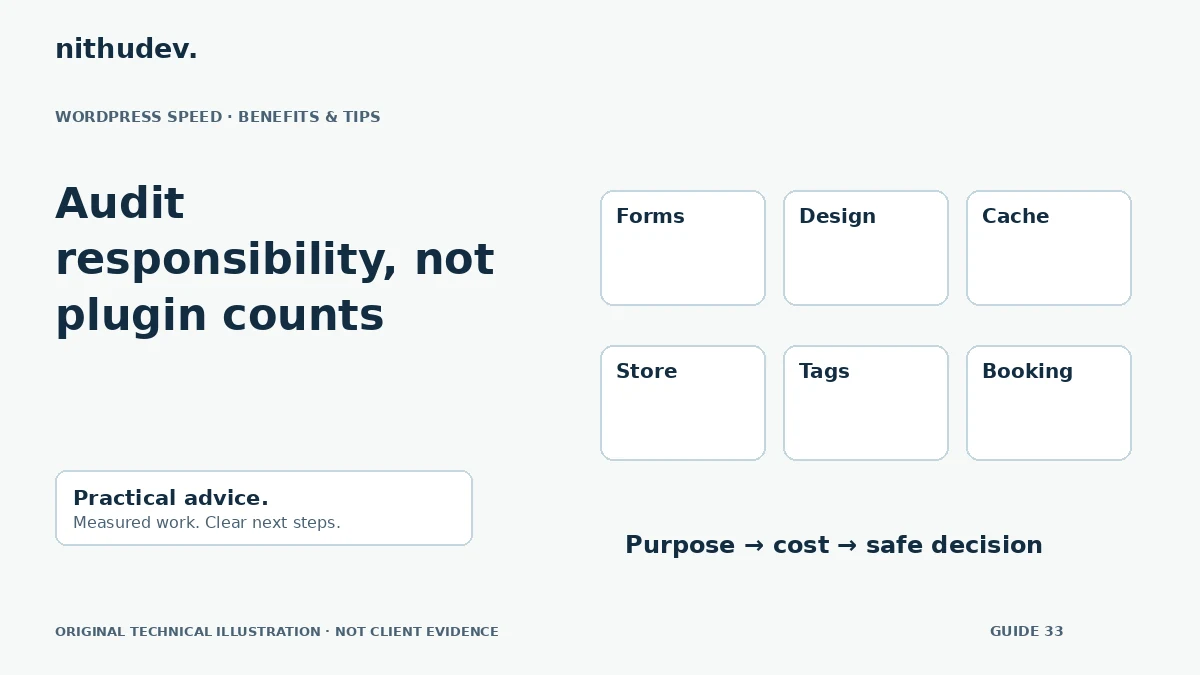
A website with many plugins is not automatically slower than one with fewer. A single expensive integration can matter more than several small utilities. The useful question is which component creates unnecessary work on the affected page or task.
Create an ownership inventory
List active plugins, must-use plugins, theme functionality and custom snippets. Record the business feature each supplies, who maintains it and which templates depend on it. Include tools that modify caching, scripts and forms even if they do not add a visible widget.
This is also an opportunity to identify overlapping features. Two analytics installations or several widget packs may be redundant, but verify actual usage before removing anything.
Measure frontend and backend costs separately
A plugin can add browser scripts, styles, media, server queries, external calls or scheduled jobs. Inspect the symptom that triggered the audit. A slow search request is different from a menu that hesitates because the browser is busy.
Use appropriate profiling in a controlled environment and retain only the diagnostic information needed. Avoid exposing private records, session data or credentials in public logs or screenshots.
Run a controlled comparison
- Back up the site and document the current configuration.
- Reproduce the issue on staging with representative content.
- Change one suspected component or setting.
- Repeat the same request and interaction tests.
- Check the feature and its dependencies before drawing a conclusion.
Disabling every plugin at once can establish that the stack matters, but it does not identify the responsible part. A production store is not the right place for an uncontrolled elimination experiment.
Prefer targeted changes where possible
A useful plugin might need to load only on certain templates. Another may have a heavy optional widget or an outdated supported configuration. Review the vendor’s current documentation and update path before replacing it.
Do not edit distributed plugin files just to remove an asset; an update can overwrite the change. Use supported settings, extension points or an agreed replacement. Keep the code and operational responsibility understandable.
Check the consequences of removal
An inactive builder addon may leave saved content that depends on its widgets. Removing a form tool can also remove the route staff use for enquiries. Payment, booking, consent and security components require particular care.
- Confirm that stored data and exports remain available where needed.
- Check shortcodes, templates and reusable blocks.
- Retest notifications and connected workflows.
- Plan licence and migration costs before switching tools.
Ask for a decision-ready report
The report should name each relevant component, its observed cost, business purpose and recommended action. Distinguish measured evidence from suspicion. Record what was left unchanged and why.
Do not accept a promised score based solely on reducing the plugin count. The right outcome is a simpler, supported stack that performs the required tasks reliably.
Work directly with Nithu
Get help with your WordPress performance
I can review the plugins and custom functionality behind your slow pages, then recommend targeted changes without stripping essential features.
Request a Speed ReviewCompare the $79, $179 and $349 one-time packages →
No payment is needed for an enquiry. Scope is confirmed before work; paid tools, hosting and out-of-scope development are separate unless agreed. No fixed score or ranking guarantee.
Technical references
Written for website owners planning performance work. Technical options depend on the installed versions, hosting and integrations. Test changes safely and retain a recovery path. The featured diagram is an original editorial illustration, not a measured result or customer case study.