Practical performance advice for website owners
Faster WordPress Enquiry Forms: Reduce Friction Without Removing Security
Need hands-on help? Request a Speed Review →
WordPress performance advice · Reviewed 3 November 2026
In this guide
A visitor decides to contact you, then faces a long form, an unexplained spinner or a confirmation that never arrives. The page has done the difficult work of earning interest, but the last step is uncertain. Form optimization should make that step clearer and more dependable.
Ask only what helps the first response
For a website project, an email, public website URL and short description may be enough to start a conversation. Make optional fields genuinely optional. Do not request administrator passwords, hosting credentials or private customer records through a public enquiry form.
Explain what happens next and whether the enquiry is free. If a package preference is useful, allow the visitor to ask for help choosing instead of forcing a decision before you understand the problem.
Distinguish a responsive interface from a fast backend
The button should acknowledge activation promptly with a clear pending state. The server may still need time to validate the request, apply anti-spam checks and store it. Prevent duplicate submissions without making the page feel frozen.
If notification email is sent during the request, delivery latency can affect the wait. Investigate the actual path before changing it. An accepted lead and a successfully delivered notification are related but separate outcomes; preserve the site’s secure, supported process.
Make validation useful
- Keep visible labels and identify required fields.
- Explain the specific field that needs attention.
- Preserve valid entries after an error.
- Ensure feedback is available to assistive technology.
- Provide a sensible recovery route if the request fails.
Client-side checks can save an unnecessary request, but they do not replace server-side checks. Validate URLs, input lengths and expected values on the backend. Keep anti-spam controls understandable and test that genuine visitors can complete them.
Test the difficult states
Try missing required information, an invalid address, a wrong challenge answer and a controlled network failure. Then test a successful submission using an agreed QA process. A success message should appear only after the server confirms acceptance.
Check what happens if loading the next security challenge fails after a successful submission. The acknowledgement should remain clear rather than turning a completed enquiry into an apparent failure. Test repeated clicks and back navigation to avoid accidental duplicates.
Verify the business handoff
Confirm the enquiry reaches the intended private record or inbox. Use explicit permission before sending test messages to real staff. Record which stages were actually verified; a browser test with a simulated response does not establish email delivery.
If immediate support is offered, provide the existing verified contact route and describe response expectations accurately. Initial contact within a stated period is different from completing technical work within that period.
Measure quality, not just volume
Track accepted submissions separately from clicks and spam. Review whether enquiries include enough information to scope the work and whether they become appropriate projects. Do not promise that reducing fields will automatically produce more qualified customers; test the effect with real data.
Work directly with Nithu
Get help with your WordPress performance
If visitors report form problems or you receive incomplete enquiries, I can review the page, validation and handoff together while preserving the secure backend.
Request a Speed ReviewCompare the $79, $179 and $349 one-time packages →
No payment is needed for an enquiry. Scope is confirmed before work; paid tools, hosting and out-of-scope development are separate unless agreed. No fixed score or ranking guarantee.
Technical references
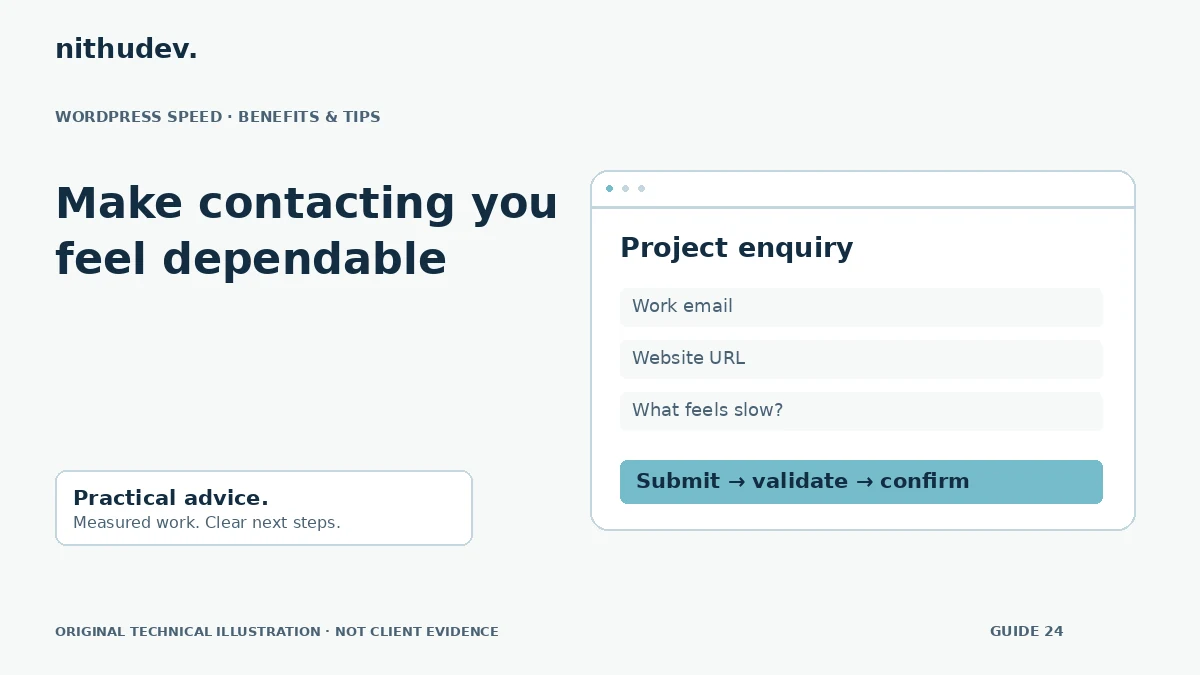
Written for website owners planning performance work. Technical options depend on the installed versions, hosting and integrations. Test changes safely and retain a recovery path. The featured diagram is an original editorial illustration, not a measured result or customer case study.