Practical performance advice for website owners
WordPress Image Optimization: WebP, AVIF, Responsive Sizes and Sharp Results
Need hands-on help? Request a Speed Review →
WordPress performance advice · Reviewed 3 November 2026
In this guide
Image optimization is often reduced to installing a compression plugin. A more complete review asks whether each image is needed, how large it appears, which file the browser downloads and whether its loading behaviour suits its position. This can reduce waste without making a professional website look blurred.
Audit the delivered file, not the media-library label
Open the browser Network panel and inspect a few important images on mobile and desktop. Check the actual downloaded dimensions, format and bytes. A photo displayed at a modest width may still arrive as the original camera-sized upload.
Also check CSS backgrounds, product galleries, mobile variants and images supplied by external widgets. A media plugin may optimize normal WordPress attachments while leaving those other paths untouched.
Choose a format by the content
WebP and AVIF can be useful alternatives for photographic and illustrative content. Compare real outputs at the quality your site needs. Fine product details, gradients and text inside artwork deserve closer inspection than a decorative background.
Keep logos and simple diagrams in a suitable vector or lossless format where appropriate. Do not convert every asset mechanically. Preserve original source files and consider how the CMS, host, CDN and customer browsers handle the selected formats.
Make responsive delivery accurate
WordPress can supply image candidates, but the final markup still needs to describe the intended display size. Inspect the image selected by the browser at different viewports and pixel densities. A correct candidate list is less useful if the sizing hint causes a much larger resource to be chosen unnecessarily.
For art direction, a mobile crop may make more sense than squeezing the desktop composition into a narrow screen. Keep useful subject matter visible. Provide accurate alternative text describing meaningful image content; decorative images should not repeat the surrounding heading for SEO.
Use loading priority deliberately
- Keep the true above-the-fold hero image discoverable and available promptly.
- Use lazy loading for appropriate below-the-fold images.
- Set dimensions or a stable aspect ratio to reserve space.
- Check that two lazy-loading systems are not fighting over the same asset.
- Do not preload an entire gallery or mark every image high priority.
If the hero is a background injected by JavaScript, compression may not address its late discovery. Follow the request timing before adding hints. For a service page with text as its largest content element, the main image may not need special priority at all.
Protect URLs, accessibility and commerce
Changing formats can change filenames and links. Keep existing references working and plan redirects when a public image URL genuinely changes. Check social sharing images separately: they need useful composition and supported delivery rather than merely matching an in-page thumbnail.
For shops, test zoom, variation images, gallery navigation and mobile sharpness. For content pages, check captions and meaningful alt text. An automated reduction that removes essential detail or breaks the gallery is not a complete improvement.
Verify a practical result
Compare total image delivery on the same page and device, then inspect visual quality with human eyes. Save the original and optimized file details in a change log. Report measured loading behaviour without inventing a fixed percentage improvement or claiming image compression alone guarantees better rankings.
Work directly with Nithu
Get help with your WordPress performance
I can inspect the images your visitors actually download and optimize priority assets while preserving the appearance and behaviour of your site.
Request a Speed ReviewCompare the $79, $179 and $349 one-time packages →
No payment is needed for an enquiry. Scope is confirmed before work; paid tools, hosting and out-of-scope development are separate unless agreed. No fixed score or ranking guarantee.
Technical references
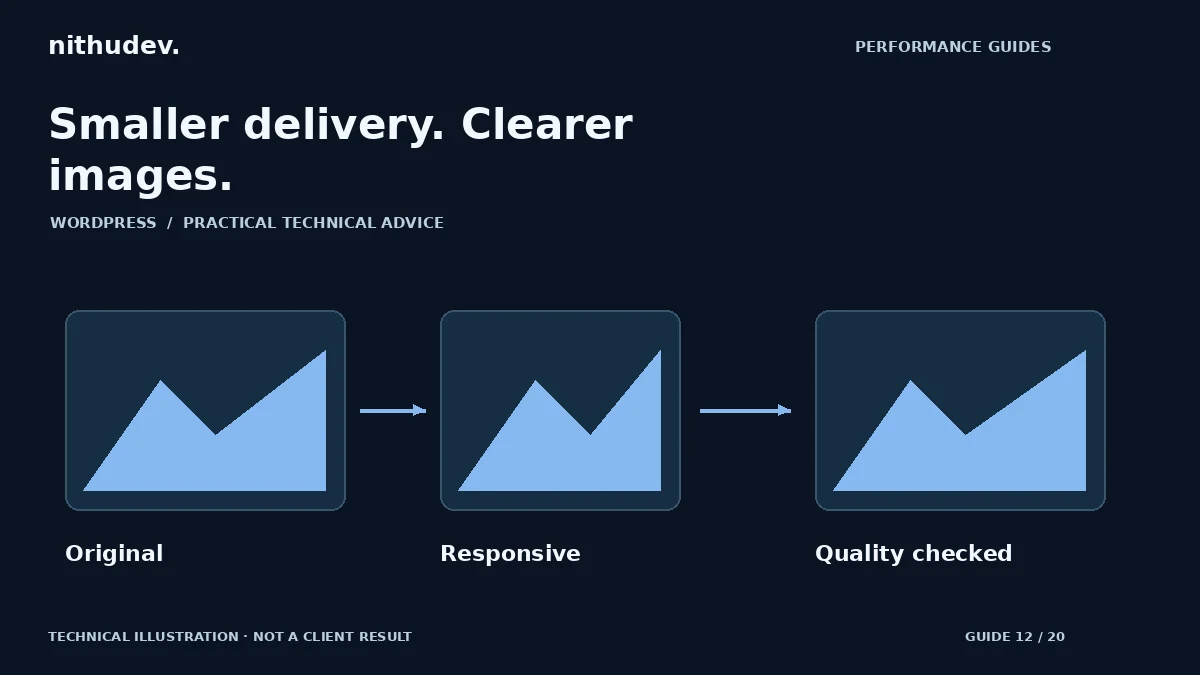
Written for website owners planning performance work. Technical options depend on the installed versions, hosting and integrations. Test changes safely and retain a recovery path. The featured diagram is an original editorial illustration, not a measured result or customer case study.