Practical performance advice for website owners
WordPress Database Cleanup and Autoload: Improve Performance Without Deleting Business Data
Need hands-on help? Request a Speed Review →
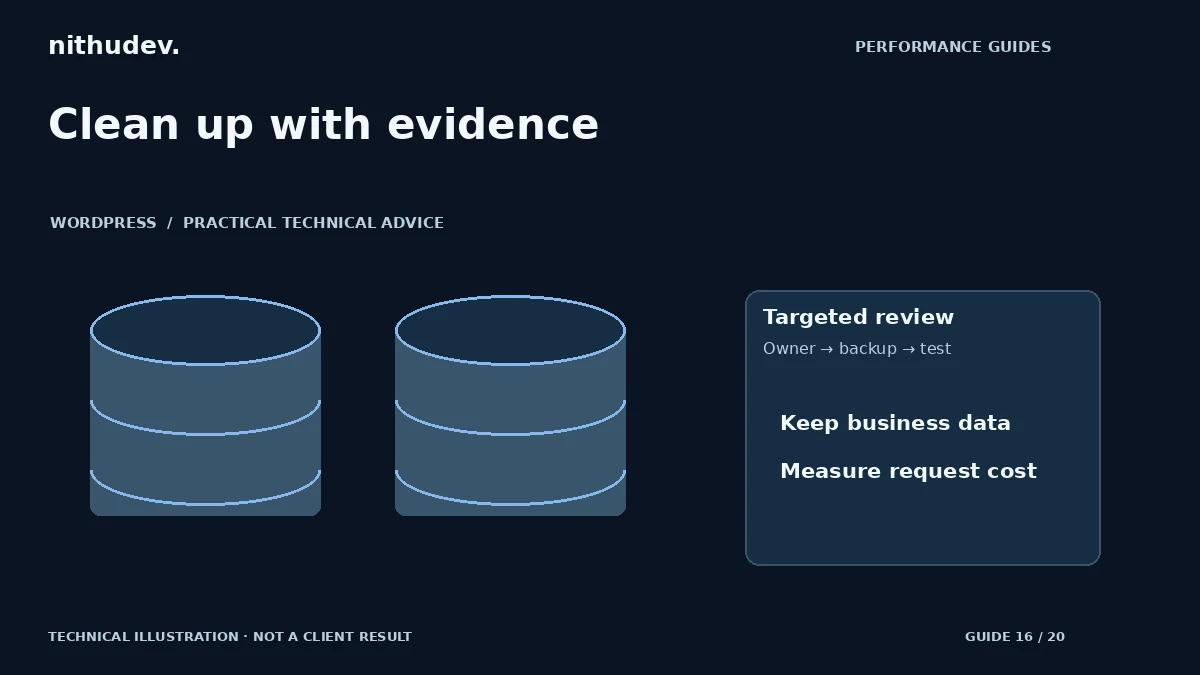
WordPress performance advice · Reviewed 3 November 2026
In this guide
A cleanup tool offers to remove revisions, transients and unused tables. That can look like an easy performance win. But the most important question is not how many records disappear: it is whether a verified bottleneck is reduced without losing settings, content, orders or operational history.
Separate storage size from request cost
A large archive can occupy disk space without being read on every visit. A smaller collection of poorly managed options or an expensive query may affect many requests. Start with profiling evidence, relevant logs and Site Health findings rather than a target number of database megabytes.
Check whether the reported slowdown affects public pages, uncached requests, administration or a scheduled process. Each may use different data. Do not promise that removing old revisions will make a slow external booking integration respond faster.
Understand autoload before changing it
Autoloaded options are intended to make commonly needed configuration available efficiently. Large or inappropriate entries can create unnecessary work. WordPress has changed autoload handling over time, so avoid old recipes that assume every installation uses one simple value or behaviour.
Identify the owner of each candidate option and whether it is needed frequently. A setting can belong to an active plugin even if its name is unfamiliar. Disabling autoload indiscriminately can trade one problem for repeated lookups or affect unsupported assumptions in custom code.
Create a recovery plan first
- Take a current database backup and verify that restoration is feasible.
- Record plugin versions, relevant settings and the affected requests.
- Review candidates on staging, including their application ownership.
- Apply a small targeted change using supported tools or APIs.
- Test functionality and measure the original bottleneck again.
Do not paste a bulk DELETE query from an unrelated tutorial into production. Table prefixes, storage models, plugins and retention obligations differ. Never treat orders, customer records, form entries or audit history as disposable performance clutter.
Be cautious with orphaned data
Data from a removed plugin may be safe to remove after confirming that it will not be needed for rollback, migration or business records. “The plugin is inactive” is not sufficient proof. Some sites intentionally deactivate a tool temporarily while retaining its settings.
For transients and scheduled data, use supported maintenance mechanisms and investigate why entries accumulate. Repeatedly clearing data without fixing the process that recreates it can increase work rather than solve the cause.
Review persistent object caching separately
A suitable persistent object cache may reduce repeated data work, but it needs supported infrastructure and correct configuration. It does not make unknown data safe to delete. Test invalidation and updates so that changed products, settings and content do not remain stale.
If the host already manages this layer, coordinate with them. Avoid enabling multiple cache backends or adding a connection that has not been provisioned. Record which system is responsible and how failures are handled.
What a responsible database report includes
Ask for the identified problem, evidence, backup location, exact changes, affected components and tests performed. Compare request timings under the same conditions. A useful result might be a reduced application bottleneck; it should not be presented as a guaranteed sitewide score improvement.
Large stores, multisite installations and bespoke applications often need a custom scope. The correct next step may be profiling and a data-retention discussion rather than a one-click cleanup.
Work directly with Nithu
Get help with your WordPress performance
If Site Health flags autoload or uncached requests are slow, I can investigate the relevant data before recommending any cleanup.
Request a Speed ReviewCompare the $79, $179 and $349 one-time packages →
No payment is needed for an enquiry. Scope is confirmed before work; paid tools, hosting and out-of-scope development are separate unless agreed. No fixed score or ranking guarantee.
Technical references
Written for website owners planning performance work. Technical options depend on the installed versions, hosting and integrations. Test changes safely and retain a recovery path. The featured diagram is an original editorial illustration, not a measured result or customer case study.