Practical performance advice for website owners
WordPress Booking Website Speed: Help Visitors Complete an Appointment Request
Need hands-on help? Request a Speed Review →
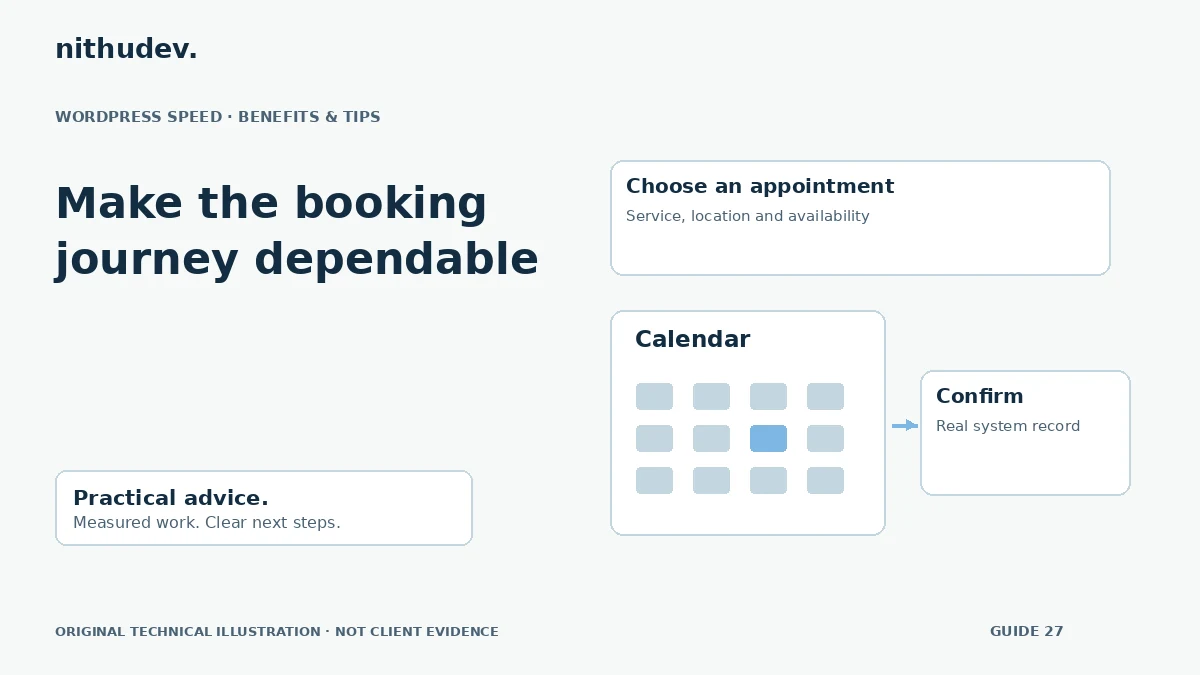
WordPress performance advice · Reviewed 3 November 2026
In this guide
A booking page can load quickly and still make visitors wait after choosing a date. Availability, staff schedules, locations and external systems may all participate in the next step. Optimize that workflow as a whole rather than treating the calendar as a decorative widget.
Map the booking journey
Start from the actual service or location page. Select a consultation or appointment type, choose an available time and complete an authorised test request. Record the integration, device and delay at each stage.
Clarify whether the system creates a confirmed appointment or merely sends a request for staff approval. The interface and confirmation text must reflect that distinction. Do not display a confirmed booking before the underlying system accepts it.
Inspect the availability request
When the calendar pauses, inspect the related network request. Check whether the wait comes from the website, the booking provider or processing the results in the browser. A rejected or blocked request needs different attention from an expensive successful response.
Review provider limits and supported integration options before adding retries. Repeating a state-changing request without understanding idempotency can create duplicate records. Never use performance work as a reason to bypass booking rules.
Reduce unnecessary work around the calendar
- Load the booking integration only where it is needed.
- Keep unrelated media and marketing widgets from competing with the first booking action.
- Show useful context before loading an external calendar.
- Provide a clear pending state while availability is checked.
- Preserve labels, time zones and accessible error messages.
A user-initiated calendar can be appropriate when the visitor first needs to choose a service. It should not add a confusing hidden step or leave keyboard users unable to proceed.
Keep availability and private information out of unsafe caches
Booking routes may contain session-specific or rapidly changing information. Confirm the provider’s documented caching requirements and check every relevant layer. Do not serve another customer’s details or a stale confirmation from a shared cache.
For pre-visit or private forms, separate the technical project enquiry from sensitive operational information. Follow the clinic or business’s agreed system and access arrangements. A public speed-review form is not a place to collect private appointment records.
Test failure and repeat-action behaviour
Check an unavailable slot, a validation error, a cancelled payment if relevant and a provider timeout in an authorised environment. Test repeated clicks and back navigation. A recovery route should explain the state clearly instead of inviting someone to submit the same appointment again blindly.
Verify the underlying record and confirmation delivery separately. If notification delivery cannot be tested, say so. A browser message alone does not prove that staff received the booking.
Agree an appropriate scope
Routine page and asset work may fit a standard speed package. Replacing booking software or redesigning staff workflows is a different project. A useful quote separates website optimization, integration troubleshooting and third-party costs before work starts.
Work directly with Nithu
Get help with your WordPress performance
Send the public booking URL and the step that feels slow. I can assess the website and integration boundaries before suggesting changes.
Request a Speed ReviewCompare the $79, $179 and $349 one-time packages →
No payment is needed for an enquiry. Scope is confirmed before work; paid tools, hosting and out-of-scope development are separate unless agreed. No fixed score or ranking guarantee.
Technical references
Written for website owners planning performance work. Technical options depend on the installed versions, hosting and integrations. Test changes safely and retain a recovery path. The featured diagram is an original editorial illustration, not a measured result or customer case study.