Practical performance advice for website owners
WordPress Mobile Speed: Improve the Journey Visitors Actually Use
Need hands-on help? Request a Speed Review →
WordPress performance advice · Reviewed 3 November 2026
In this guide
Your desktop homepage may feel quick while visitors on phones wait for the main content, struggle with the menu or tap a button that moves. Mobile speed is both a loading problem and a task-completion problem. The most useful starting point is the journey that brings enquiries or orders.
Choose a real mobile task
For a service website, follow a visitor from the landing page to the contact form and its confirmation. For a shop, open a product, choose a variation, add it to the cart and reach the payment options. Record where the experience first becomes uncomfortable.
Use a real phone when available, plus a repeatable throttled browser test for diagnosis. Test at least one small viewport and both portrait and landscape where the layout changes. A powerful laptop with its window narrowed can hide CPU and network constraints.
Prioritise the first useful screen
The first screen should explain the offer and make the next action available without waiting for every carousel, review embed or decorative animation. Keep the important headline as readable HTML. Check whether a large desktop background is still being downloaded on mobile even when hidden by CSS.
- Serve an appropriately sized image rather than shrinking a huge file visually.
- Avoid lazy-loading the image that is actually needed immediately.
- Reserve space for media so the primary button does not move during loading.
- Check that mobile and desktop variants are not both fetching expensive assets.
Test interactions while the page is still loading
Open the menu before every marketing script has finished. Tap the primary CTA, expand an FAQ and focus the first form field. If the browser pauses, inspect the performance trace around that action. A menu can be visually simple while a large script elsewhere occupies the main thread.
Removing an unnecessary widget, loading a feature only where it is used or reducing work during startup can be more valuable than another round of image compression. Preserve the dependency order of scripts; delaying all JavaScript indiscriminately can make the first tap unreliable.
Make forms comfortable on a phone
Use visible labels, sensible input types and only the fields needed for the enquiry. Check that a sticky contact bar does not cover the submit button or security challenge when the keyboard opens. Error messages should explain what to fix without wiping the information already entered.
Test the completed submission and confirmation state. A button changing colour is not proof that the server accepted an enquiry. Where possible, verify the recorded lead and the existing notification system separately. Do not send passwords or private customer details through a public project form.
Compare the right outcomes
Keep the same URL, device profile and visitor state for before-and-after lab runs. Record loading and responsiveness separately. If field data is available, check whether it describes this URL or the entire origin. A site with little traffic may not have enough real-user data for a page-level assessment.
For commercial evaluation, track successful enquiries or verified orders alongside visits. A faster test result is useful engineering evidence, but it does not establish an increase in sales. Content, traffic quality, price and trust also affect the outcome.
A practical mobile handover checklist
- Headline, navigation and CTA readable on the smallest supported screen.
- Important images arrive without unnecessary competition.
- Buttons respond during and after loading.
- No horizontal overflow or unexpected content movement.
- Form, booking or checkout journey tested through its real confirmation state.
Work directly with Nithu
Get help with your WordPress performance
If visitors struggle on mobile, request a review of the actual enquiry or shopping journey rather than a score-only check.
Request a Speed ReviewCompare the $79, $179 and $349 one-time packages →
No payment is needed for an enquiry. Scope is confirmed before work; paid tools, hosting and out-of-scope development are separate unless agreed. No fixed score or ranking guarantee.
Technical references
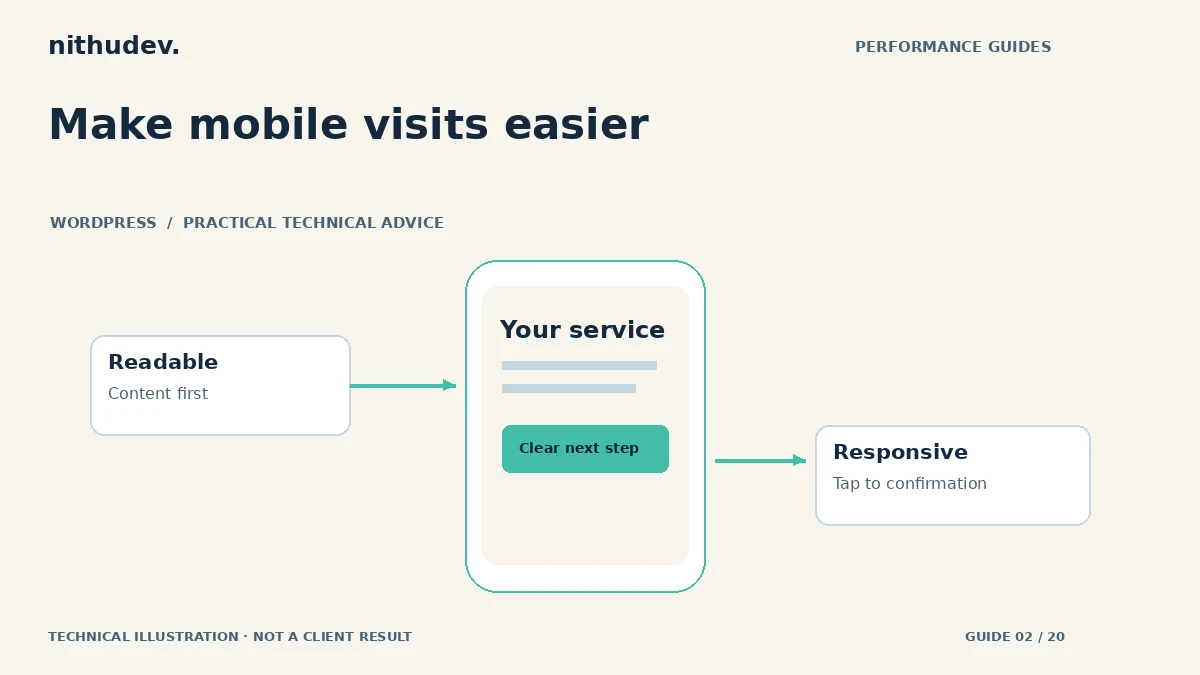
Written for website owners planning performance work. Technical options depend on the installed versions, hosting and integrations. Test changes safely and retain a recovery path. The featured diagram is an original editorial illustration, not a measured result or customer case study.