Practical performance advice for website owners
A WordPress Publishing Checklist: Keep New Content From Slowing the Website
Need hands-on help? Request a Speed Review →
WordPress performance advice · Reviewed 3 November 2026
In this guide
A website can become heavier one article or campaign at a time. Editors may not control the server, but they choose images, embeds, blocks and layouts. A small publishing routine can prevent avoidable regressions without turning every content update into a development project.
Start from an approved template
Use the site’s established layout and components rather than copying a complex page from another builder kit. Check the page’s main message, heading structure and next action. Keep service claims and prices accurate.
If the content needs a new interactive feature, ask who owns its performance and maintenance before adding another plugin. A reusable supported pattern is easier to maintain than several slightly different implementations.
Prepare images for their actual role
Keep original source files safely, but upload an appropriately prepared image rather than a huge camera export for a small card. Check crop, readability, file size and meaningful alt text. Let the approved media system generate responsive variants.
Do not repeat keywords in every alt attribute. Describe useful visual information, and treat purely decorative images accordingly. A screenshot used as evidence needs real context and authorisation; an illustration should be labelled as such.
Review embeds before publishing
- Does the reader need this video, map or social post?
- Is the same information available clearly in the text?
- Will the embed load immediately or use an approved deferred pattern?
- Does it preserve consent, controls and accessibility?
- Is the attribution genuine and the link correct?
Avoid pasting duplicate tracking snippets or player code into several locations. Use the site’s agreed integration method and ask for help if a component requires unfamiliar scripts.
Check the first useful screen on mobile
Read the headline, opening explanation and CTA on a narrow screen. Check that media does not crowd out the message or cause a large unexpected jump. Ensure the text remains readable with larger font settings and that buttons are not obscured by sticky elements.
If the page is long, use clear headings and useful navigation rather than hiding essential information behind a fragile script. Native disclosure controls can be appropriate for supporting content when labelled clearly.
Test links and the next action
Open internal links and verify the destination. Check that anchor links match real section IDs. For enquiries, confirm that the page uses the approved existing form rather than an unconnected visual replica.
Do not submit test messages to real staff or create live charges without authorisation. Use the site’s agreed QA process and report the stages you actually checked.
Leave a small publishing record
Record notable media or integration changes and ask for a review when the page adds substantial work. A quick repeatable lab check can flag a regression, while actual traffic and outcomes need separate measurement.
If the website becomes slow after several content updates, provide the affected URLs and recent changes to the developer. That history makes diagnosis more focused than installing another optimizer without evidence.
Work directly with Nithu
Get help with your WordPress performance
If new content is making the website heavier, I can review the templates and media workflow and suggest a practical publishing standard for your team.
Request a Speed ReviewCompare the $79, $179 and $349 one-time packages →
No payment is needed for an enquiry. Scope is confirmed before work; paid tools, hosting and out-of-scope development are separate unless agreed. No fixed score or ranking guarantee.
Technical references
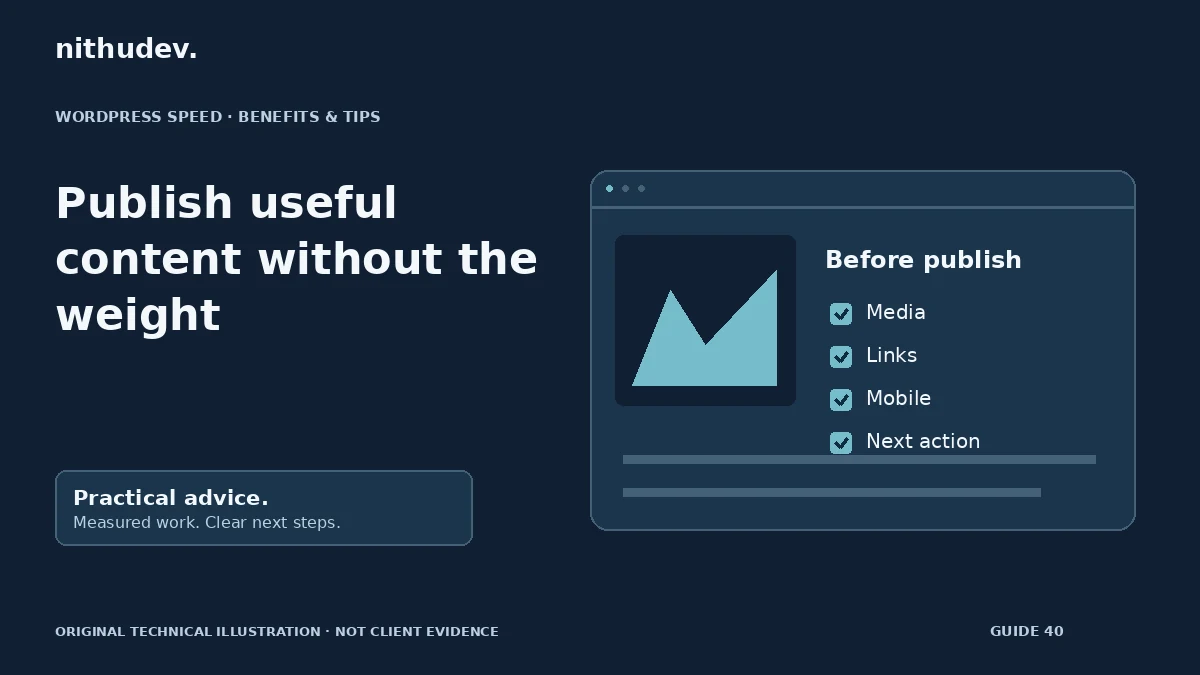
Written for website owners planning performance work. Technical options depend on the installed versions, hosting and integrations. Test changes safely and retain a recovery path. The featured diagram is an original editorial illustration, not a measured result or customer case study.