Practical performance advice for website owners
WordPress Back-Button Speed: Test the Browser’s Back/Forward Cache
Need hands-on help? Request a Speed Review →
WordPress performance advice · Reviewed 3 November 2026
In this guide
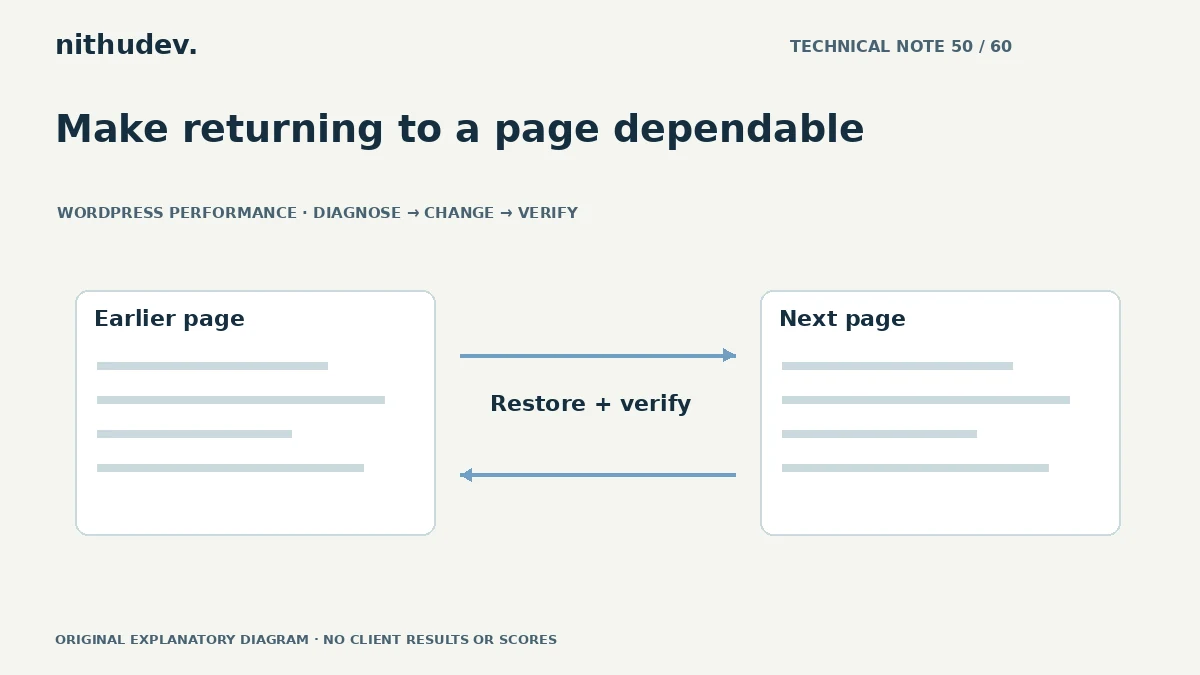
A visitor opens a product or service, follows another link and returns with the browser’s Back button. Sometimes the page restores quickly with its previous position; sometimes it loads again. Browser back/forward cache, often called bfcache, is one mechanism behind that difference.
Distinguish restoration from an ordinary cache hit
Bfcache can preserve a page’s state for history navigation. It is different from reusing an image through HTTP cache or serving HTML from the server’s page cache. A reload and a Back action should therefore be tested separately.
Eligibility and behaviour vary by browser and page conditions. Do not promise that every visit will restore instantly or copy an old list of universal blocking rules without checking current guidance.
Test the real return journey
Open a representative page, navigate away and return using browser history. Inspect the browser’s bfcache diagnostic tools where available. Record whether the page was restored and any reason it was not eligible.
Include a long article, product list and enquiry route as appropriate. Check scroll position, expanded controls and whether a previous loading spinner remains stuck.
Review page lifecycle behaviour
Scripts may need to distinguish a newly loaded page from a restored one. A component that assumes it always starts from scratch can leave an outdated interface. Use supported lifecycle handling and vendor guidance rather than forcing a reload everywhere.
- Confirm menus and forms remain operable.
- Check pending or disabled controls after returning.
- Review reconnecting widgets and current session state.
- Verify analytics behaviour without duplicate or invented conversions.
Keep sensitive state correct
Privacy and security requirements take priority over making every page eligible. Do not remove protective response policies blindly. Test logout, account changes and private views through the supported application process.
A restored checkout or confirmation screen is not proof of a new payment. Order status must remain based on verified backend evidence. Likewise, an old form success state should not trigger another lead event simply because the visitor returned.
Address the documented cause
If a particular script or lifecycle handler prevents restoration, investigate whether a supported change is appropriate. Avoid rewriting a payment, booking or account integration solely to make a diagnostic label green.
When a page genuinely needs fresh information, refresh the relevant supported state rather than assuming a preserved visual snapshot is current. The correct approach depends on the feature.
Report a realistic result
Document the browsers, routes, restore conditions and functional checks performed. A successful controlled return is useful evidence, but it is not a guarantee for every device or future browser policy.
Bfcache work complements initial loading and responsiveness. It cannot make a slow first visit disappear, and it should not replace the ordinary performance audit.
Work directly with Nithu
Get help with your WordPress performance
If returning visitors encounter reload delays or stuck controls, I can inspect history restoration and page-state handling without weakening account or payment safeguards.
Request a Speed ReviewCompare the $79, $179 and $349 one-time packages →
No payment is needed for an enquiry. Scope is confirmed before work; paid tools, hosting and out-of-scope development are separate unless agreed. No fixed score or ranking guarantee.
Technical references
Written for website owners planning performance work. Technical options depend on the installed versions, hosting and integrations. Test changes safely and retain a recovery path. The featured diagram is an original editorial illustration, not a measured result or customer case study.