Practical performance advice for website owners
WordPress Speculative Loading: Faster Next Pages With Sensible Boundaries
Need hands-on help? Request a Speed Review →
WordPress performance advice · Reviewed 3 November 2026
In this guide
Some websites feel quicker when you follow a link because the browser has already prepared part of the next page. Speculative loading makes that possible, but it is a separate technique from reducing the work of the page itself. Use it as an enhancement after the basic performance and safety questions are understood.
Understand prefetch and prerender
Prefetch can retrieve a likely future document. Prerender goes further by preparing a page before it becomes visible. Behaviour depends on the browser, rules, user conditions and the site’s implementation. A feature being configured does not mean every visitor receives the same benefit.
WordPress introduced speculative loading into core in version 6.8. That means advice to install the original experiment plugin on every modern site is outdated. Inspect the site’s current WordPress version, actual rules and any plugin that modifies them before adding another layer.
Choose an appropriate navigation use case
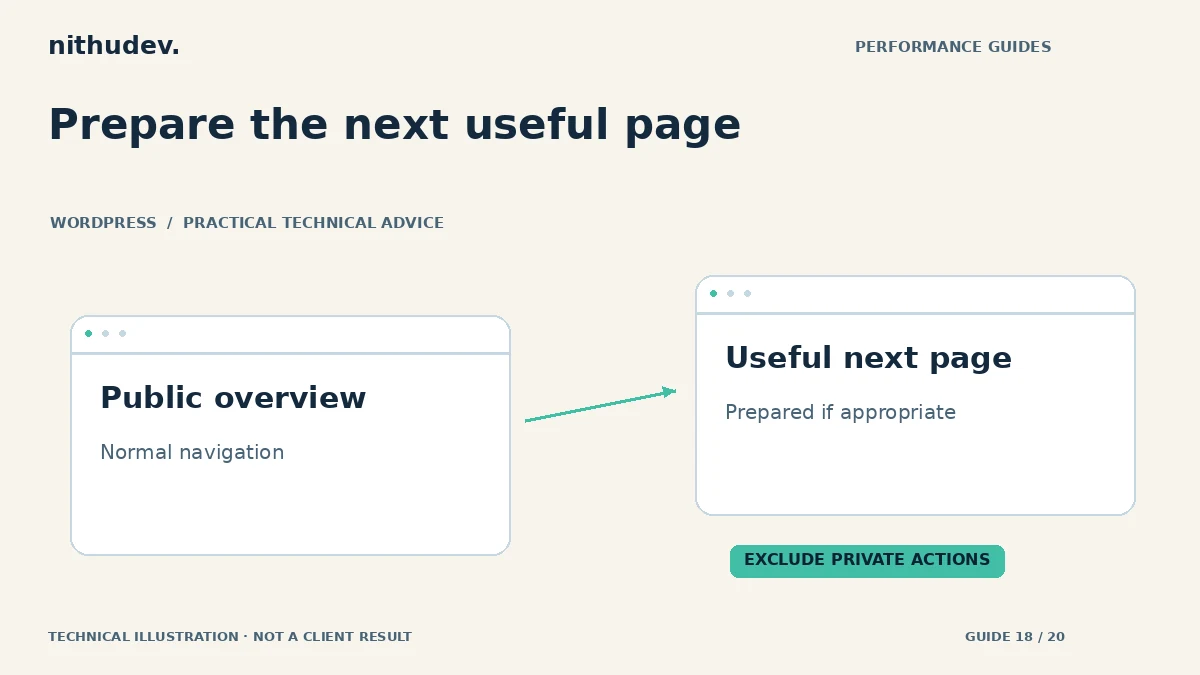
A visitor moving from a service overview to a public guide is a different case from following a link that changes a cart or account. Start with ordinary public navigation. Evaluate whether the extra requests are likely to help the visitor and whether the origin can handle them.
A CDN and page cache may reduce preparation cost for eligible pages. A dynamic, expensive page can create more server work if many unused destinations are prepared. Aggressive speculation is not automatically the fastest or most efficient choice.
Protect routes with side effects
- Exclude actions that add products, log users out or otherwise change state.
- Review cart, checkout, account and private portal routes.
- Check custom package-selector query parameters and session-dependent forms.
- Confirm that analytics distinguishes preparation from an actual visible visit where relevant.
- Respect consent and third-party initialization requirements.
A correctly designed state-changing operation should not depend on an unprotected link request alone. Even so, examine the site’s real integrations rather than assuming every route is safe to prepare. Do not expose private data through an overbroad caching or speculation rule.
Test support and fallback
Use browser developer tools to inspect which rules are present and whether a page is actually prefetched or prerendered. Then test the same navigation without that support. The ordinary link must still work, and important content must not depend on speculation.
Check back navigation, forms, session changes and analytics with a supported browser. Compare the first direct visit separately from a subsequent prepared navigation. Label those measurements accurately; a fast prepared second page does not prove the first landing page’s LCP improved.
Avoid duplicate control layers
If a theme, plugin, host and core configuration all affect speculative loading, identify the effective output. Keep one documented policy and use supported extension points. Do not add a second plugin simply because an older tutorial predates the core feature.
Keep a rollback path and monitor origin load after enabling broader rules. A useful result is a smoother, correctly functioning navigation journey, not a claim that all future visits will be instant.
Is this the first speed fix to buy?
Usually, first diagnose oversized assets, server waits and unresponsive interactions. Speculation cannot remove the underlying cost of a slow initial document. It becomes more attractive when the base pages are sound and visitors follow predictable public links.
Work directly with Nithu
Get help with your WordPress performance
I can review whether your current WordPress setup already uses speculative loading and whether its rules fit your actual customer journeys.
Request a Speed ReviewCompare the $79, $179 and $349 one-time packages →
No payment is needed for an enquiry. Scope is confirmed before work; paid tools, hosting and out-of-scope development are separate unless agreed. No fixed score or ranking guarantee.
Technical references
Written for website owners planning performance work. Technical options depend on the installed versions, hosting and integrations. Test changes safely and retain a recovery path. The featured diagram is an original editorial illustration, not a measured result or customer case study.