Heavy images & media
Oversized banners, product images and videos can delay the content visitors came to see.
WORDPRESS PERFORMANCE & CORE WEB VITALS
Is your WordPress website slow on mobile or desktop? I diagnose the bottlenecks and make targeted improvements to caching, images, scripts, fonts and Core Web Vitals—while protecting your website’s design, forms and checkout.
One-time optimisation packages from $79 USD
Scope confirmed before work begins. No payment required for an enquiry.
FIND THE BOTTLENECK FIRST
A slow website rarely has one universal fix. I check the pages and customer journeys that matter, then separate changes I can make from hosting or third-party limitations.
Oversized banners, product images and videos can delay the content visitors came to see.
A slow server response or restricted hosting can hold back every page before it renders.
Overlapping plugins, trackers, embeds and external APIs can add requests and busy work.
Blocking assets, late fonts and unsuitable cache rules can make a page feel slow or unstable.
WORDPRESS PERFORMANCE OPTIMIZATION
Keep the useful parts of your site. Improve how they load, respond and stay stable—with changes matched to the selected scope.
LCP · Loading
Investigate the main image and critical rendering path, appropriate preloading, responsive sizes and server response. Use WebP or AVIF where suitable; avoid lazy-loading the true hero image.
INP · Responsiveness
Review expensive JavaScript, long tasks and interaction delays. Adjust script/style loading where safe, with menus, forms and essential integrations tested afterwards.
CLS · Stability
Set useful media dimensions and investigate late-loading fonts, embeds or content that moves the page. Aim for a steadier experience instead of chasing a decorative score.
Delivery & assets
Configure suitable page/browser caching, review blocking CSS and font delivery, and tune an existing supported CDN. Personalised and transactional pages need exclusions.
Data & mobile
Review routine database cleanup after backup within Growth/Advanced scope, investigate autoload concerns and test the agreed pages on mobile. Large rewrites need a separate quote.
Commerce-aware
In Advanced, review eligible WooCommerce journeys and dynamic cache rules. Preserve cart, account and payment behaviour. Deep store development remains a separate service.
Need a store build or deeper checkout development? Explore WooCommerce development services. For search configuration, see technical plugin and tool setup. A hacked site needs a separate WordPress malware recovery assessment.
A CAREFUL, REVIEWABLE PROCESS
You know what is being tested, what changed and what remains outside the agreed scope.
Agree representative pages and key journeys. Record mobile/desktop measurements and relevant test conditions.
Review backups, recovery options and staging where available. Confirm appropriate access before changes.
Apply the suitable image, cache, code and delivery improvements in your package. Discuss dependencies first.
Retest layouts, menus and forms; check cart/checkout where included. Adjust or skip incompatible changes.
Compare like-for-like tests, explain caveats and share the changes made, next steps and support limits.
Backups and testing reduce risk; they do not guarantee zero data loss or permanent performance. Hosting, new content, plugins and third-party changes can affect later results.
EVIDENCE WITH CONTEXT
Your delivery report compares the agreed pages under comparable test conditions, with a clear record of the changes made and any limits that remain.
Report outline. The actual measurements are recorded for your agreed pages during the project.
HOW WE MEASURE PERFORMANCE
Lighthouse helps diagnose a controlled page load. PageSpeed Insights may also show CrUX data from the previous 28 days when enough real-user samples are available. A single lab score does not prove a Core Web Vitals pass.
Google’s good-experience targets at the 75th percentile are LCP ≤ 2.5 seconds, INP ≤ 200 milliseconds and CLS ≤ 0.1. These are engineering targets, not package guarantees.
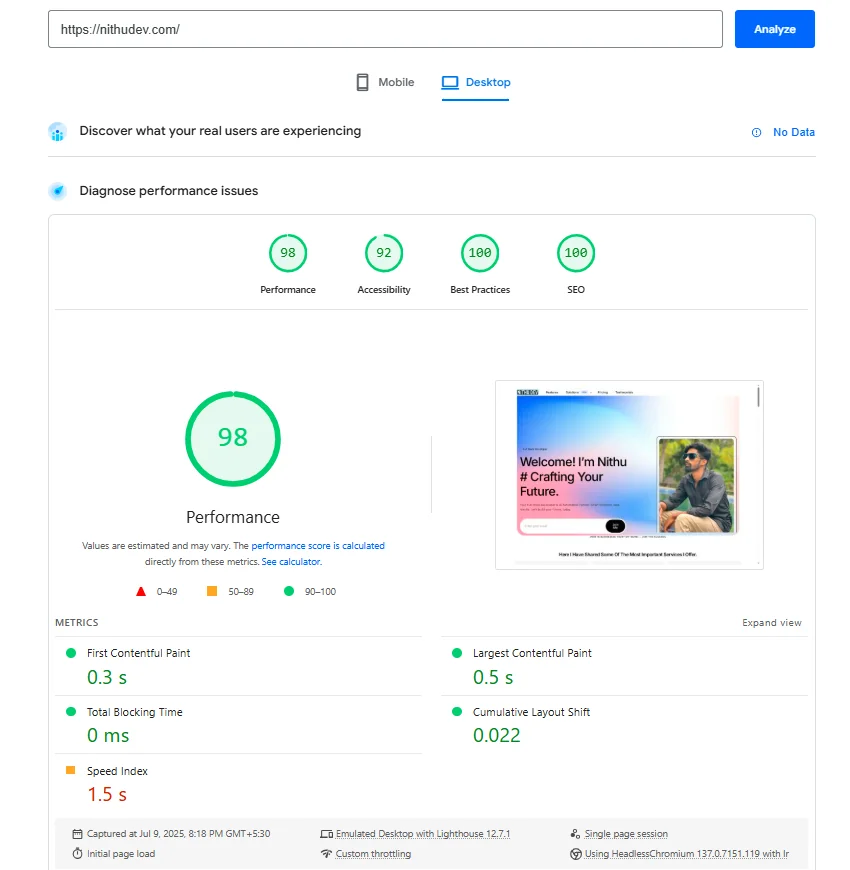
Read Google’s lab and field guidance ↗These existing screenshots show nithudev.com on 9 July 2025. They are historical own-site lab captures—not a before/after pair, current scores, field results or client evidence. The screenshots report no real-user data.
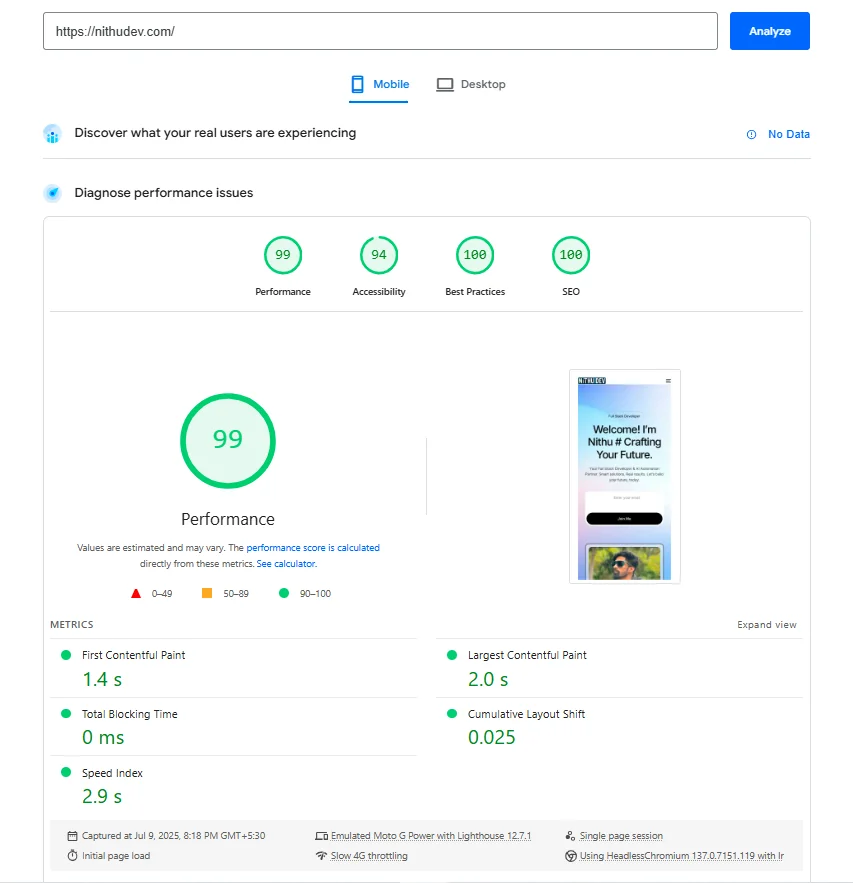
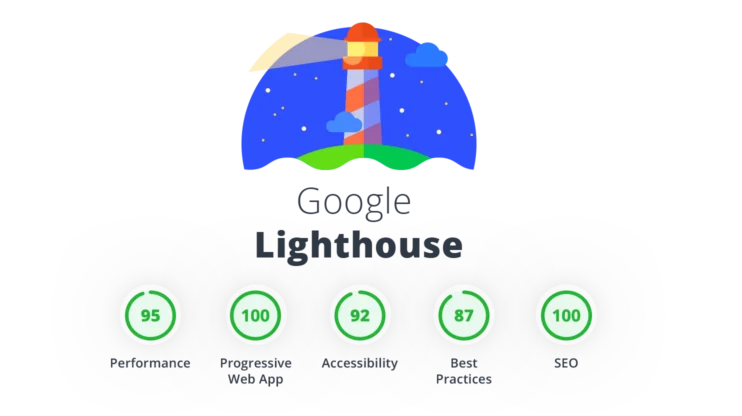
This older tool illustration includes a legacy PWA category and example scores. It is not evidence of delivered results. The current Core Web Vitals covered by this service are LCP, INP and CLS.
CLEAR SCOPE. ONE-TIME PAYMENT.
Choose an eligible single-site package. If your store, multisite or custom application needs more investigation, request a scoped quote before purchasing.
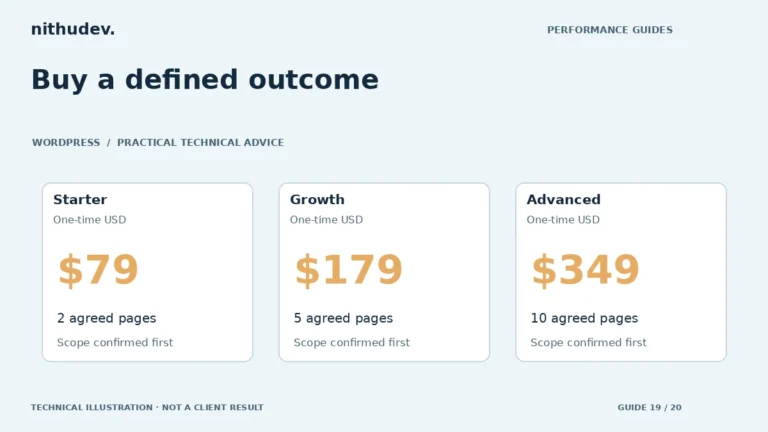
SPEED STARTER
Straightforward blogs, portfolios and small brochure websites.
$79 USD / once
Up to 2 agreed pages/templates total
SPEED GROWTH
RecommendedBusiness websites with several important page types.
$179 USD / once
Up to 5 agreed pages/templates total
SPEED ADVANCED
Larger sites and eligible WooCommerce stores needing deeper analysis.
$349 USD / once
Up to 10 agreed pages/templates total
USD, billed once per eligible single WordPress website. Page counts are package totals, not additive. Work starts after secure access and scope confirmation; business-day estimates run from that point. Revisions adjust the agreed optimisation work, not new features or extra templates.
Not included unless specifically agreed: hosting, CDN subscriptions, premium plugins, domain fees, third-party subscriptions, large custom code rewrites and ongoing monitoring. Multisite, heavy custom applications and exceptionally complex stores are quote-only. No fixed PageSpeed scores, load times or business results are promised. Additional work needs your approval before any extra charge.
Read the Terms, Refund Policy and Privacy Policy. Not sure? Request a Speed Review—no payment required.

Nithu · Suthakaran Nithursan
YOUR DIRECT TECHNICAL CONTACT
Talk to the developer handling your website’s performance work.
I review the bottlenecks, explain the proposed changes and keep the scope practical. You receive a measured comparison, a record of the work and a useful handover for the agreed pages.
Review the work and customer feedback available through the linked profiles. The HackerOne link documents security research activity; it is separate from customer reviews.

Learn before you choose
Understand the bottleneck, compare sensible options and protect the parts of your website that customers use. Start with a relevant guide, then request help when you need implementation.
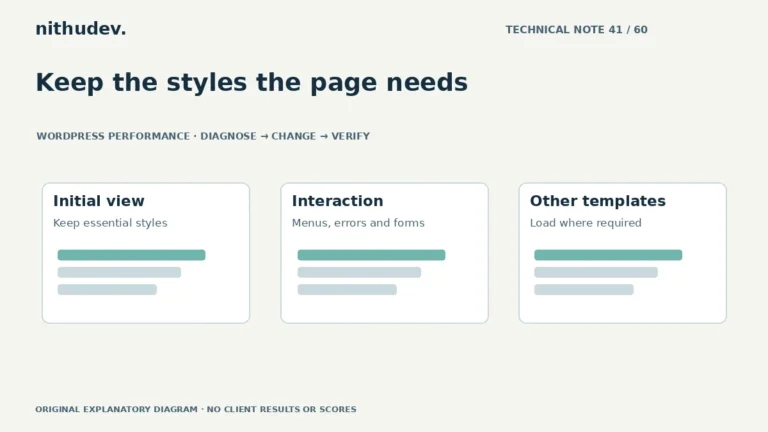
Keep the styles the page needs
A stylesheet that is unused during one screenshot may be needed by a menu, error or mobile state. Test those states before removing or delaying rules.
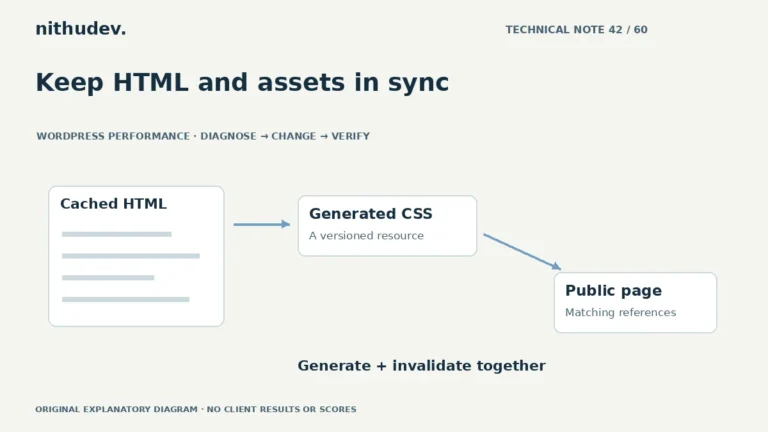
Read the guideKeep HTML and assets in sync
A cache purge can expose mismatched HTML and generated assets. Identify which file is missing or outdated and which layer still references it.
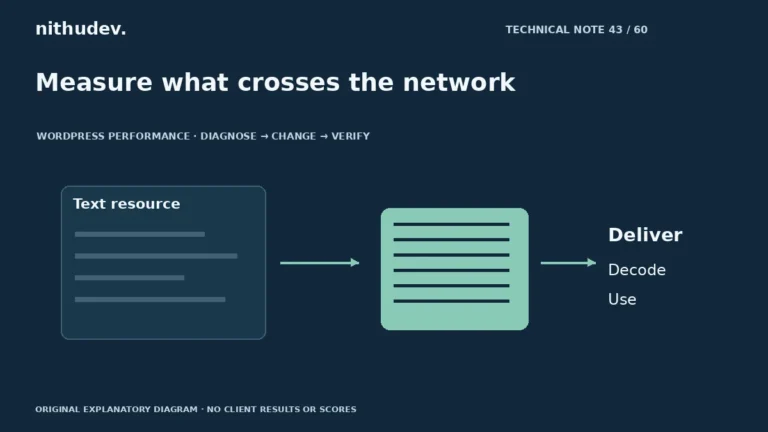
Read the guideMeasure what crosses the network
Inspect the actual response before enabling another setting. Compression of text resources is different from reducing image dimensions or browser execution work.
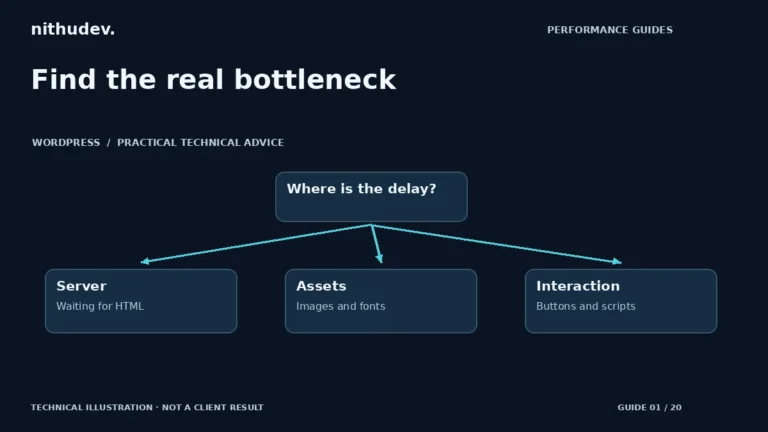
Read the guideFind the real bottleneck
Start with the slow task and its evidence. A slow first response, a late hero image and a frozen menu need different fixes.
Read the guideMake mobile visits easier
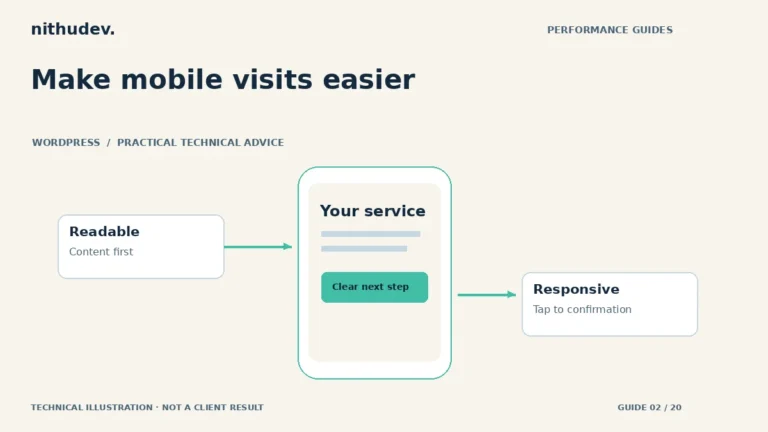
A mobile audit should cover loading, tapping, reading and submitting. A narrow desktop window alone does not reproduce a real phone.
Read the guideBring the main content forward
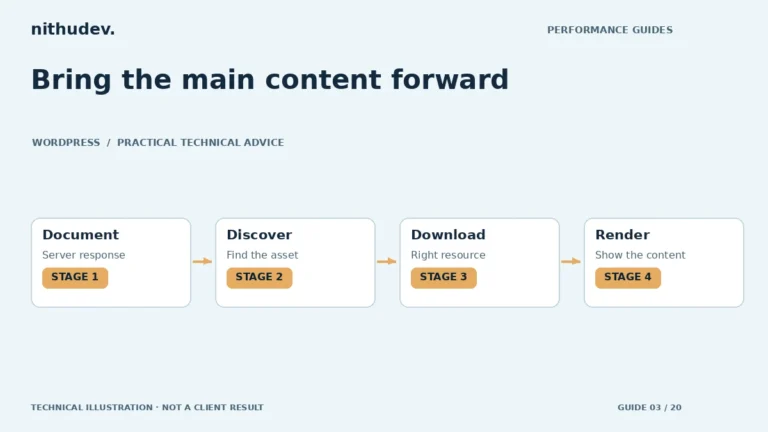
Identify the largest content element first. The right fix depends on whether the delay occurs before the document, during resource loading or before rendering.
Read the guideMake every tap count
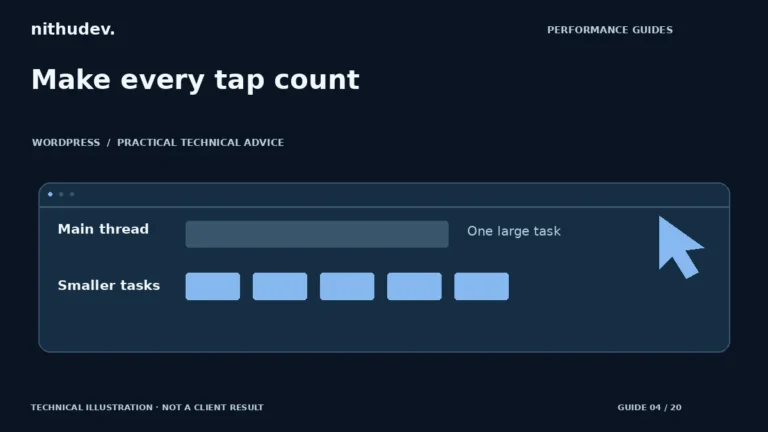
A page can look finished and still respond slowly. Reproduce the delayed action and inspect the work surrounding it before changing scripts.
Read the guideKeep the page steady
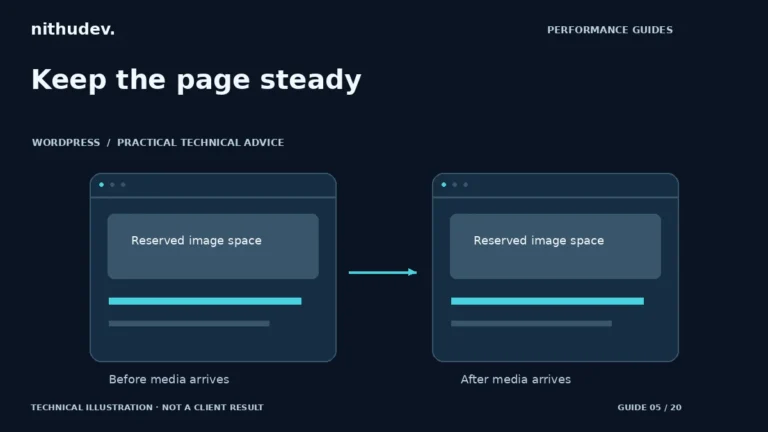
Reserve space for content before it arrives and check for movement throughout the visit. A stable first screen does not rule out later layout shifts.
Read the guideRead the right speed evidence
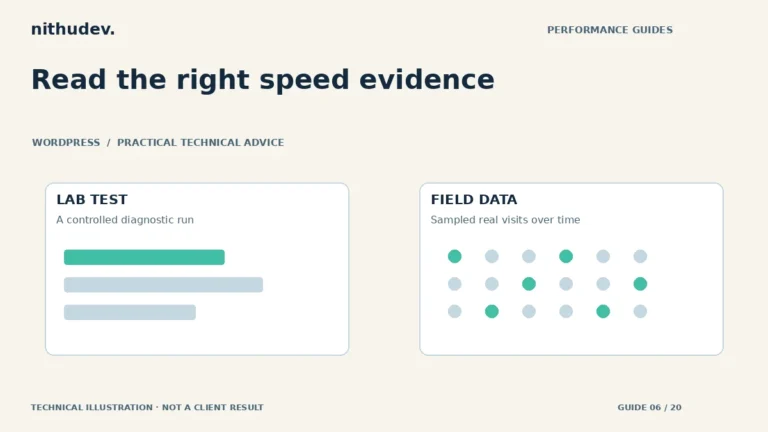
Lab tests help diagnose a page now. Field data describes sampled real visits over time. They answer different questions and should be reported separately.
Read the guideKeep the design. Reduce the work.
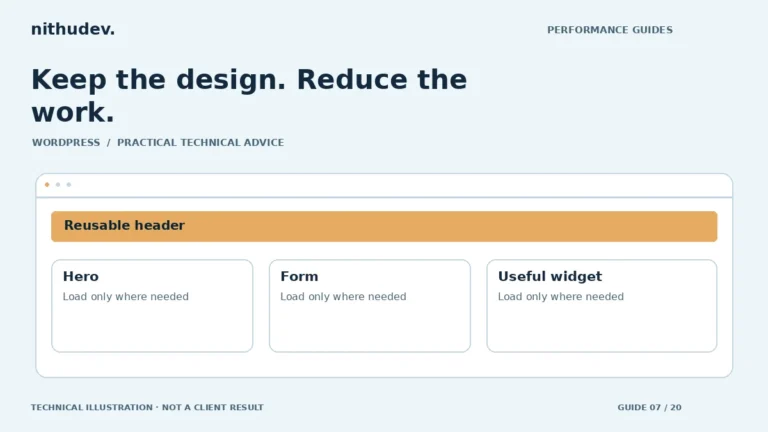
Audit the templates and widgets visitors actually use. Elementor performance work should preserve the editor, responsive design and important interactions.
Read the guideProtect the purchase journey
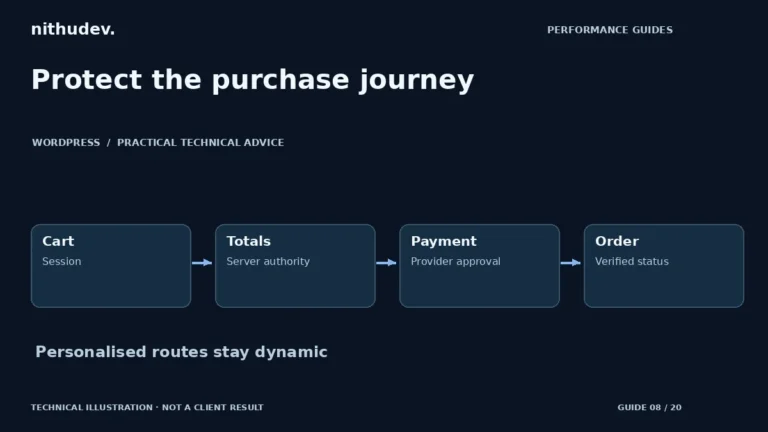
Checkout is personalised and should not be served as a shared cached page. Investigate the slow request and preserve native order and payment verification.
Read the guideChoose the right cache layer
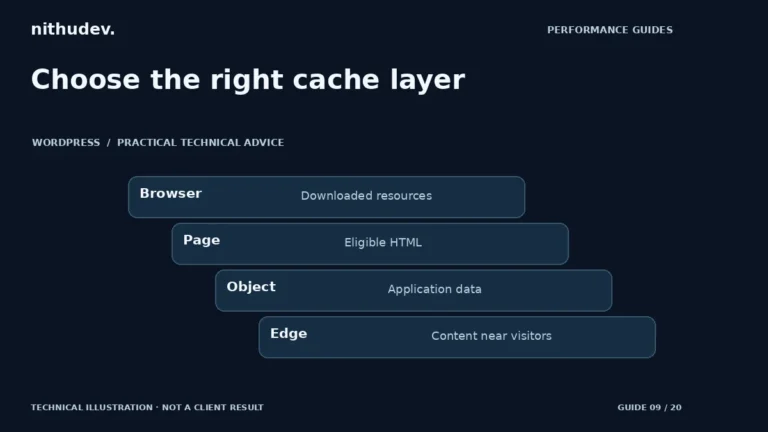
Different caches store different things. Identify which layer applies to the slow request before changing settings or installing another plugin.
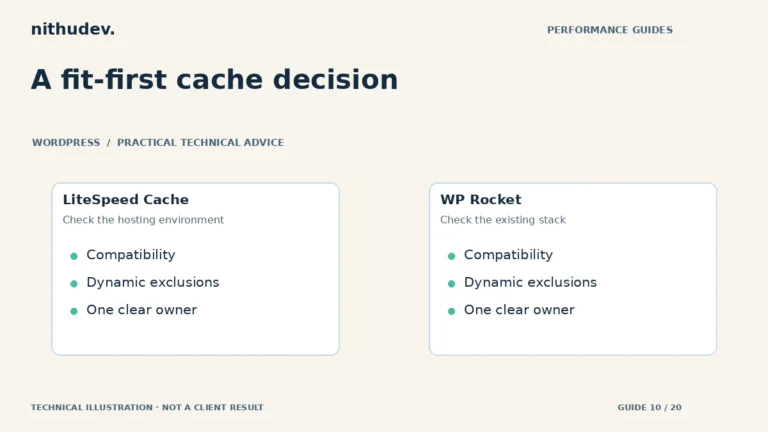
Read the guideA fit-first cache decision
Choose a performance tool that fits the server and existing configuration. Neither plugin removes the need for diagnosis, exclusions and regression testing.
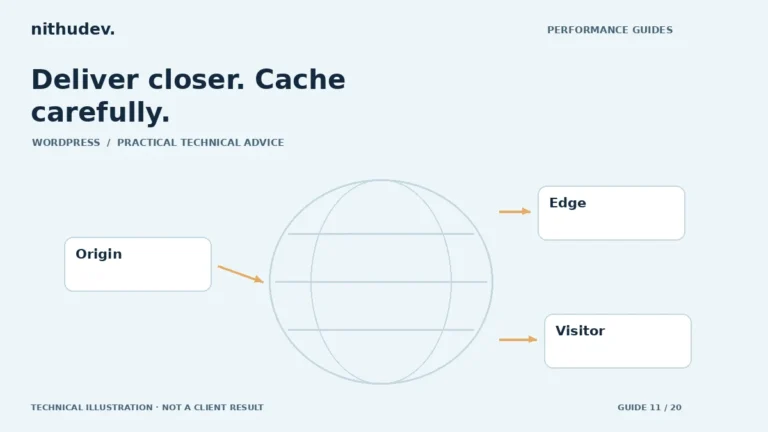
Read the guideDeliver closer. Cache carefully.
A CDN can improve eligible content delivery, but it does not repair every server or browser bottleneck. Define what is cached and what must remain dynamic.
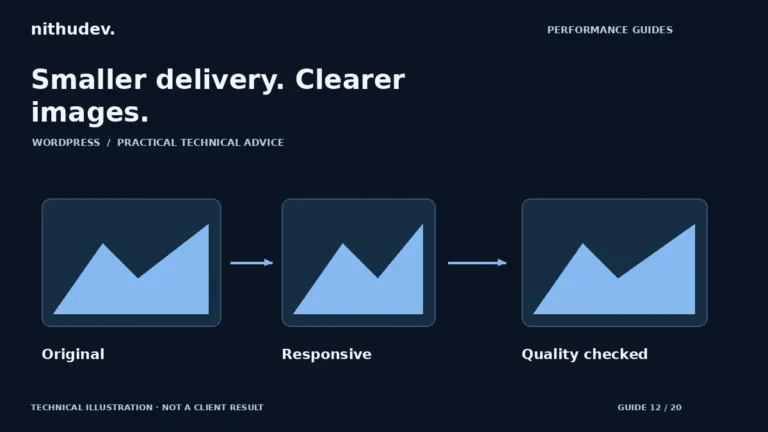
Read the guideSmaller delivery. Clearer images.
Start with display size and visual quality, then choose a format and loading strategy. A smaller file is useful only if the right image reaches the right screen.
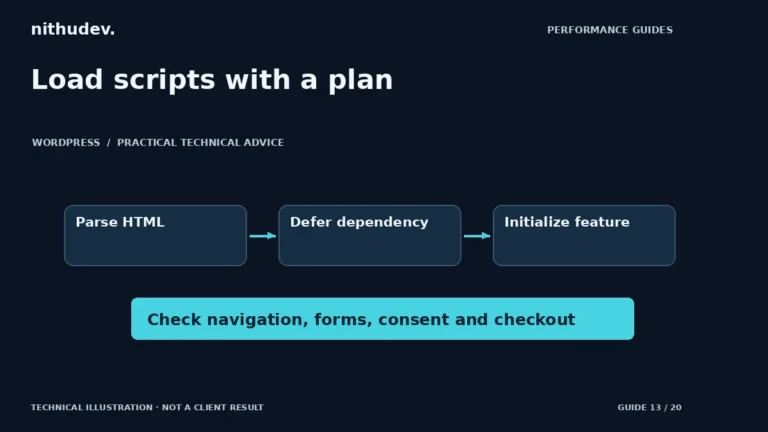
Read the guideLoad scripts with a plan
Script-loading options are not interchangeable. Identify dependencies and essential interactions before applying broad delay or optimization rules.
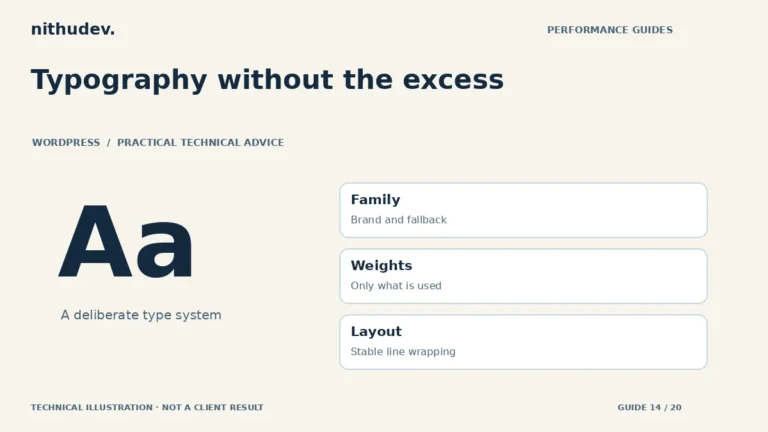
Read the guideTypography without the excess
Use the typefaces and weights your design actually needs. Test readable fallback text and heading stability before adding preload hints.
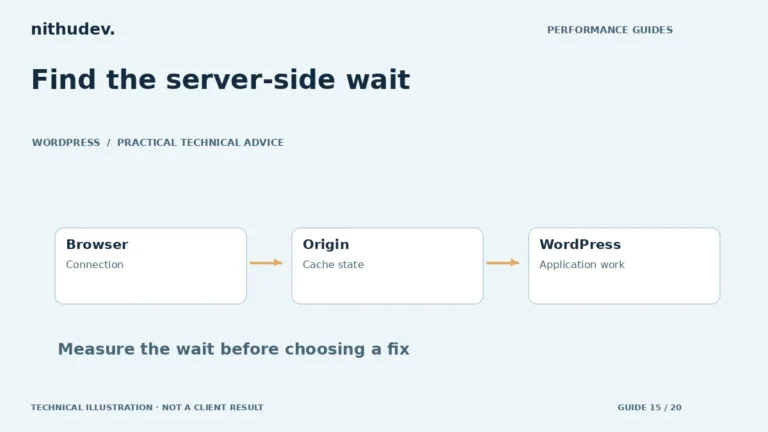
Read the guideFind the server-side wait
A slow first response is a clue, not proof that the host is at fault. Compare cache states and investigate the work required to generate the affected page.
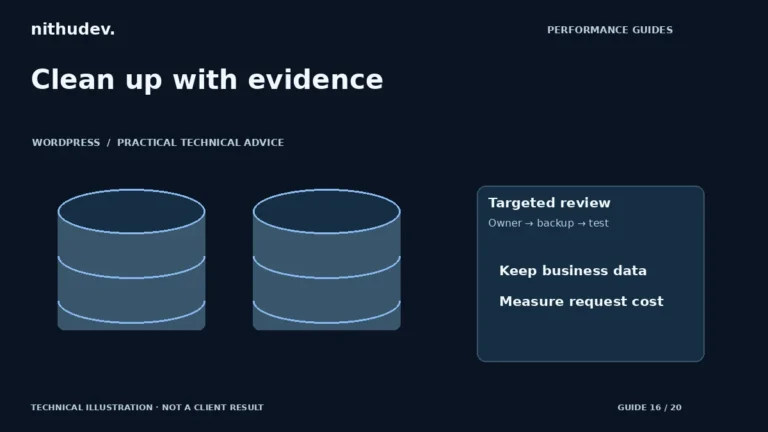
Read the guideClean up with evidence
A large database is not automatically a slow database. Identify expensive queries and frequently loaded data before deleting records or changing autoload behaviour.
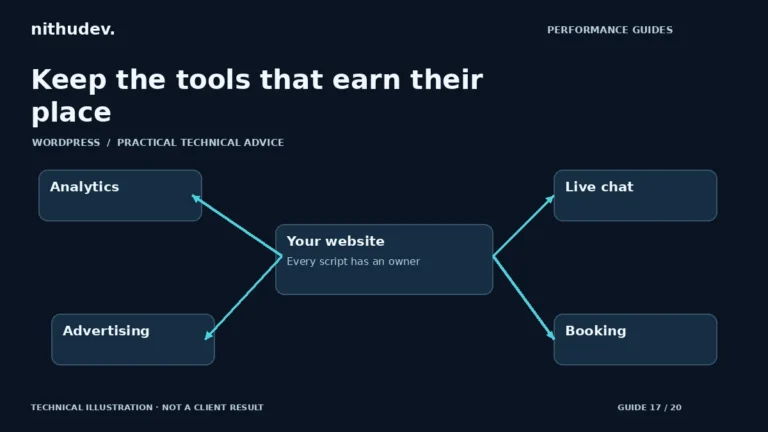
Read the guideKeep the tools that earn their place
Measure each integration’s cost and business role. Removing tracking to improve a score is not a substitute for a considered performance and measurement plan.
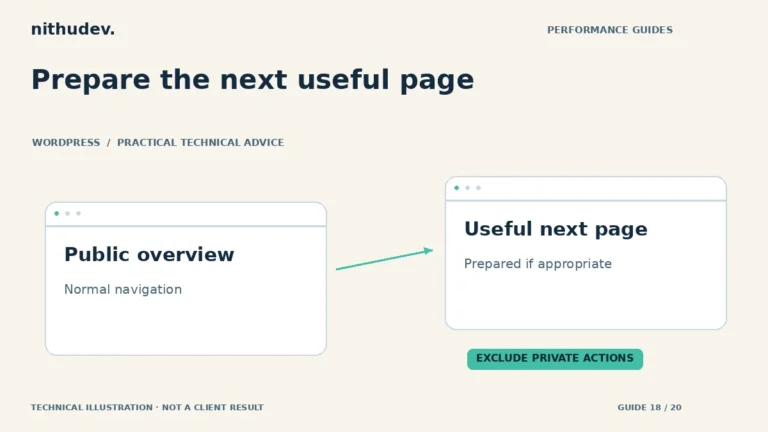
Read the guidePrepare the next useful page
Speculative loading can prepare likely next navigation. It does not repair a slow first visit, and dynamic or state-changing routes need careful exclusion.
Read the guideBuy a defined outcome
Compare the pages covered, work included, safety checks and reporting. A promise of a score is less useful than an agreed, testable scope.
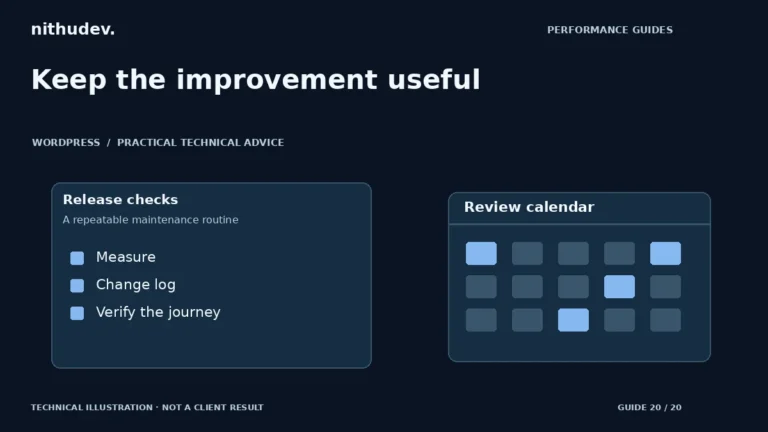
Read the guideKeep the improvement useful
Save a baseline, check important journeys after changes and assign ownership. A one-time optimization does not freeze the website or its dependencies forever.
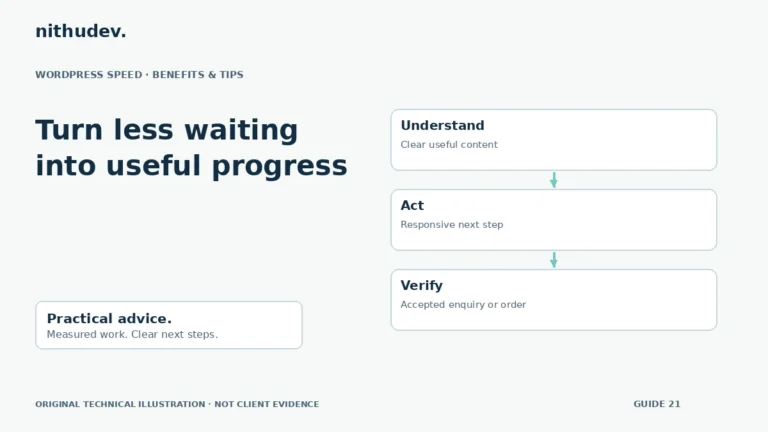
Read the guideTurn less waiting into useful progress
The benefit is a smoother customer journey, not a higher score by itself. Define the task you want to improve and measure completed outcomes alongside speed.
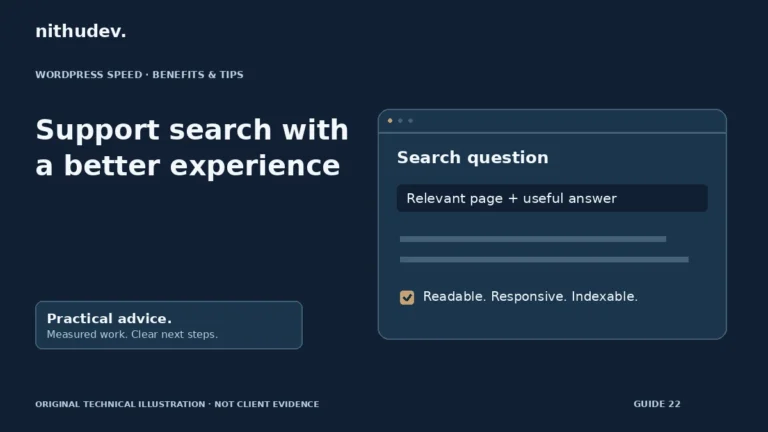
Read the guideSupport search with a better experience
Performance supports the experience of search visitors. It does not replace relevant content, crawlability or trust, and no score guarantees a ranking.
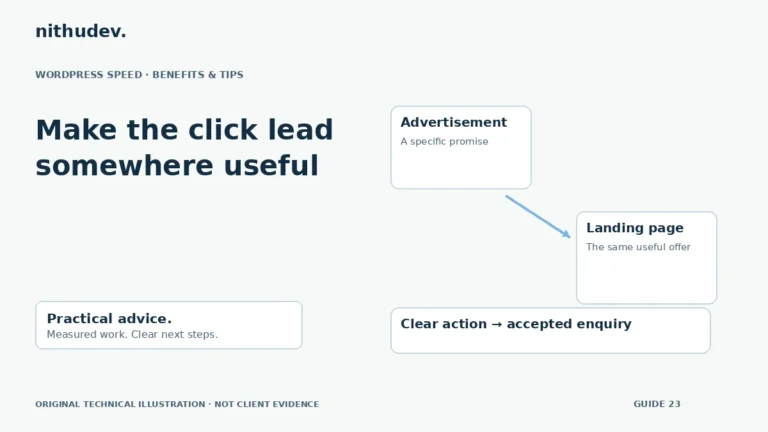
Read the guideMake the click lead somewhere useful
Match the advertisement, load the useful offer early and preserve a working conversion path. Evaluate performance and campaign quality separately.
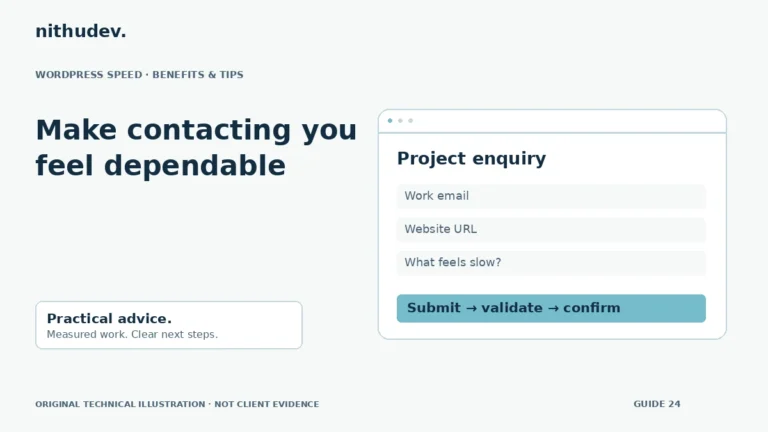
Read the guideMake contacting you feel dependable
A good form responds promptly, explains errors and confirms actual acceptance. Faster-looking feedback should never replace server validation or spam protection.
Read the guideHelp shoppers compare and choose
Product pages need both clear media and responsive buying controls. Test a representative simple product and a complex variation product before applying broad settings.
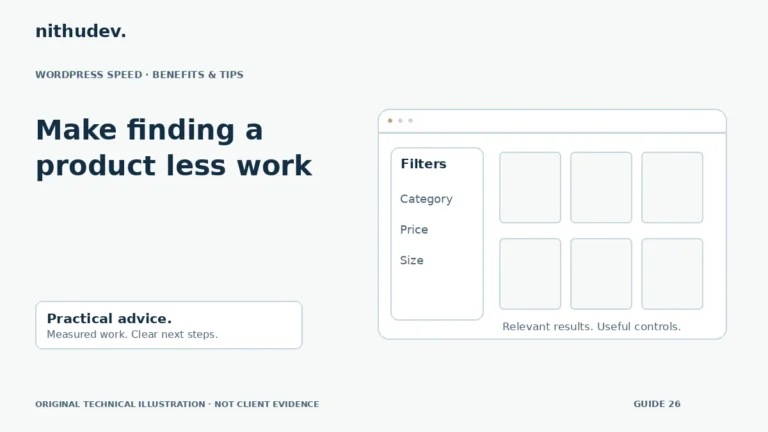
Read the guideMake finding a product less work
Product discovery needs relevant results and responsive controls. Investigate the query and interface separately before choosing a caching or indexing change.
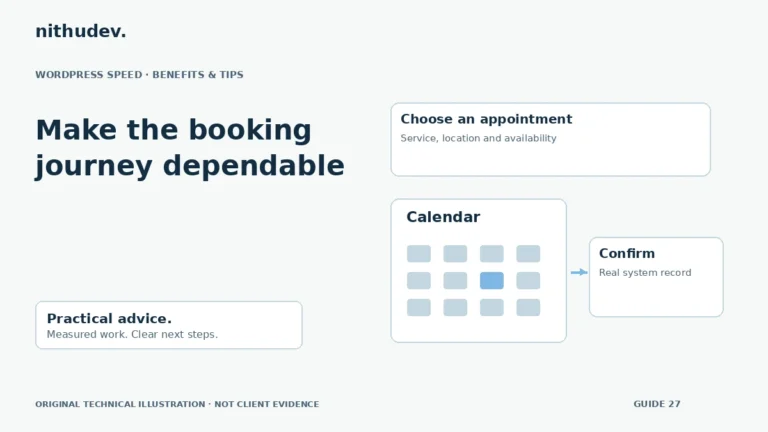
Read the guideMake the booking journey dependable
Test the full appointment journey, including availability and confirmation. A faster calendar is useful only if booking rules and records remain correct.
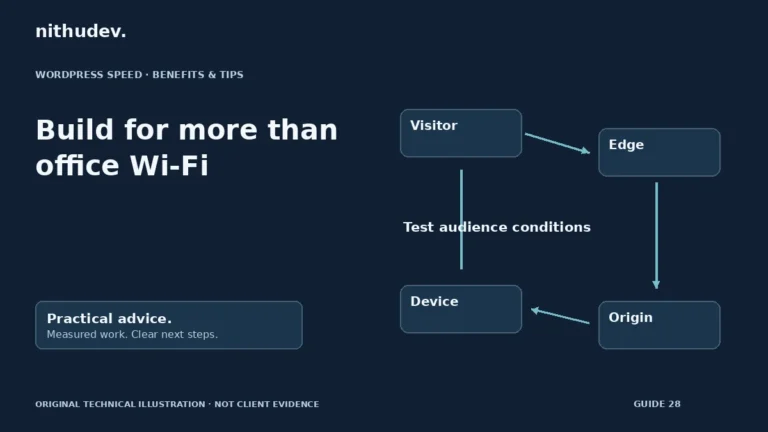
Read the guideBuild for more than office Wi-Fi
Test where and how your audience connects. Smaller assets, dependable content and sensible delivery can help visitors whose conditions differ from your own.
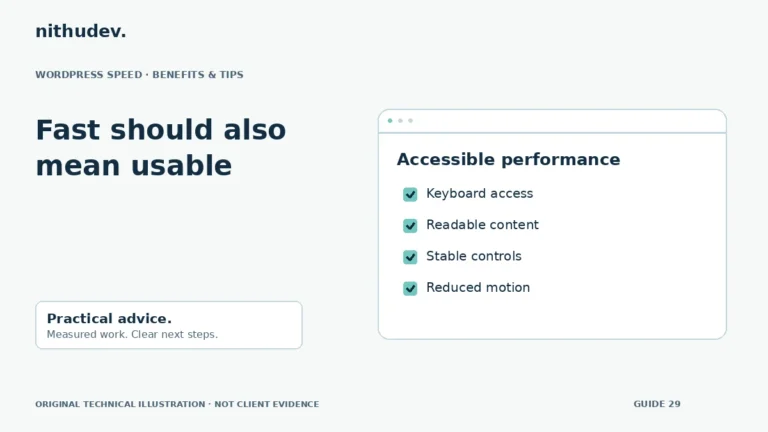
Read the guideFast should also mean usable
Performance improvements should preserve access to content and tasks. Removing labels, focus behaviour or useful feedback is not an acceptable shortcut.
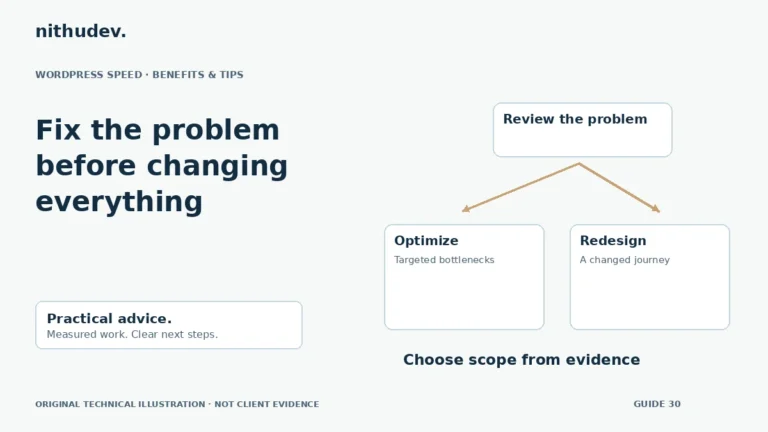
Read the guideFix the problem before changing everything
A slow site does not automatically need rebuilding. Separate measurable performance faults from design, content and maintainability problems before choosing a project.
Read the guideLet the first screen do one job well
A hero should explain the offer and provide a clear next action. Evaluate whether a slider earns its loading and interaction cost before rebuilding it.
Read the guideMake media a choice, not a barrier
Choose loading behaviour around the media’s role. Below-the-fold embeds often do not need immediate work, while essential first-screen content needs deliberate treatment.
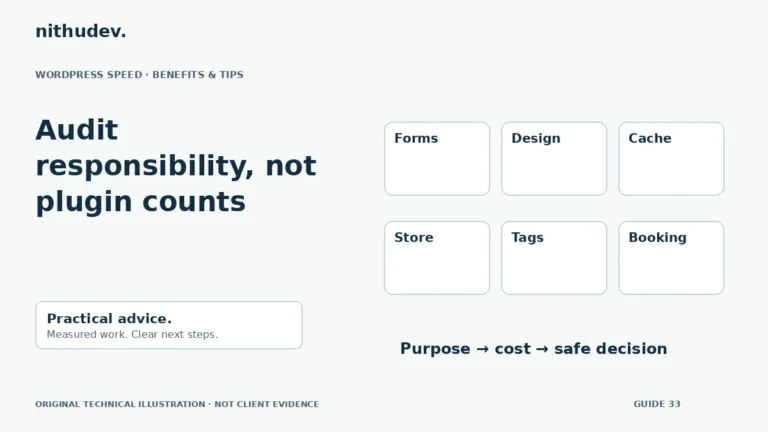
Read the guideAudit responsibility, not plugin counts
Plugin count alone does not identify a bottleneck. Map what each component does, measure the relevant work and test dependencies before changing it.
Read the guideMake everyday editing less frustrating
Public page caching does not solve every admin delay. Identify the slow screen and request, then investigate its application and hosting workload.
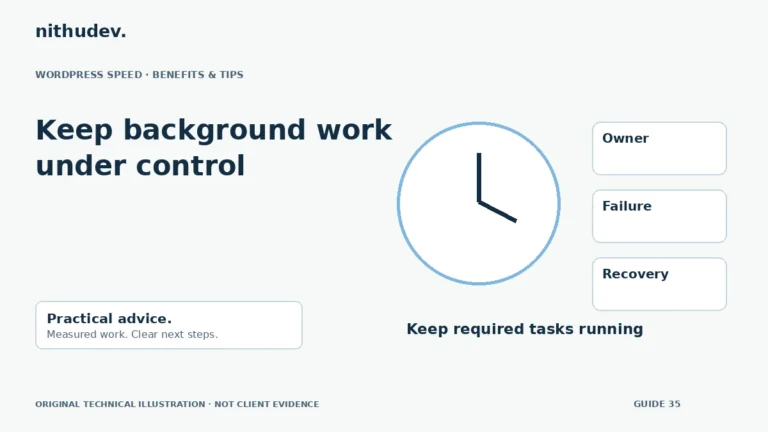
Read the guideKeep background work under control
Scheduled work can affect available resources, but disabling it blindly can break important processes. Identify each job’s purpose and failure mode first.
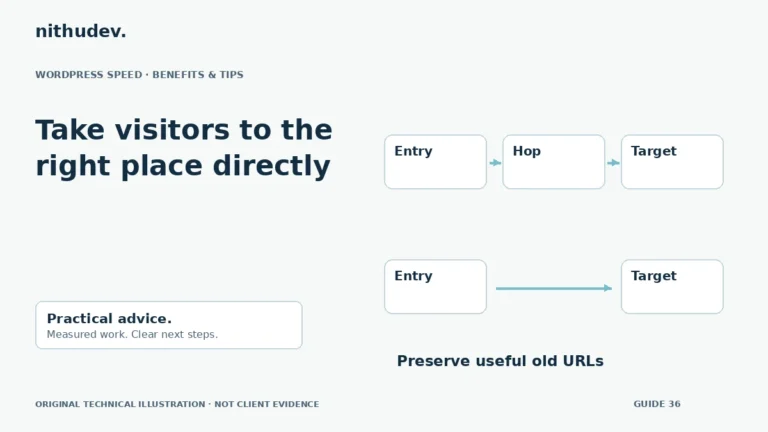
Read the guideTake visitors to the right place directly
Redirects are sometimes necessary. Reduce avoidable chains only after identifying which rule owns each hop and why the old URL still matters.
Read the guideBuy capacity with evidence
Choose hosting around real workload and operational support. Ask how limits, dynamic requests, backups and migration will be handled before buying a plan.
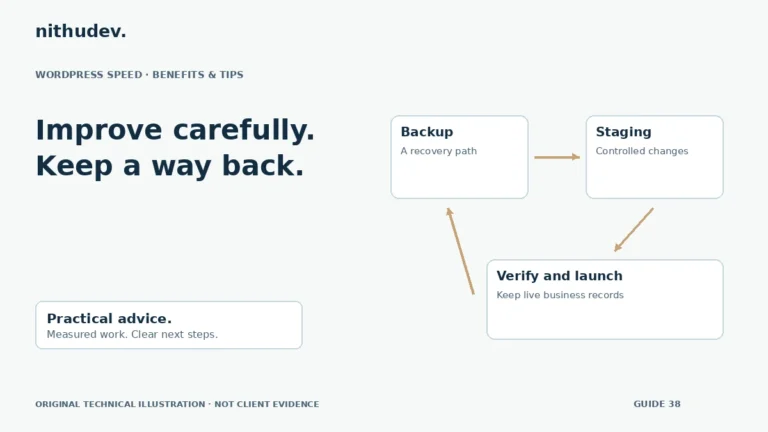
Read the guideImprove carefully. Keep a way back.
Prepare a recovery path before changing performance settings. Test the affected journeys, and keep staging changes separate from live customer records.
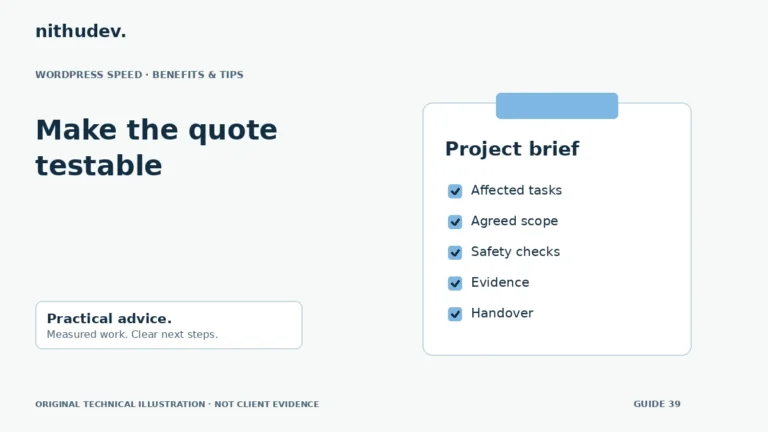
Read the guideMake the quote testable
Define the affected tasks and evidence, then agree how the work will be checked. A clear acceptance checklist is more useful than a vague promise to make everything faster.
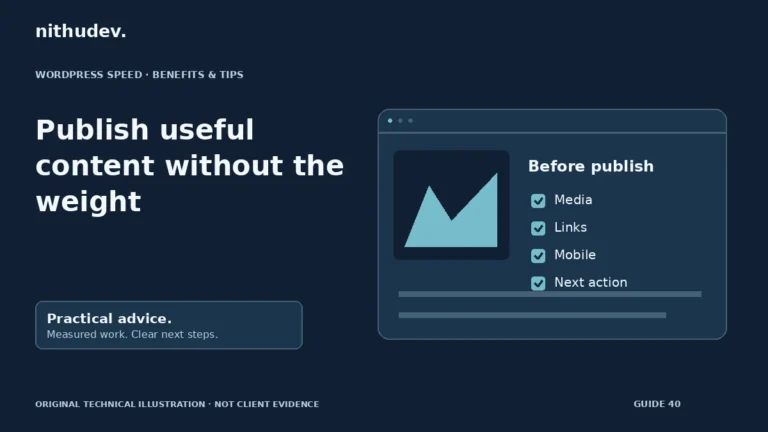
Read the guidePublish useful content without the weight
Editors influence performance through media and components. Use the existing approved patterns and check a new page before publishing it widely.
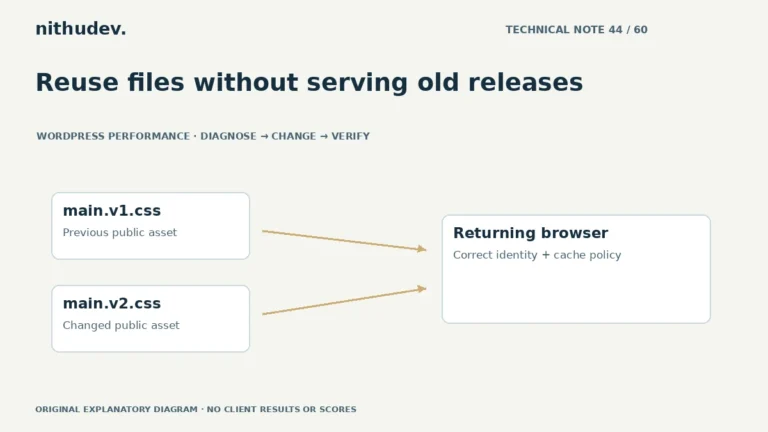
Read the guideReuse files without serving old releases
Long-lived caching needs a dependable update strategy. Version public assets deliberately and keep private or changing application responses under their proper rules.
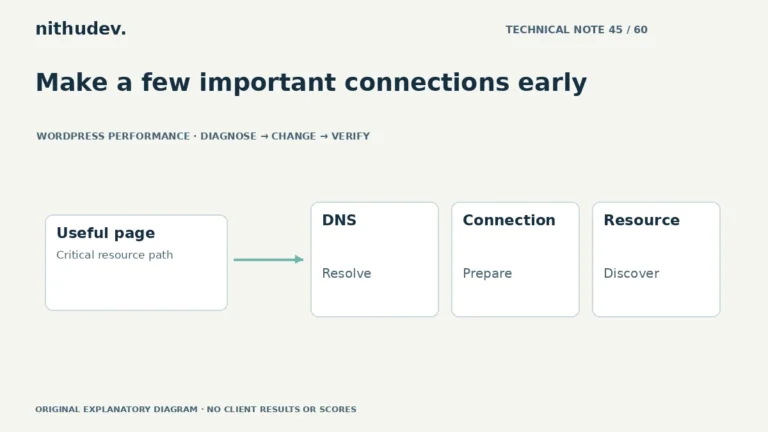
Read the guideMake a few important connections early
A hint should address a measured discovery or connection delay. Adding hints for every domain or file can waste resources and compete with important content.
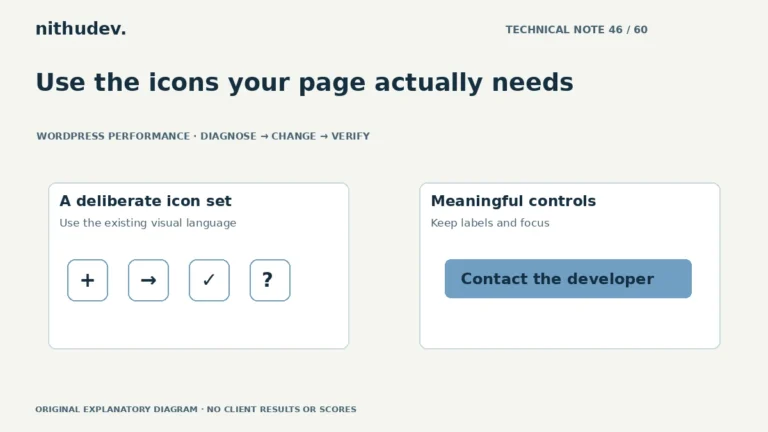
Read the guideUse the icons your page actually needs
An icon library loaded for a few symbols may be worth simplifying. Compare actual delivery and preserve an accessible name for every meaningful control.
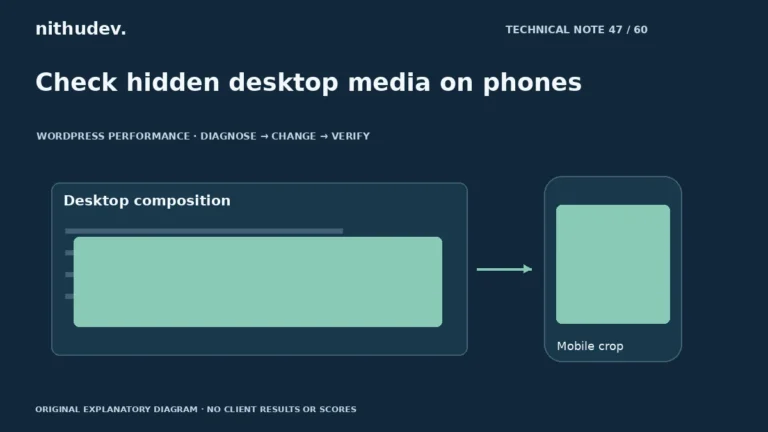
Read the guideCheck hidden desktop media on phones
A desktop section hidden with CSS may still affect resource loading. Inspect actual mobile requests and choose an appropriate media structure for the design.
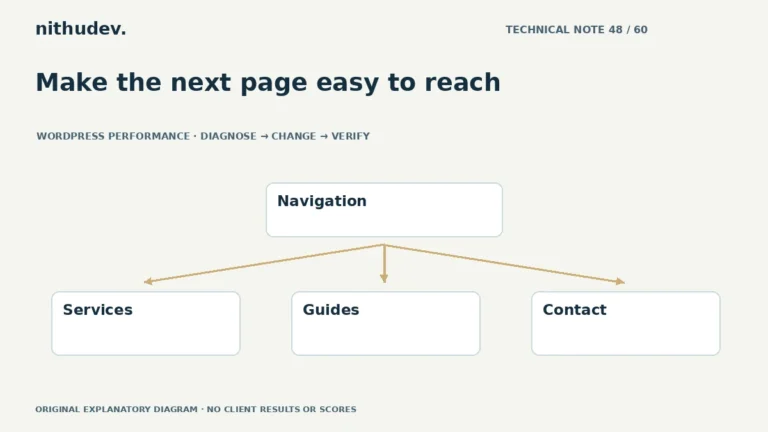
Read the guideMake the next page easy to reach
Measure opening and using the menu, especially during loading. Simplify unnecessary work without removing useful destinations or accessible operation.
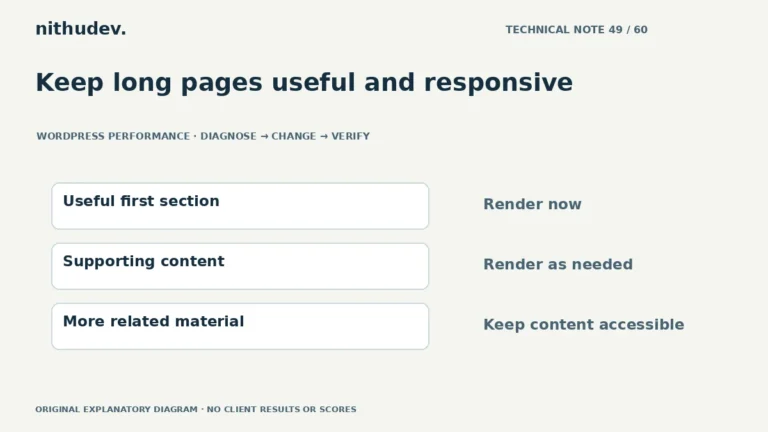
Read the guideKeep long pages useful and responsive
Content visibility can reduce rendering work for suitable offscreen sections. It does not remove downloads or replace pagination, accessible structure and careful testing.
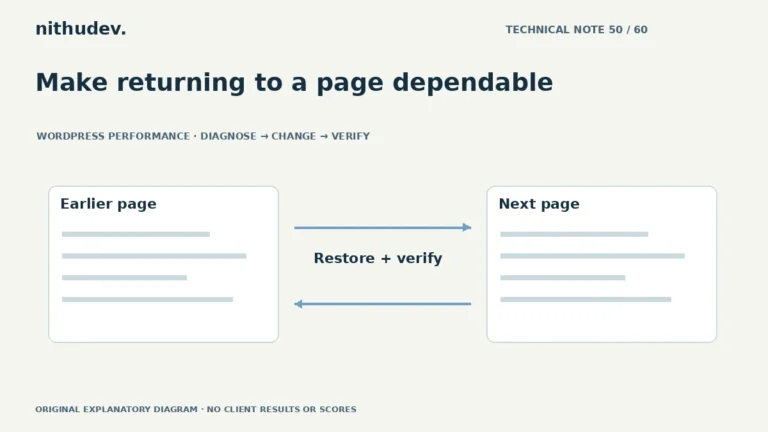
Read the guideMake returning to a page dependable
Back/forward cache can restore a page differently from a normal reload. Test the returned interface and current application state as well as browser eligibility.
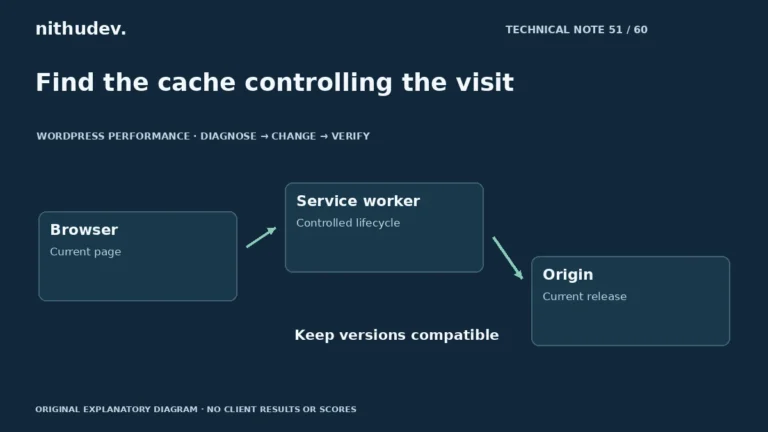
Read the guideFind the cache controlling the visit
A service worker can serve content independently of ordinary server caching. Identify its owner and update strategy before clearing storage or changing delivery rules.
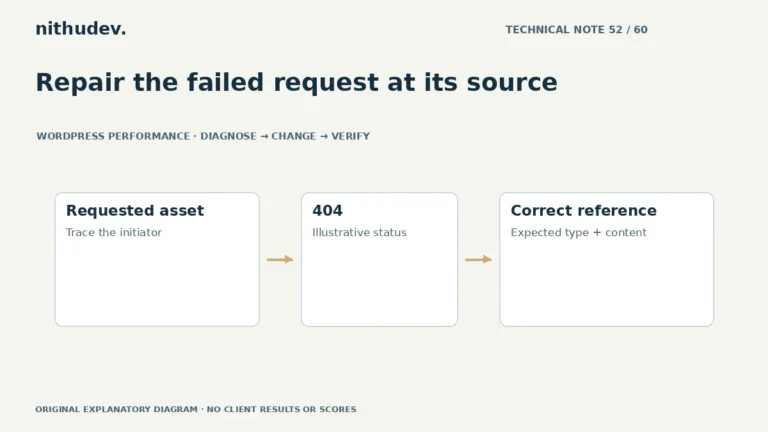
Read the guideRepair the failed request at its source
A failed request can come from an outdated reference, missing file or blocked delivery. Identify the resource and its owner before changing redirects or caches.
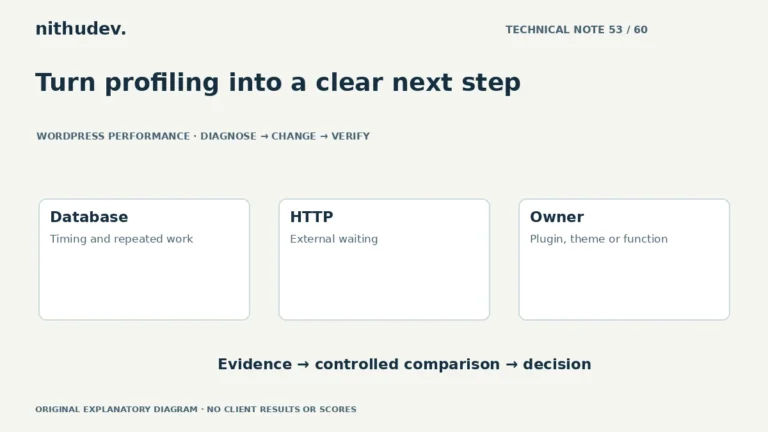
Read the guideTurn profiling into a clear next step
Profiling helps identify where a request spends work. Interpret results in context and confirm suspected causes with a controlled comparison.
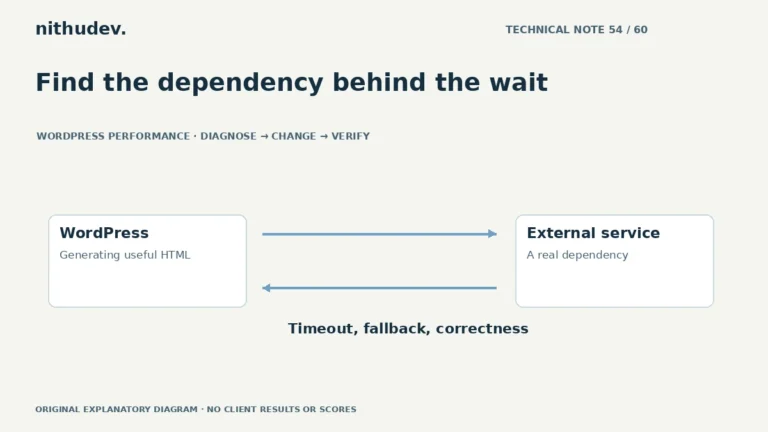
Read the guideFind the dependency behind the wait
A server-side integration can delay HTML before the browser receives it. Identify the call, its purpose and failure behaviour before changing timeouts or caching.
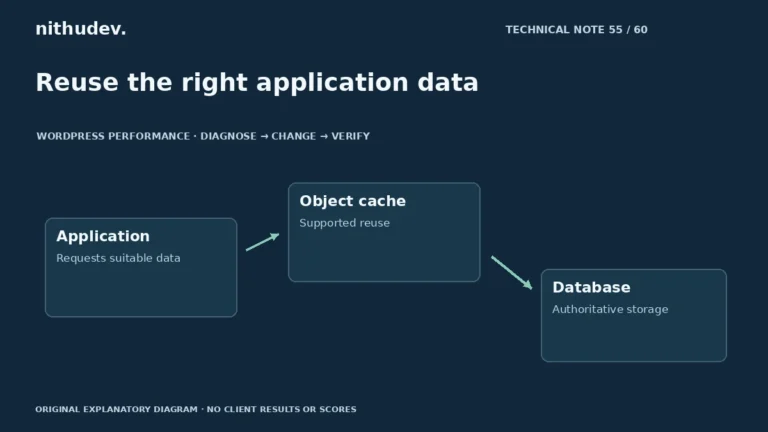
Read the guideReuse the right application data
Persistent object caching can reuse suitable application data across requests. It needs supported infrastructure and correct invalidation, and does not replace diagnosis.
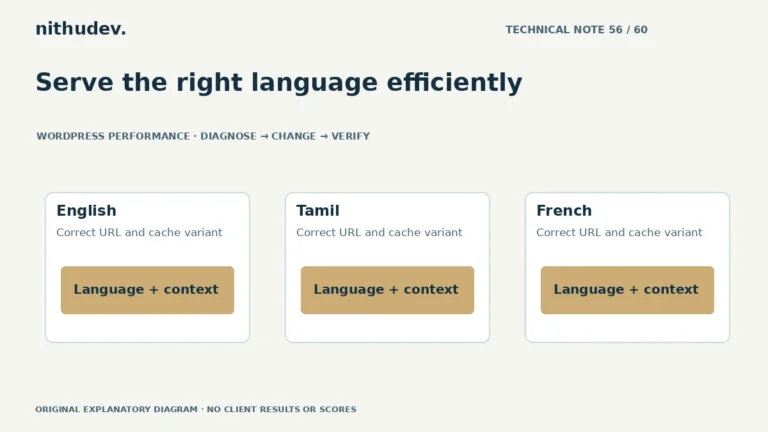
Read the guideServe the right language efficiently
Language is part of the response context. Verify URLs, cache variation and translation-specific layout before reusing responses or trimming resources.
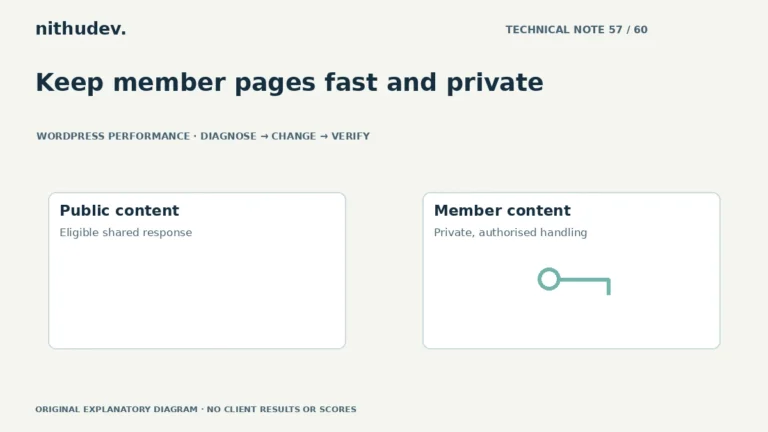
Read the guideKeep member pages fast and private
Logged-in pages often need dynamic handling. Diagnose their actual workload and keep access checks and customer-specific responses intact.
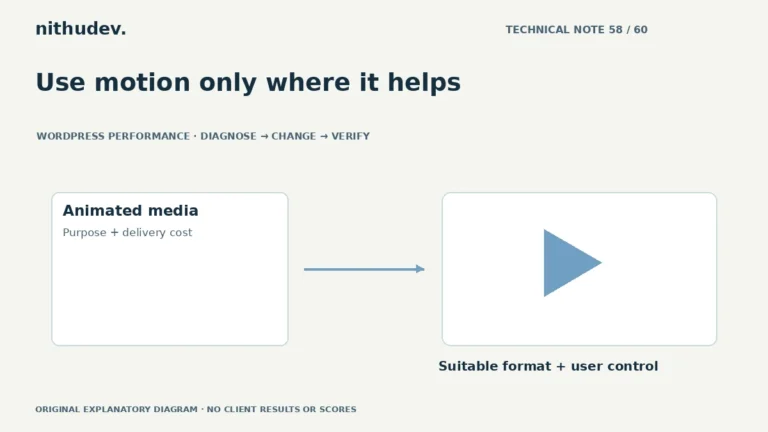
Read the guideUse motion only where it helps
Animation can carry a large resource and usability cost. Identify its purpose, compare suitable formats and give visitors control where needed.
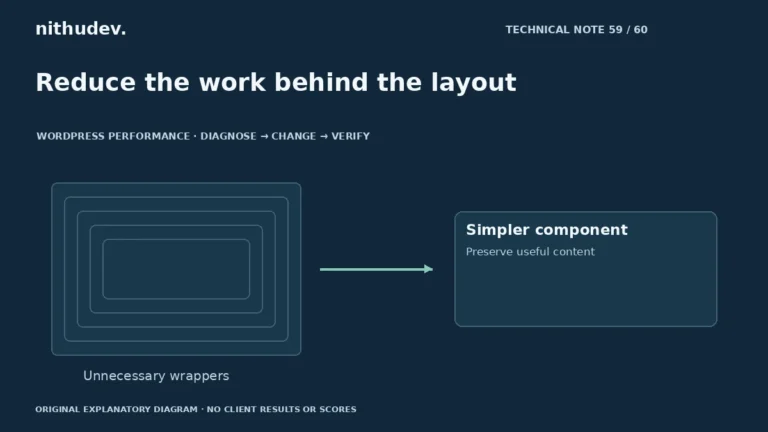
Read the guideReduce the work behind the layout
Element counts are clues. Confirm costly rendering or updates, then simplify the responsible patterns without treating useful content as disposable.
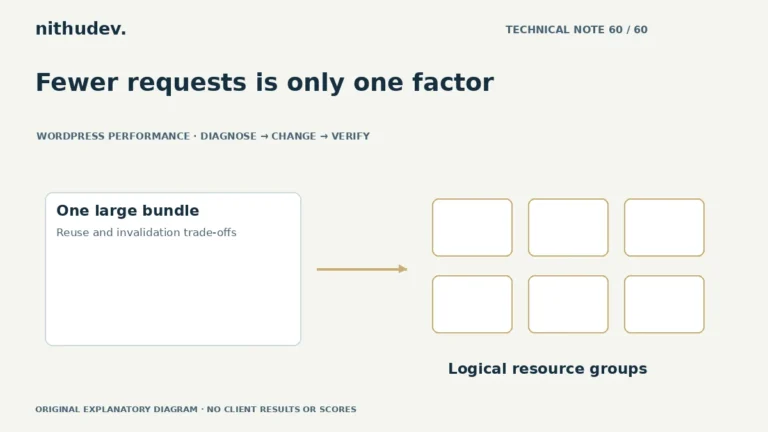
Read the guideFewer requests is only one factor
Combining files changes download, reuse and execution trade-offs. Test the actual protocol and page instead of enabling a universal fewer-requests preset.
Read the guideBEFORE YOU CHOOSE
Clear answers about scope, safety, timing and what you receive.
Ask about your website ↗Speed Starter is $79 USD, Growth is $179 USD and Advanced is $349 USD, billed once per eligible single WordPress website. The page limits are totals, not additional pages on top of another plan. Hosting, premium plugins, CDN subscriptions, domain fees and other third-party costs are separate unless agreed. If your requirements do not fit, request a custom quote before buying.
No blanket PageSpeed score or fixed loading-time guarantee is offered. Theme code, hosting, content, traffic, third-party scripts and external APIs affect the outcome. I record a baseline, make the agreed changes, retest comparable pages and explain improvements and remaining limitations.
I review backup or staging options before changes and test the important journeys within the agreed scope. Cart, checkout, account and other personalised pages need appropriate cache exclusions. If an optimisation is incompatible, I adjust or skip it rather than knowingly breaking a working feature. No change process can promise zero risk or zero data loss.
The estimates are 2 business days for Starter, 3 for Growth and 5 for Advanced after secure access and scope confirmation. They are estimates, not automatic delivery guarantees. Missing access, hosting restrictions, complex code or third-party issues can affect timing; changes are discussed before additional work.
Not necessarily. I first review the suitable tools and licences already available. Any recommended paid plugin, hosting change, CDN or subscription needs your approval and is not included by default. A plugin purchase alone does not establish that the website is properly optimised.
Yes, where technically feasible within the agreed scope. Elementor layouts and WooCommerce journeys need testing when script loading or caching changes. The Advanced plan includes a conditional cart and checkout performance review; large stores, multisite and heavy custom applications may need a separate quote.
A before/after mobile and desktop comparison for the agreed pages, a list of changes, the test method and relevant limitations. The report distinguishes lab tests from available real-user data and records functional checks. You also receive practical handover notes and the plan’s stated period of fixes related to delivered work.
A scoped revision adjusts delivered optimisation work within the original agreed requirements; it does not add new templates, features or a redesign. Starter includes 1 revision and 7 days of related fixes, Growth 2 and 14 days, and Advanced 3 and 30 days. Requests and timing are agreed at handover. Ongoing monitoring and new work are separate.
Yes. Share the public URL, platform details and the journey that feels slow. Multisite, large stores, custom applications, major code rewrites and hosting migrations are assessed separately. No payment is needed to request a review. Do not send passwords, customer records or payment details through the public form.
WooCommerce records the order and the configured gateway verifies payment. After payment confirmation, Nithu reviews the website and contacts you using the order details to agree scope, secure access and delivery timing. A purchase does not authorise extra charges. If the site is unsuitable for the selected fixed scope, discuss an agreed resolution before work; the linked terms and refund policy apply.
A SENSIBLE NEXT STEP
Share your public URL and what feels slow. I’ll review your enquiry, clarify the scope and discuss the right next step.
No payment is required to request a speed review. A review enquiry is not a full technical audit or a promise of a particular score.
CLEAR SCOPE. CAREFUL OPTIMISATION.